White-label platform · for companies

Town halls people watch. Training managers vouch for.

All-hands with replays, courses with due dates and manager sign-off, employee communities, and one-to-one video rounds across teams. On a platform with your company's name on it.

Built for the teams who own how people learn and connect
  • Head of L&D
  • Chief People Officer
  • Internal Communications
learn.yourcompany.com/town-hall
YCYour companyYour logo here 01Live poll, Q&A and a replay for employees only
How it runs today

Six tools. None of them feel like work.

Culture doesn't survive in DMs. It needs a home.

  • Town hallsZoom or TeamsA meeting link, then a recording nobody can find.
  • TrainingAn LMS or a shared drive"Completed" is the only signal, and it says nothing about the work.
  • CommunitiesSlack or WhatsAppChannels that scroll away, with no events or people behind them.
  • Cross-team introsA coffee-chat spreadsheetSomeone keeps it alive for a month. Then it stops.
  • OnboardingForms and emailDisconnected from the training and the people a new hire should meet.
  • ReportingSpreadsheetsChasing late learners by email, one manager at a time.
Three outcomes

Employee training you can check on, months later.

Assign a course with a due date, see who is late, and ask each manager three months later whether it made a difference.

Outcome 01 · L&D
People finish training on time.

Put a team into a course group with a start date and a due date. Invitations, reminders and late flags run on their own.

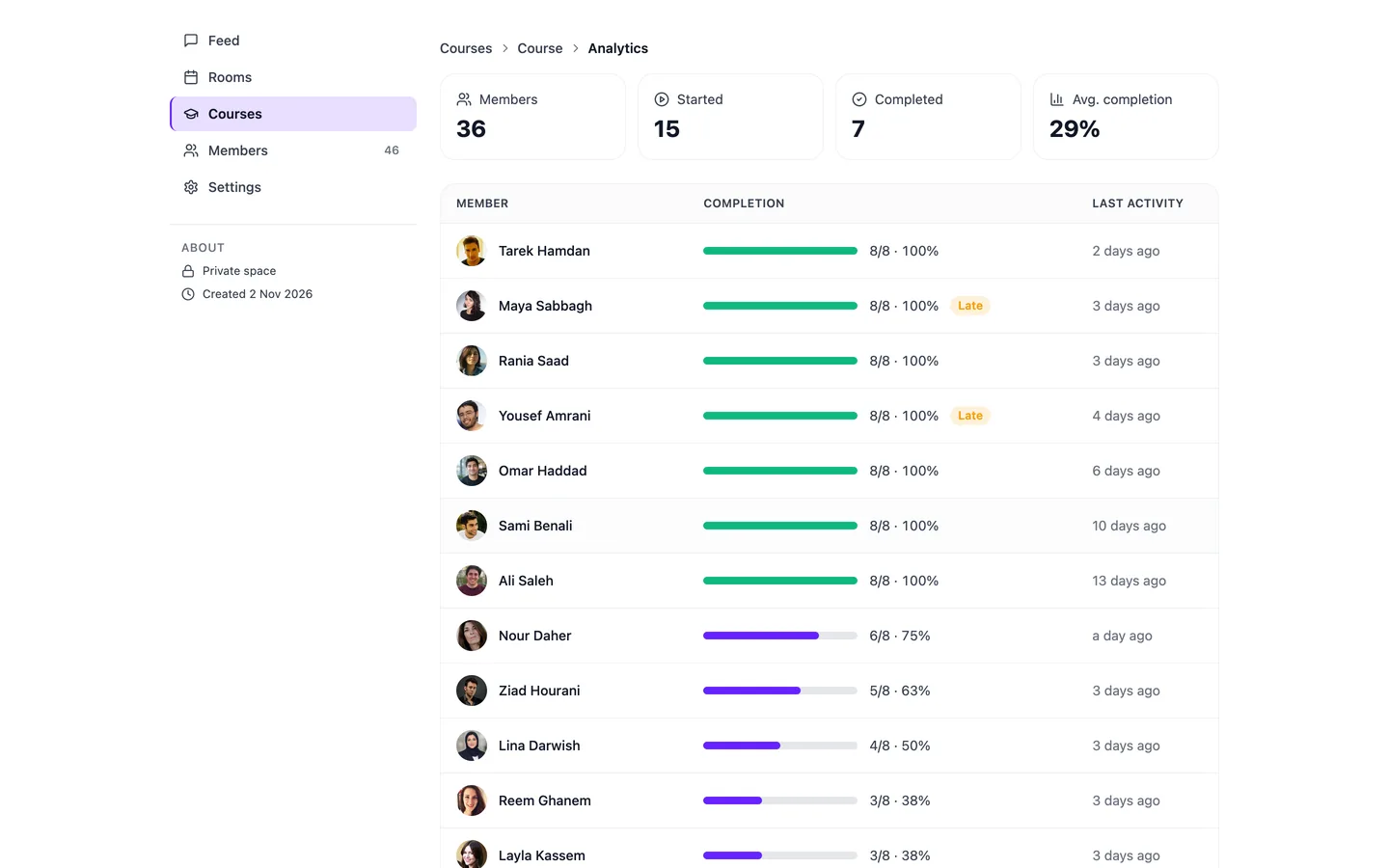
  1. Every learner, one rowLessons done, completion and last activity.
  2. Late is flagged, not guessedLearners past the due date stand out.
  3. Up to 500 people per groupInvite by email or CSV. Quizzes and a final exam check what stuck.
Shipping now · confirm on your demo
learn.yourcompany.com/courses/analytics
Course analytics: 36 members, 15 started, 7 completed, 29% average completion, and every learner with a completion bar, a Late flag for those who finished after the due date, and last activity
Outcome 02 · People & Culture
Managers confirm it made a difference.

Most training stops at "completed". Here each manager sees their own team's progress, and some months after people finish, they get a short impact form about what changed. You set the delay.

  1. Course finishedCertificate issued
  2. Some months later, a delay you set
  3. Manager answersWhat changed at work
How impact forms work
Impact form · ExampleSent 3 months after completion

Leading your first teamAbout Sara Mansour, who finished on 12 February

  1. Sara now holds a regular one-to-one with each person on her team.
  2. She raises performance problems earlier than before.
  3. What has changed in how her team works?

    Fewer escalations reach me. Most get settled in her weekly one-to-ones.

Illustrative questions and answer. You write the statements for each course.
Outcome 03 · Internal comms
Remote teams get to know each other.

Run speed networking across departments and offices. People are matched into timed one-to-one video calls, with a question on screen so nobody has to break the ice.

  • Role matching: new hire with mentor, engineering with product
  • Rounds of 3 to 15 minutes; nobody meets the same colleague twice
  • Everyone keeps a list of who they met
learn.yourcompany.com/speed-networking/new-joiners
Your company, not ours

It looks like an internal tool. Because it is yours.

Your logo, colours and address on every town hall, course and invite. Employees see your company's name.

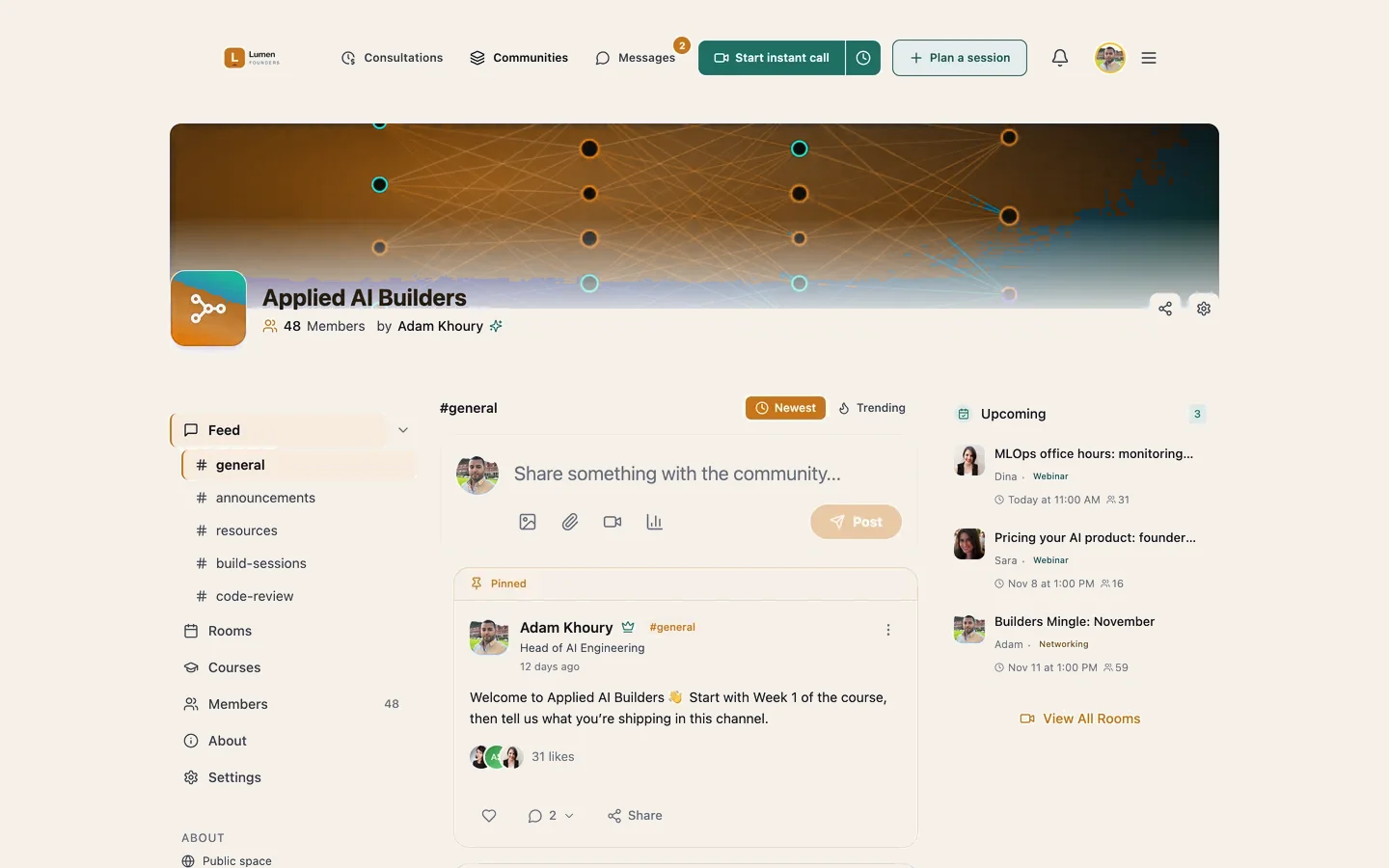
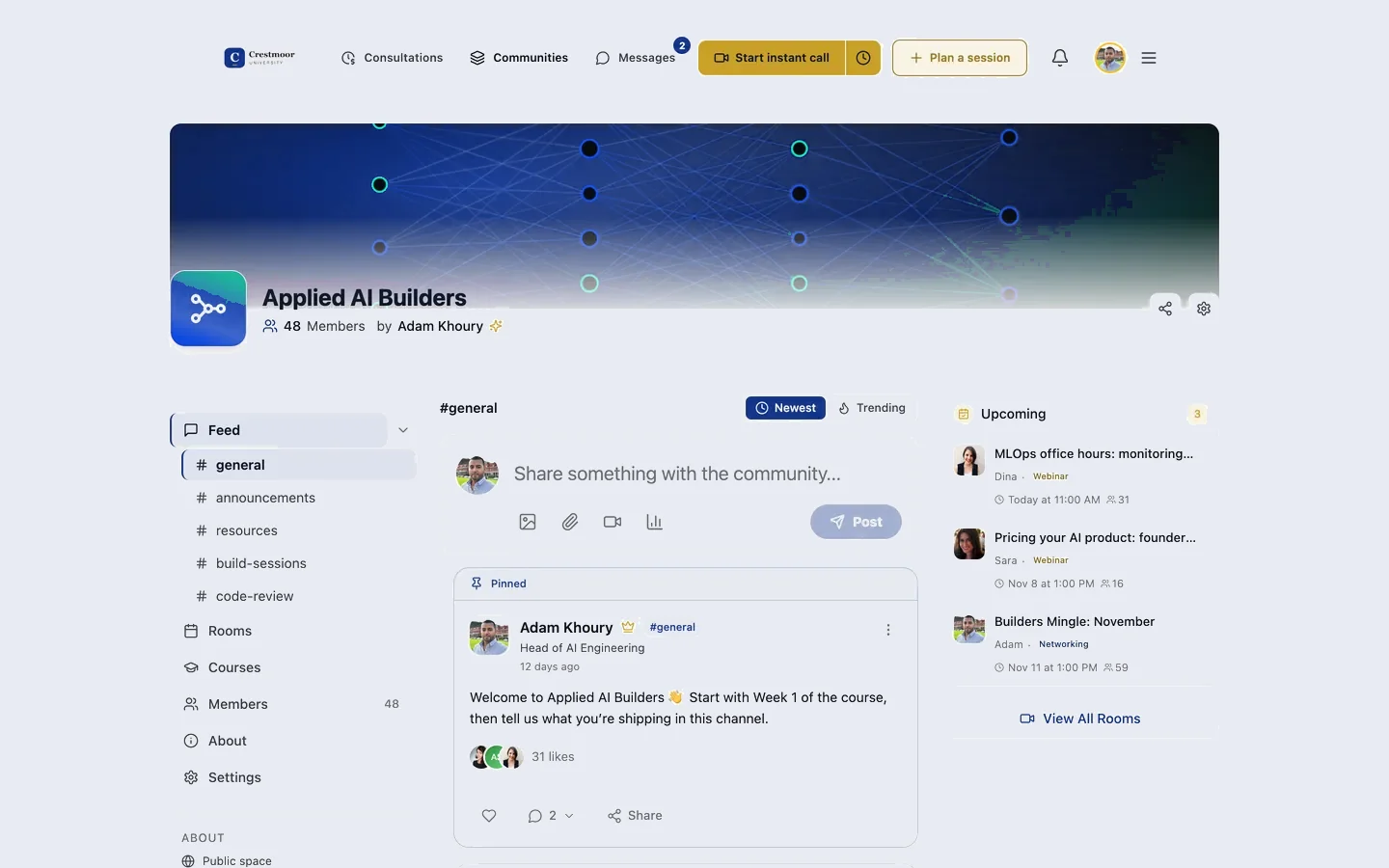
WVLumen Founderslearn.lumenfounders.com
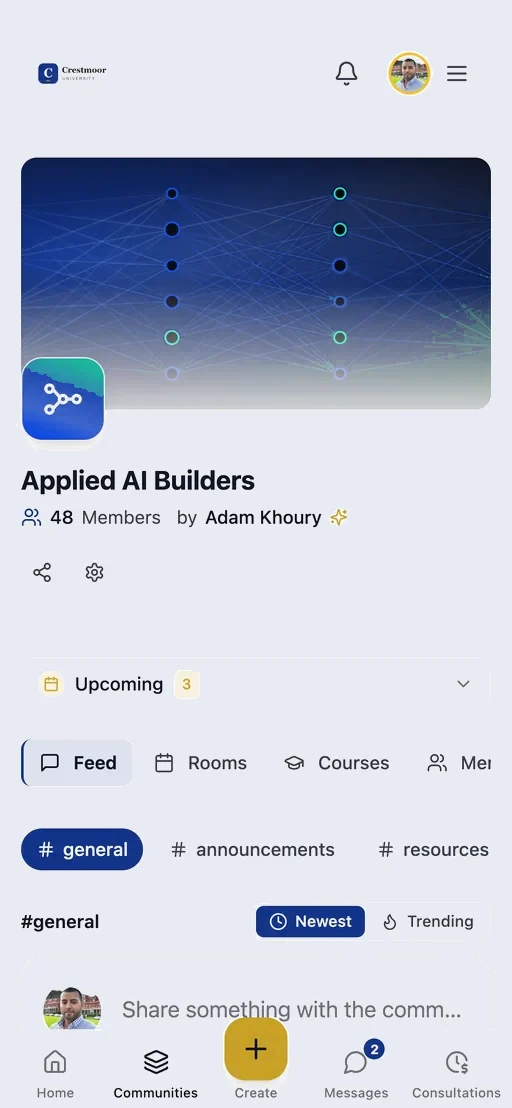
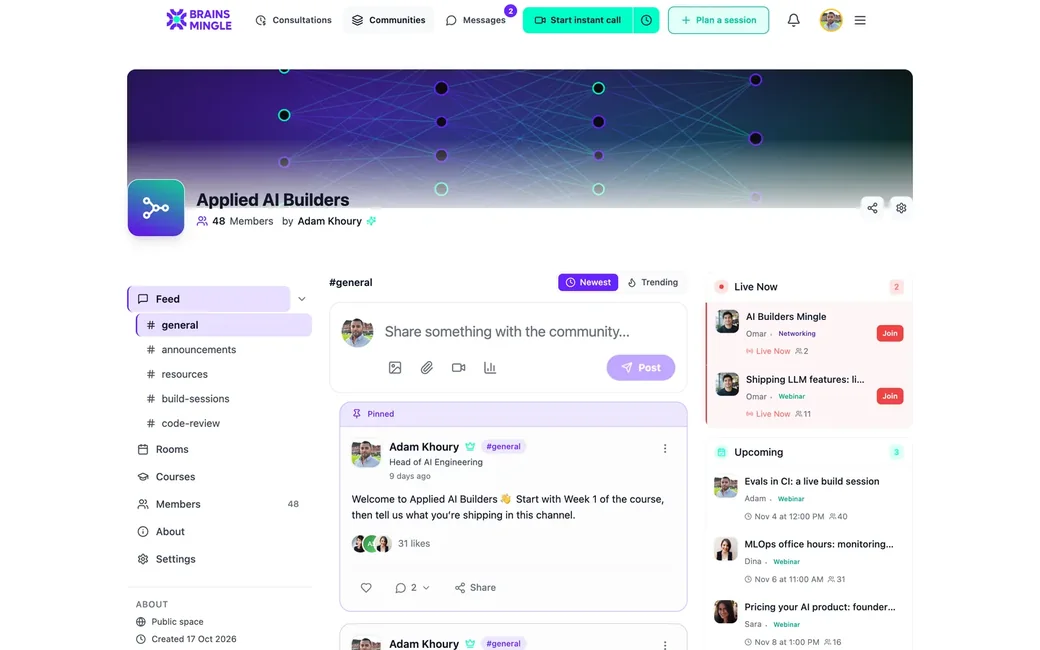
An employee community running on BrainsMingle under a company's own brand
Community
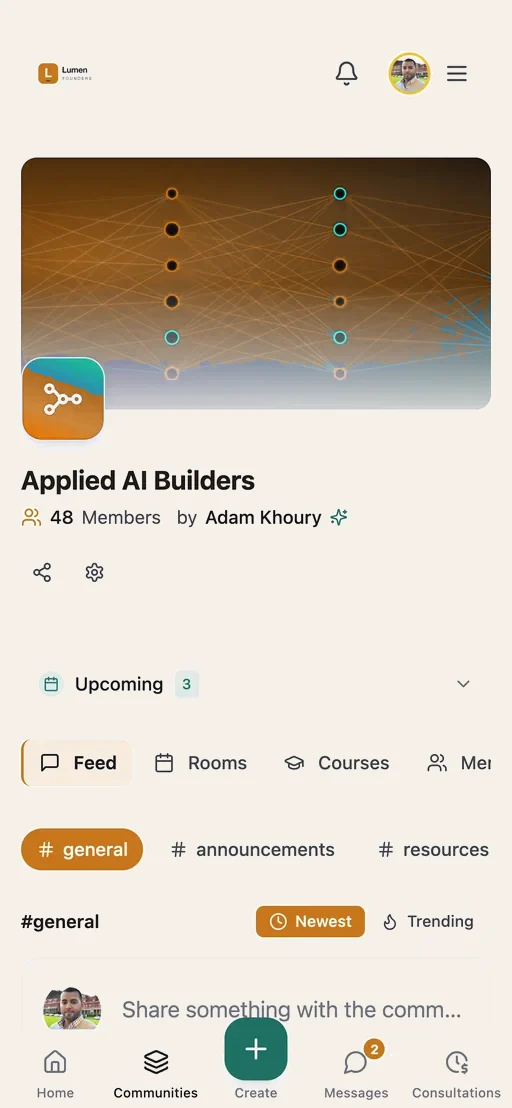
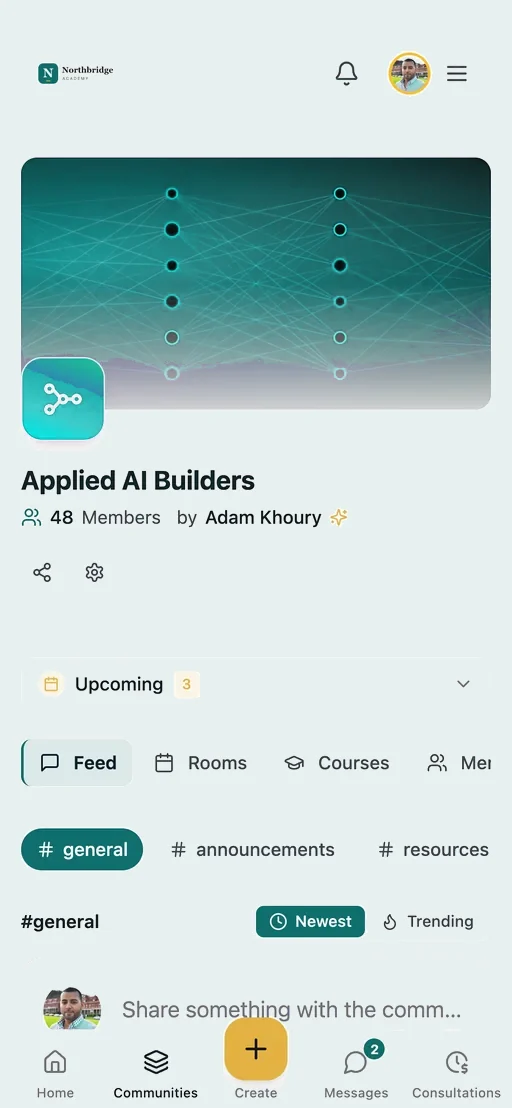
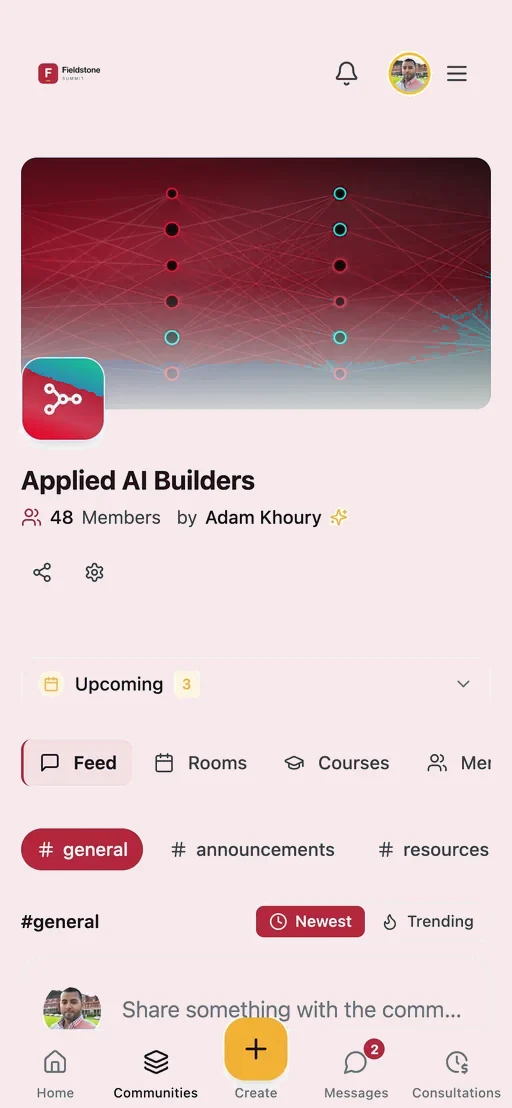
The same community on a phone, in the organization’s brand
Phone
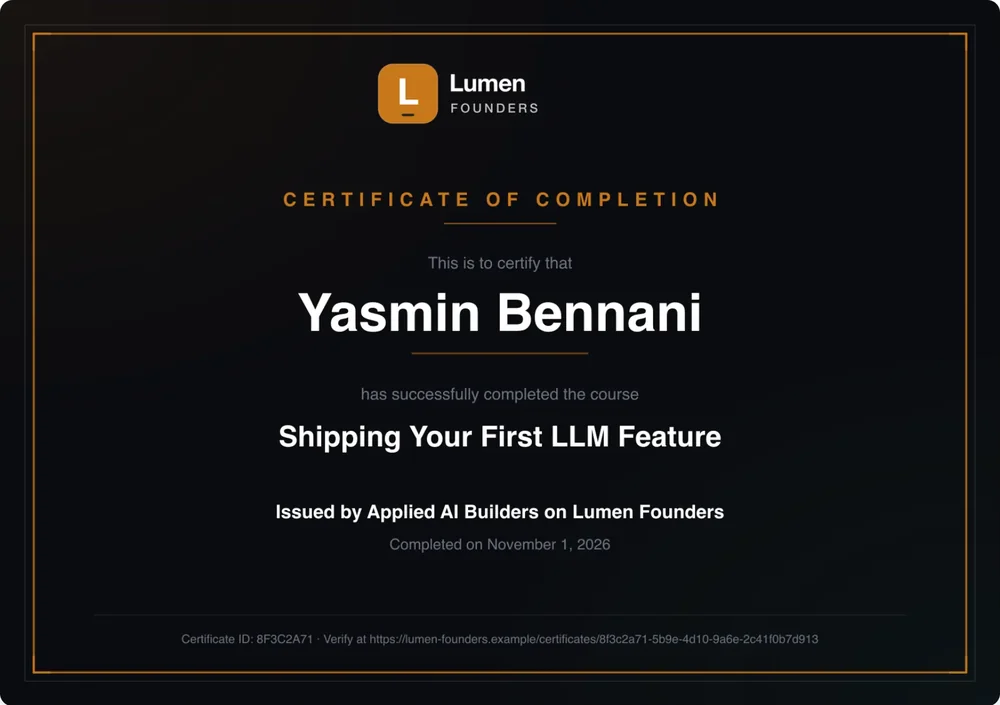
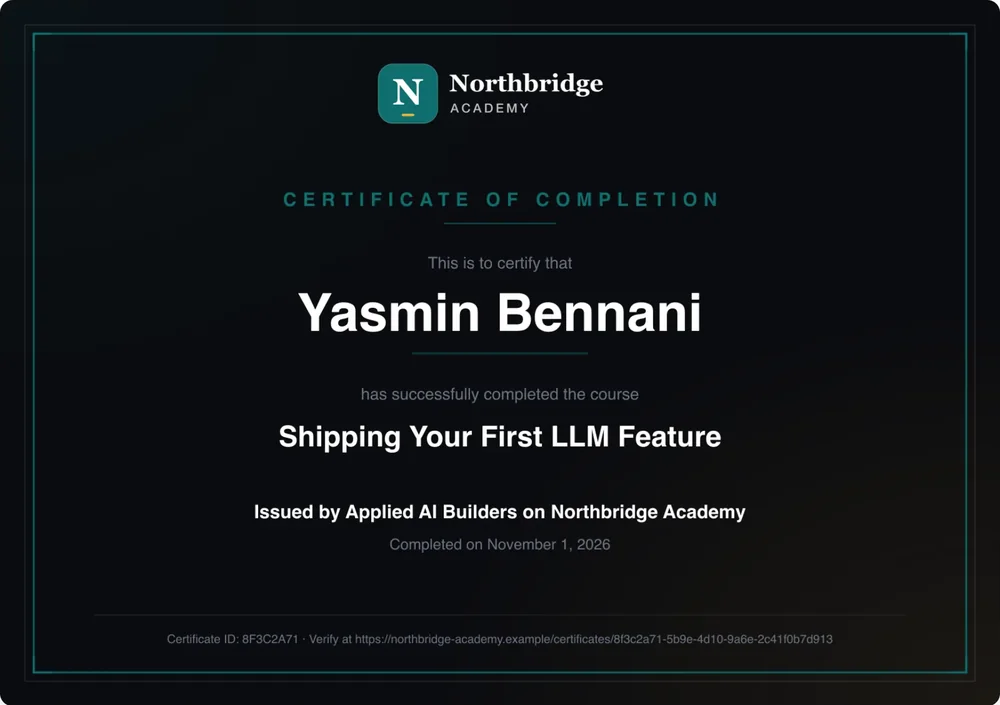
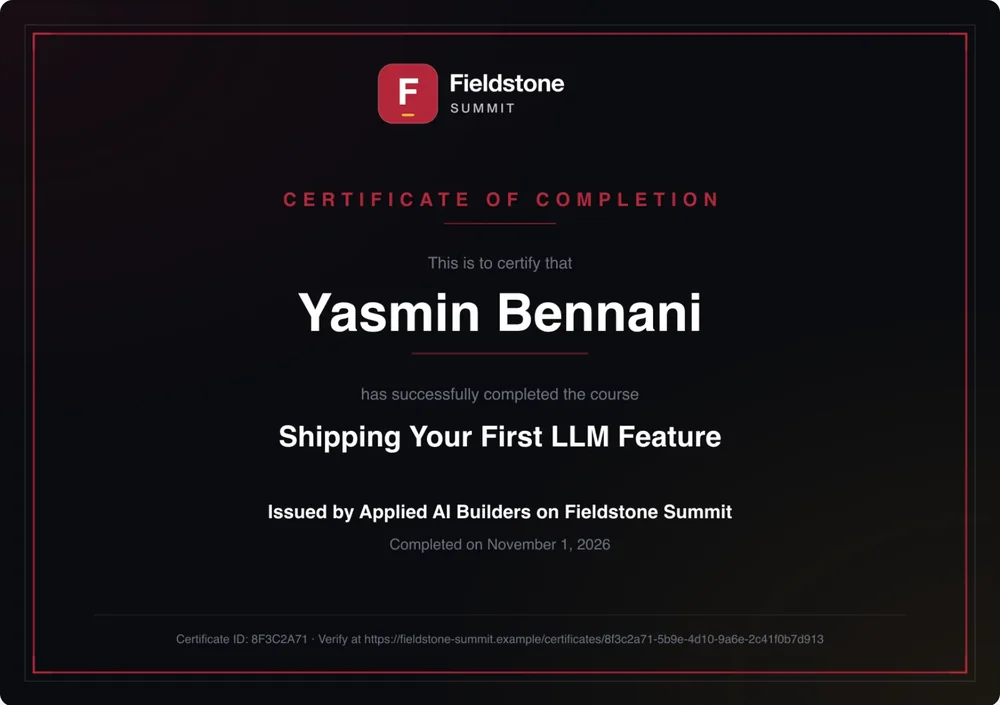
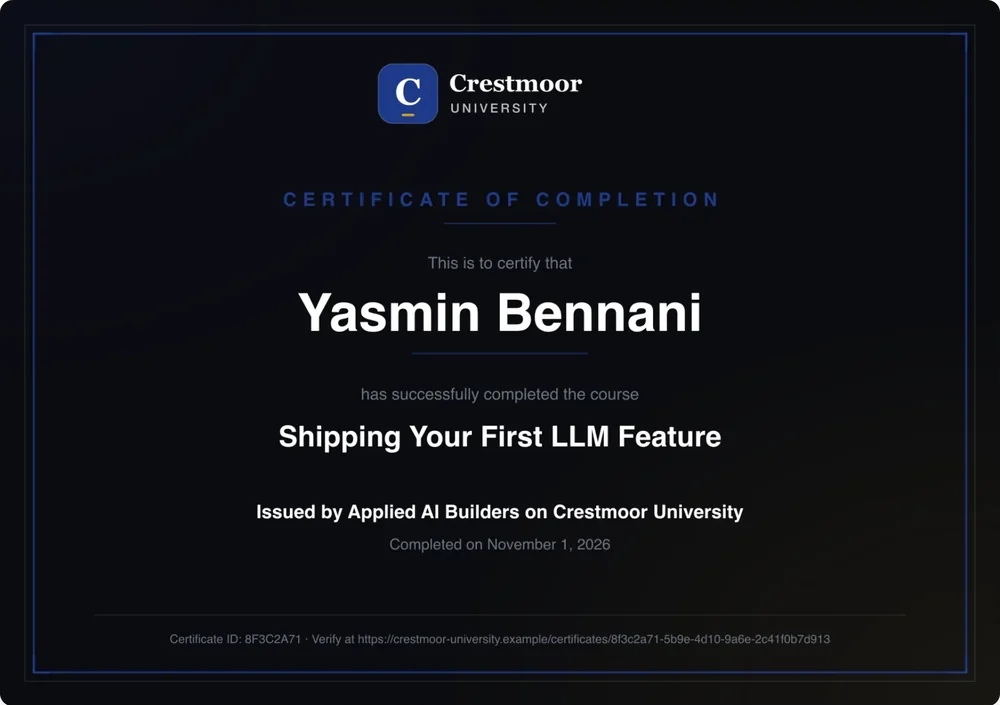
A certificate of completion carrying the organization’s logo and colours
Certificate
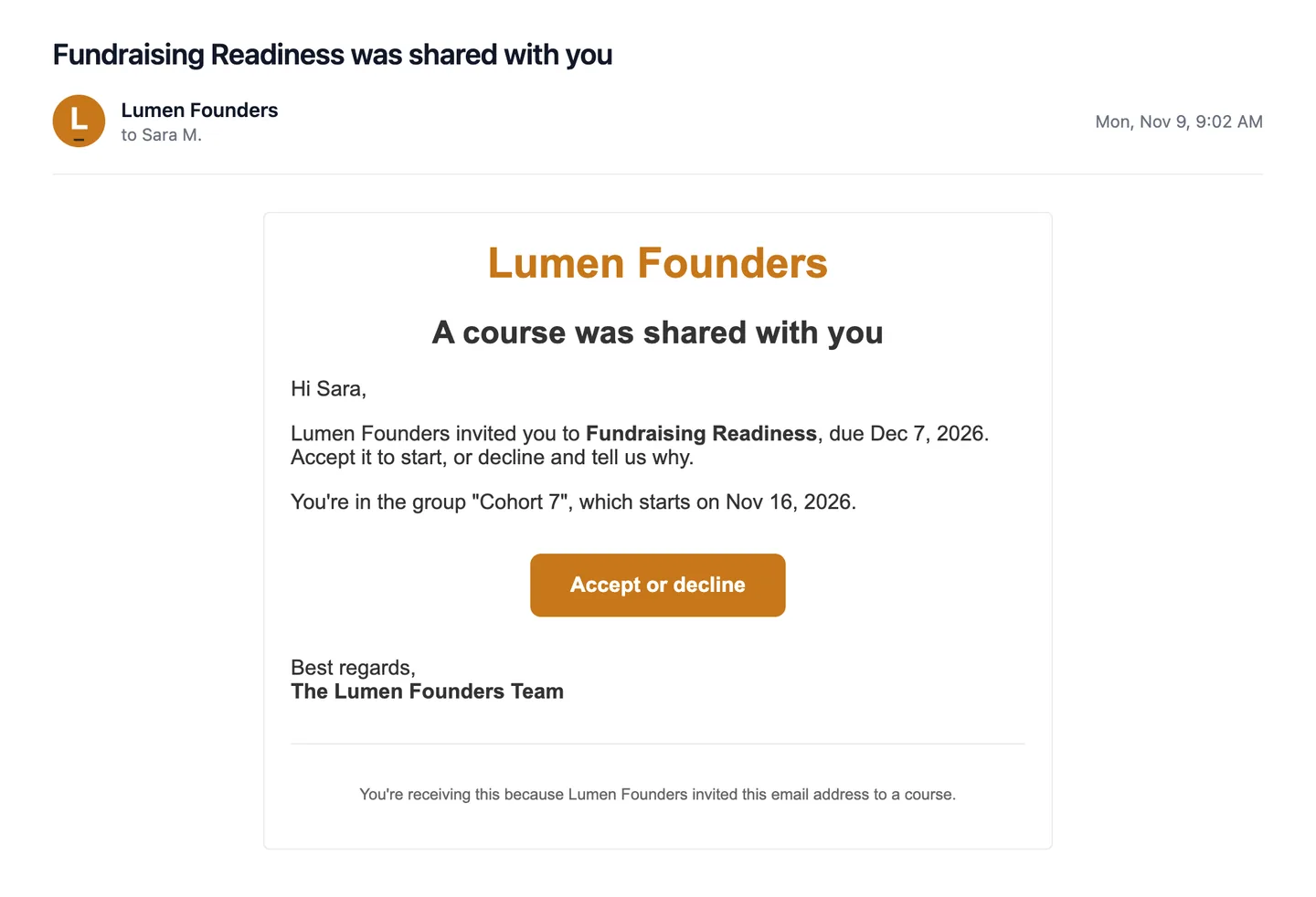
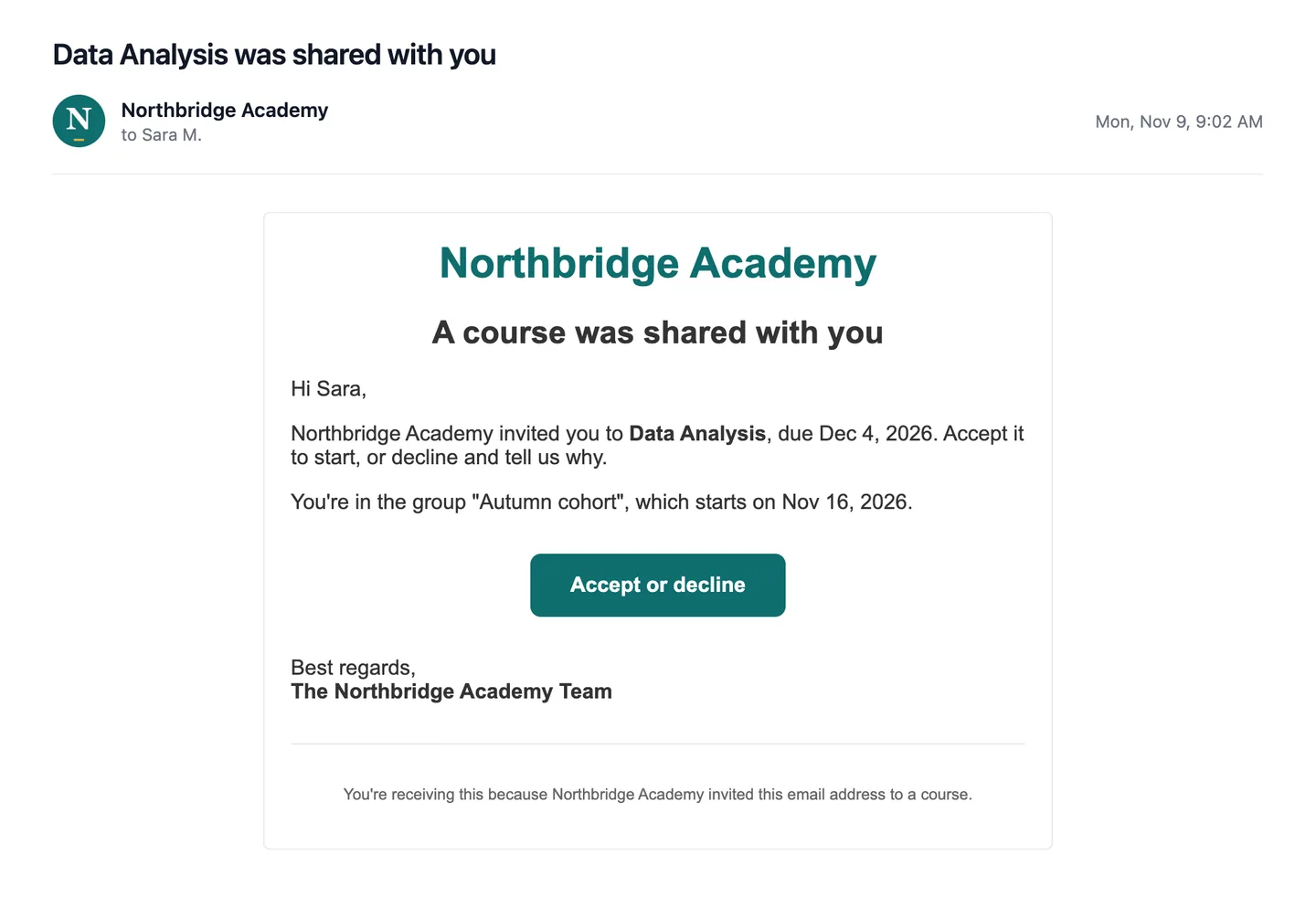
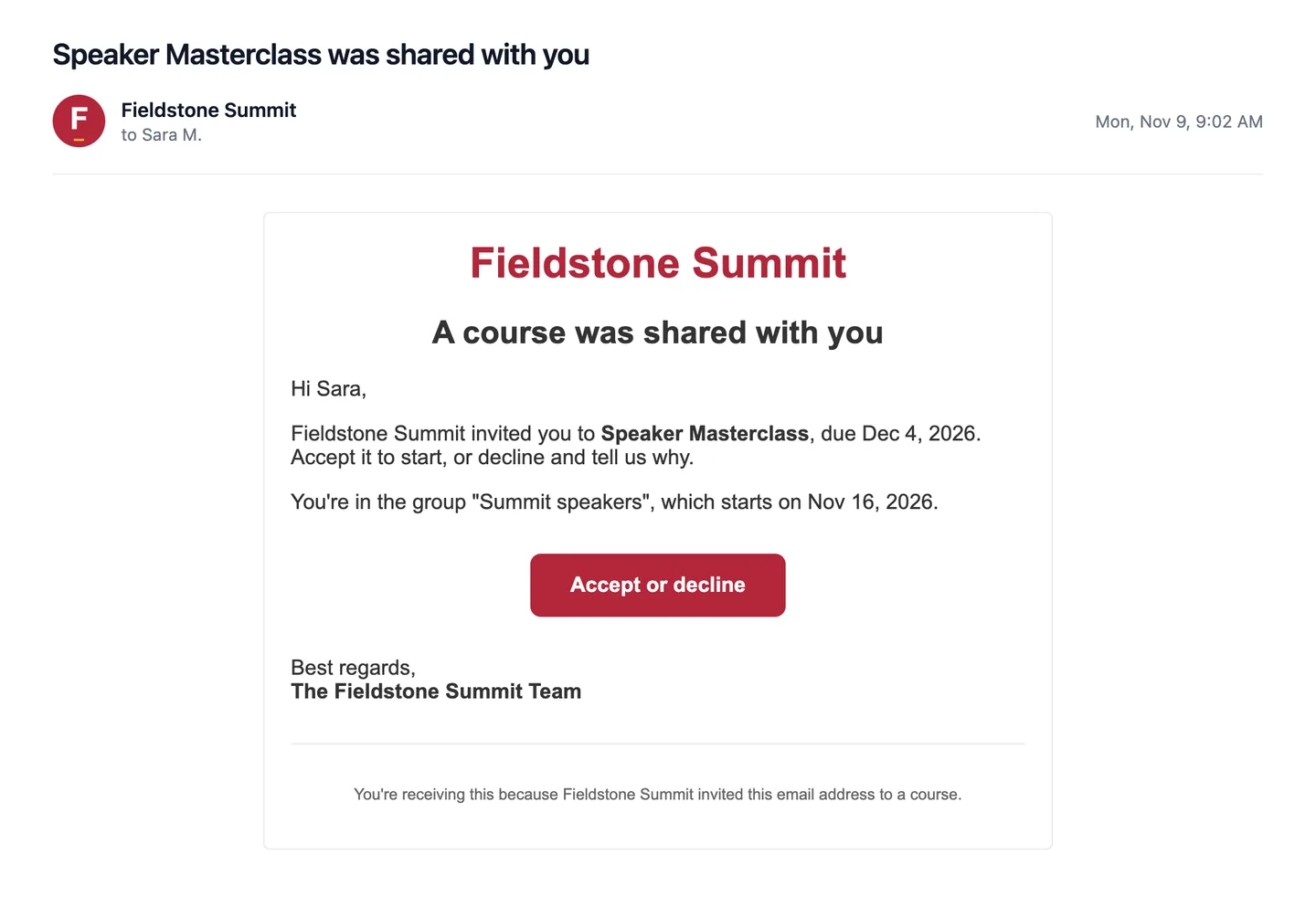
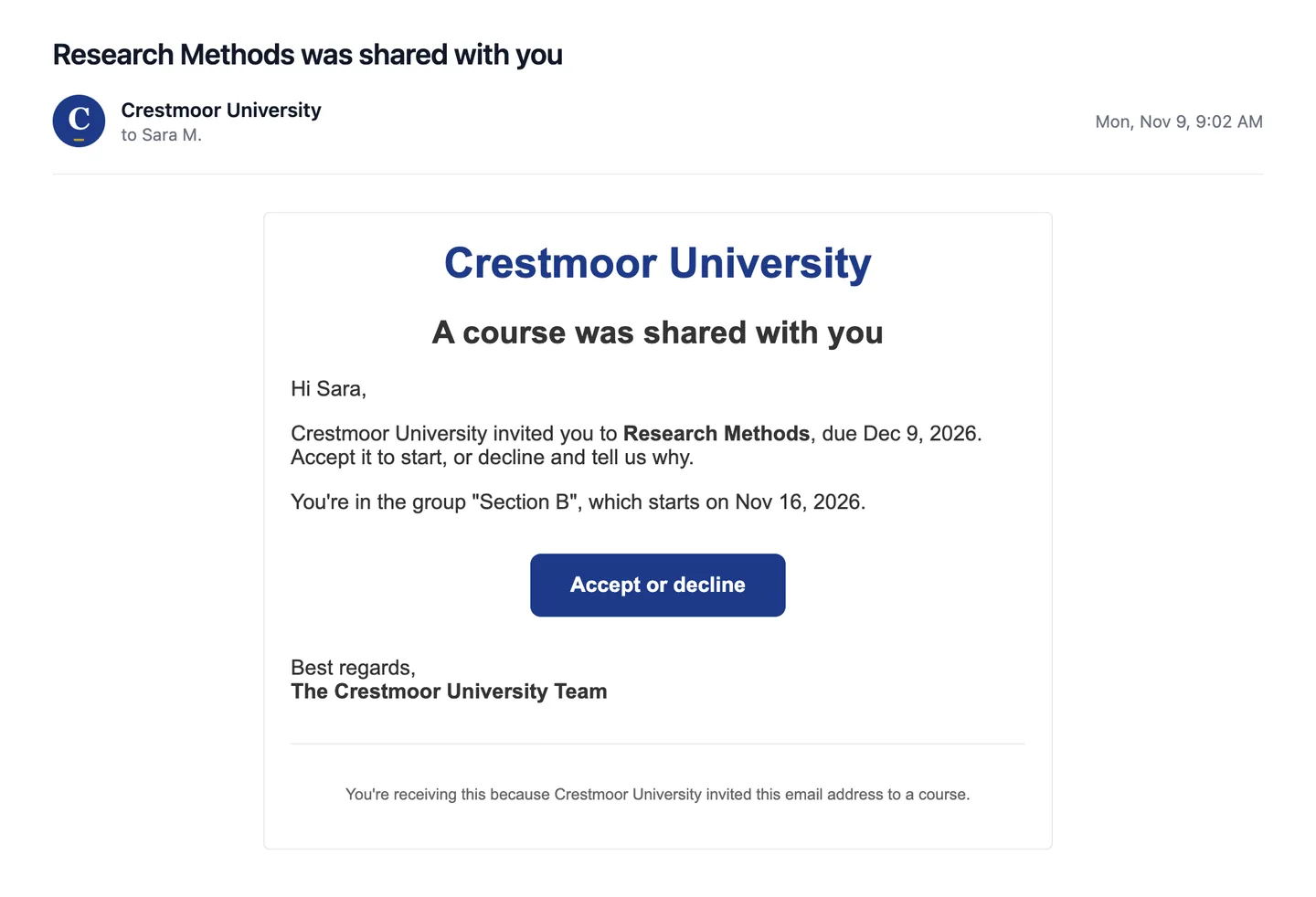
An invitation email sent in the organization’s name, with its logo and a button in its colour
Email
Same platform. Your company's own database.Payments off for internal use.

Your logo, where your people already look.

It's on the team community, the all-hands, the course, the certificate someone pins to their profile and the reminder in their inbox.

A community home: banner, channels, a pinned post and the Live Now and Upcoming roomsWVTeams
Team communityBy office, team or interest group.
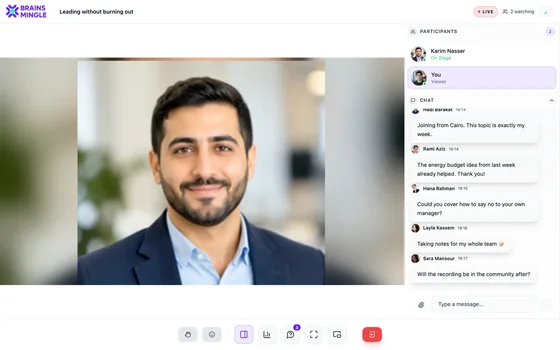
A live session seen by the audience: the speaker on stage, the participants and the chatWVLive
Town hallQ&A, polls, replay for employees only.
WVCertificate of completionSara MansourLeading your first team, with final exam
Lumen FoundersVerify online
CertificateSigned, emailed as a PDF, verifiable.
Inbox
WV
People & Culture[email protected]

Due Friday: Leading your first teamTwo lessons and the final exam to go.

Continue
ReminderSent from your name.
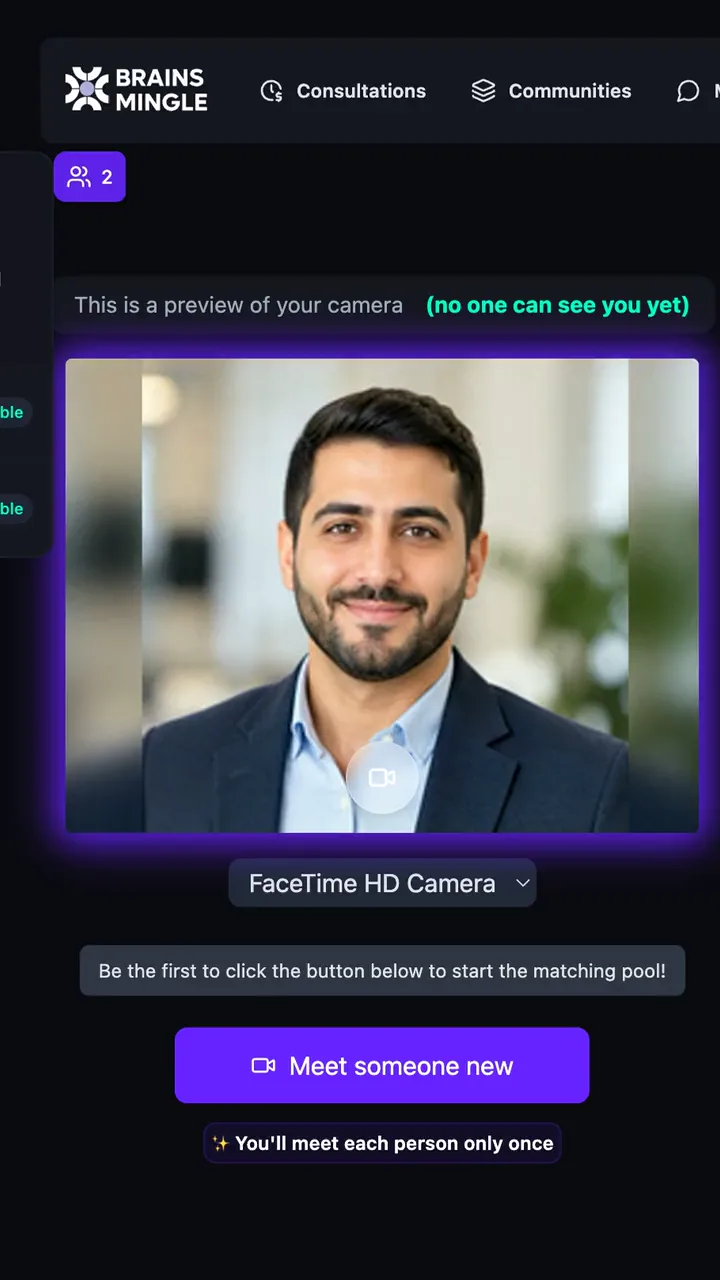
The speed networking lobby on a phone: camera preview, connections count and the Meet someone new button
On a phoneIn the browser.

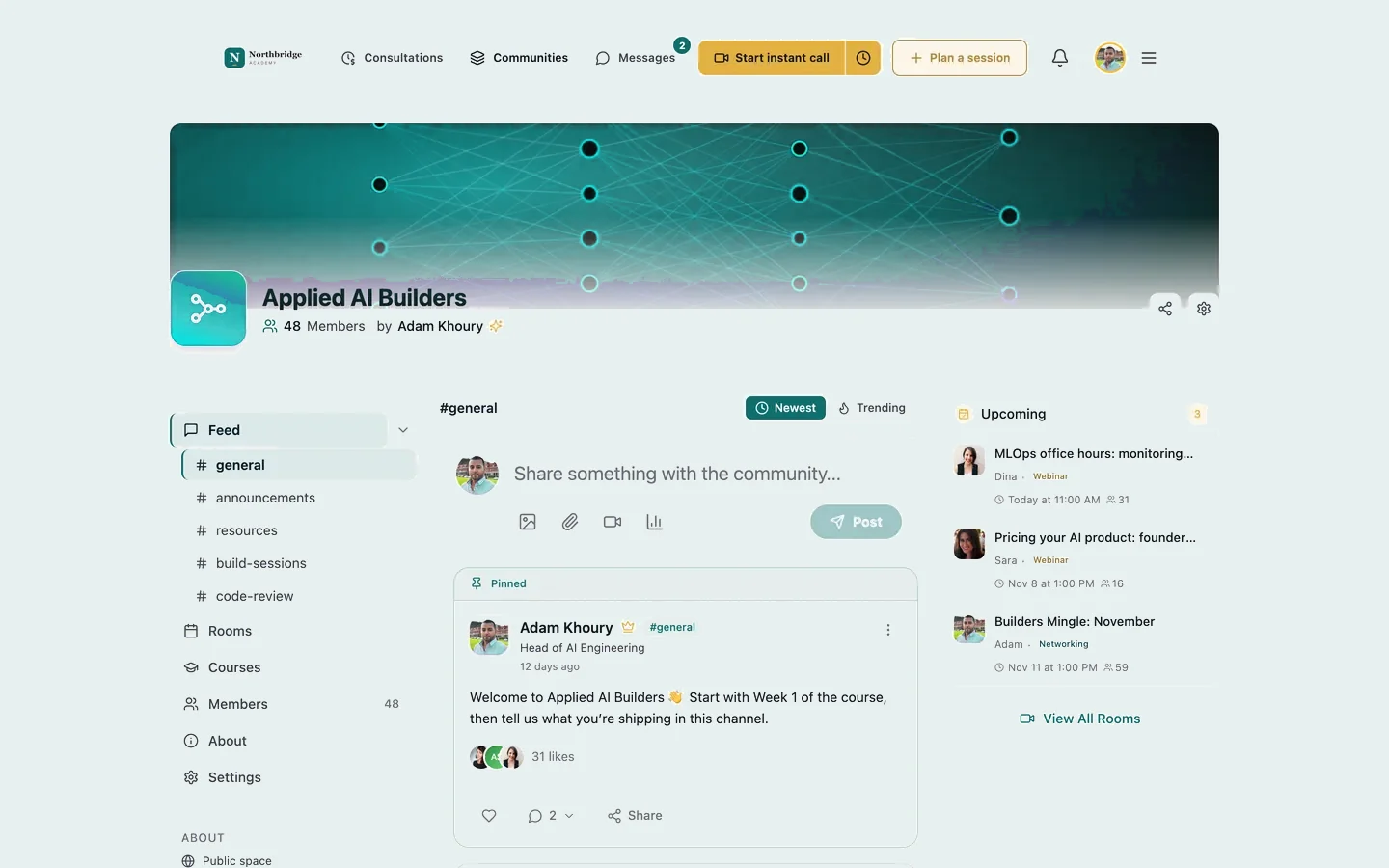
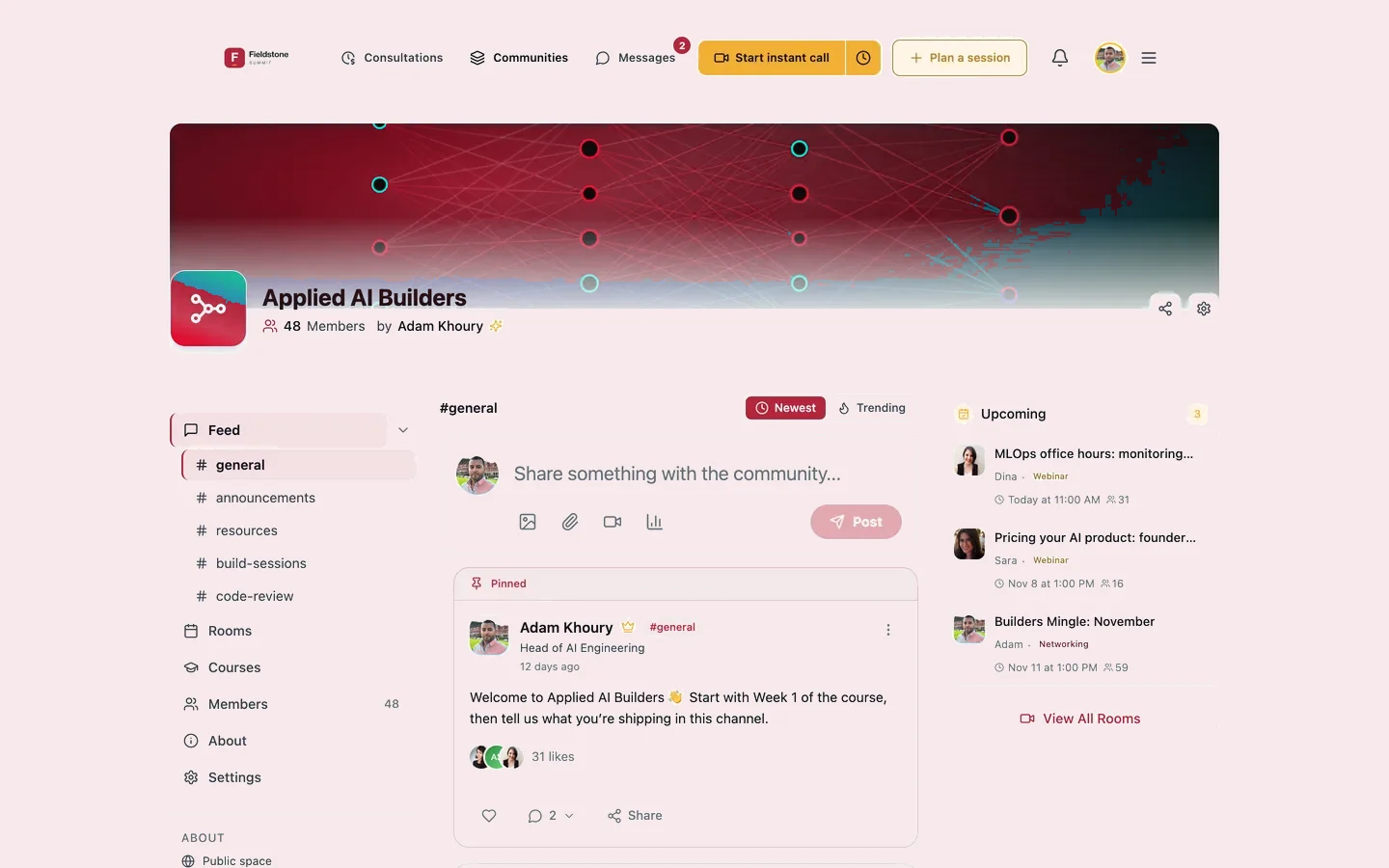
The colour and initials follow the brand shown above.

Programs and town halls

Onboarding on one page. All-hands that outlive the meeting.

Programs

Onboarding week as a program.

Every session of the week on one agenda, with one registration. Attendance is counted in the room, and new joiners get a certificate when they finish the program.

  • Sessions with speakers, online or in a meeting room with check-in
  • A strip across the app shows what's on today
  • Recordings people can watch afterwards
See Programs
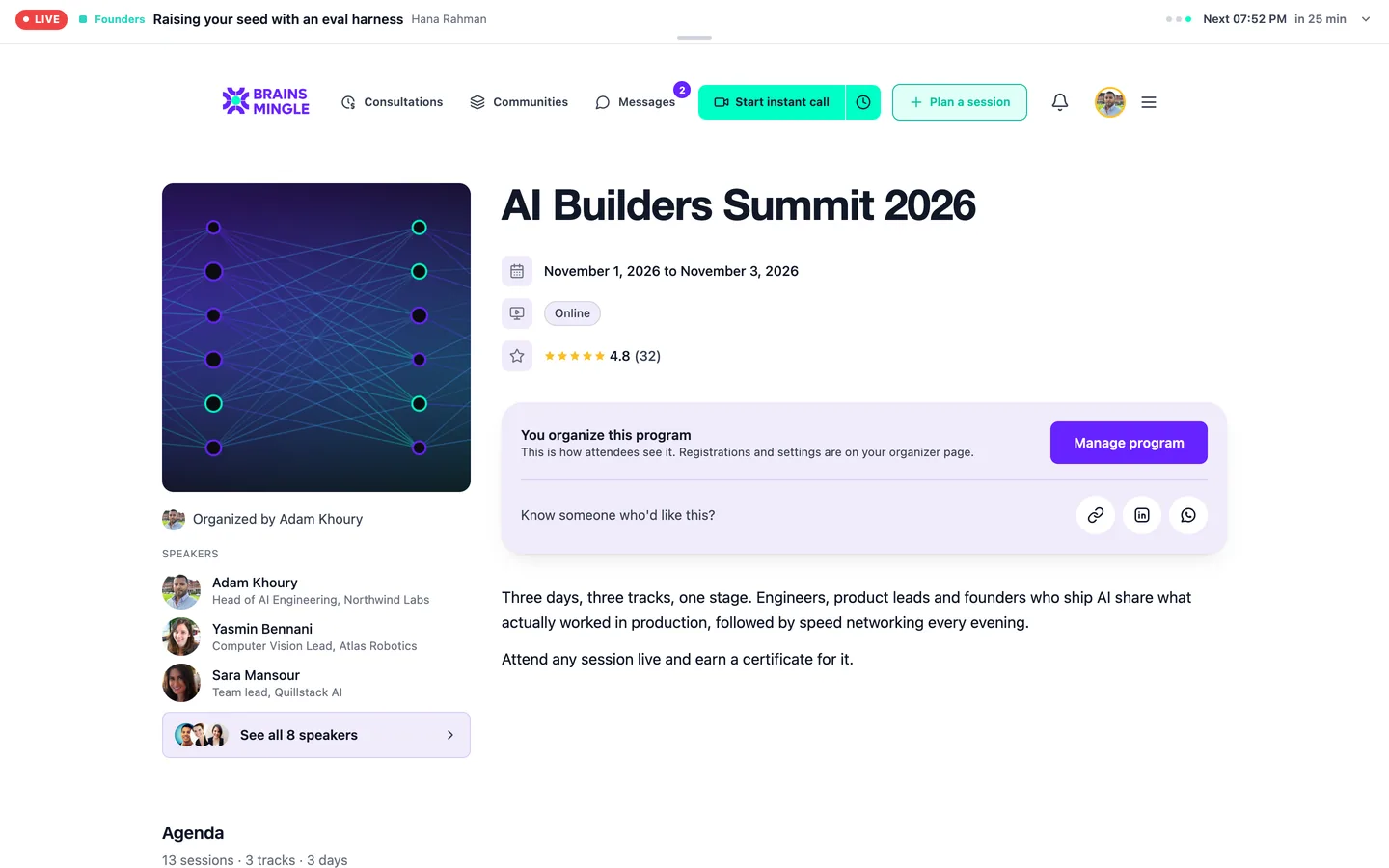
The AI Builders Summit 2026 program page: a live strip with what is on now, the dates, the organizer actions, the speakers and the start of the agenda
Town halls

Leadership on stage, everyone else in the room.

Run the all-hands as a webinar: speakers on stage, employees in the audience, questions upvoted and live polls. Record it and choose who can watch.

  • Raise a hand to come on stage; moderators run the chat
  • Replay visible to participants, chosen teams or the whole company
  • See who attended each session
See live sessions
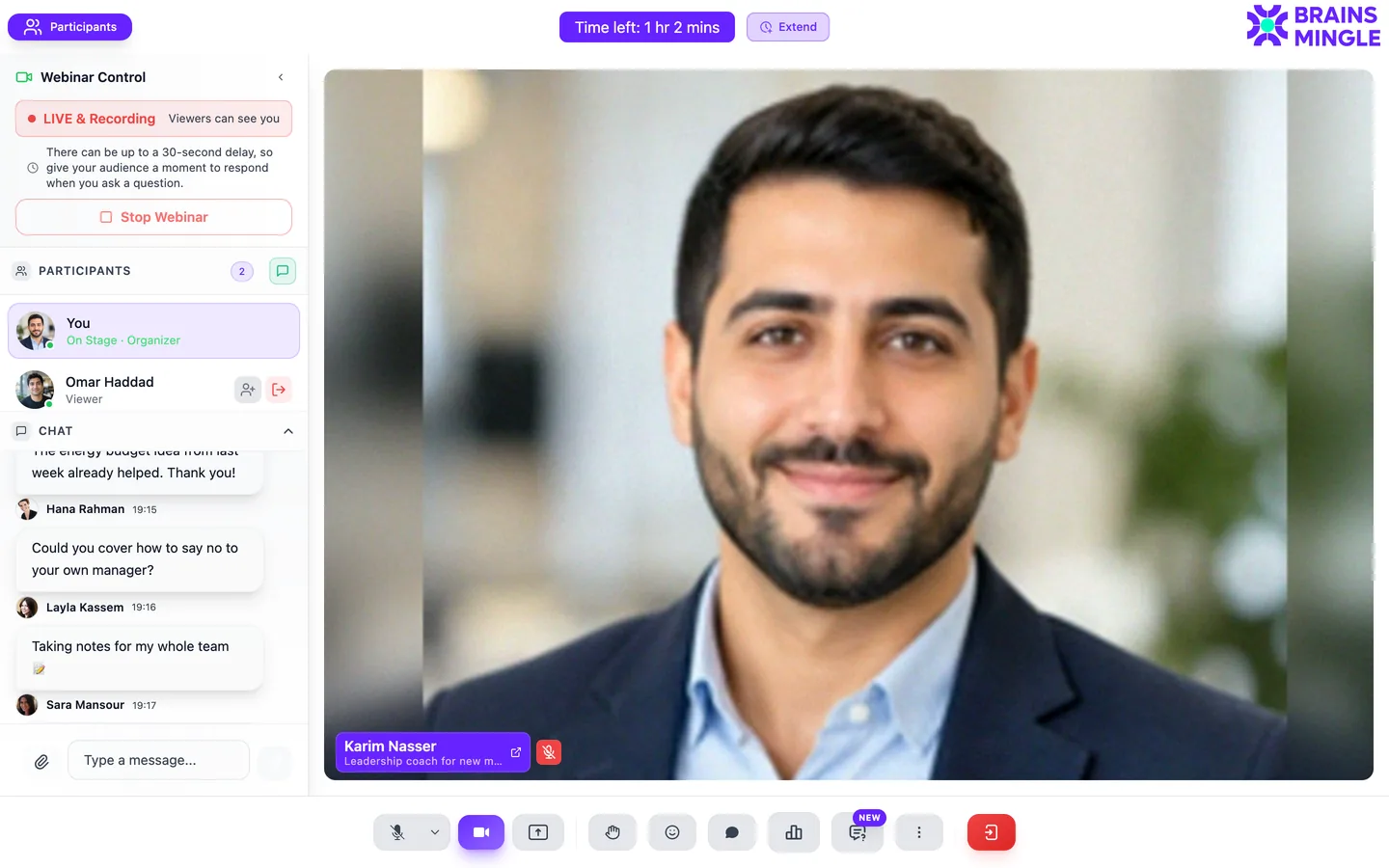
A webinar from the host seat: live and recording, the speaker on stage, the participants and the audience chat
How rollout works

One team, one course, then the company.

Our team configures the platform with yours. You won't be handed a login and a help centre.

  1. Scope

    Pick the first program: onboarding, compliance, leadership or town halls.

    Map teams, managers and languages.Pick a pilot team and a course owner.
  2. Configure

    Your brand, address and modules. Payments switched off for internal use.

    Set up the platform and the first course.Upload the learner and manager list by CSV.
  3. Go live

    The group starts on its start date. Reminders and late flags run on their own.

    Watch the first cohort with you.Run the first town hall or round.
  4. Prove it

    Months later, managers answer the impact form. Then you scale.

    Read the answers with you.Decide which teams go next.
Start with one team

Pilot one course with one team before the rest.

Your email domains only

Sign-in limited to your company's email domains.

Payments off

No checkout anywhere for internal deployments.

Your own database

Separate from every other organization, and exportable.

Security and integrations

What IT and security will ask. Answered plainly.

  • Your own databaseEach organization runs on a separate database, never shared.
  • Messages encrypted at restDirect messages are stored encrypted (AES-256-GCM).
  • Closed modeEvery page requires sign-in. Nothing is public.
  • Roles you controlAdmins decide who can create rooms, consultations or communities.
Sign-inGoogle, LinkedIn or emailPlus one-click sign-in from your own intranet (partner SSO).
/api/pub/v1Public REST APICreate and manage sessions from your own systems.
WebhooksEvents outSend activity to your HR or data stack as it happens.
CSV · ExcelExportsCourse progress, registrations and analytics, whenever you need them.
GA4 · PostHogYour own analyticsSend platform events to your own Google Analytics 4 or PostHog project.
Questions

Before you bring it to IT.

Something else? Ask us directly

We already have Teams, Slack and an LMS. Where does this fit?
Keep chat where it is. BrainsMingle runs the programs around it: town halls with replays, structured cross-team rounds, and training that managers sign off with groups, due dates and impact forms. If your LMS only tells you who completed, this is the part it's missing.
Can people sign in with our identity provider?
Today people sign in with Google, LinkedIn or email and password, and partner SSO gives one-click sign-in from your own site. If you need a specific identity provider, raise it on the call and we'll tell you exactly what's possible.
Can we keep it internal only?
Yes. Closed mode puts every page behind sign-in, sign-up can be limited to your company email domains, and payments can be switched off entirely.
Who sees the impact form answers?
The answers come from each learner's manager and are visible to your L&D admins, so you can report what changed by course or by group.
What happens to the data if we leave?
It's yours. Your organization has its own database, and course progress, registrations and analytics export to CSV or Excel.
Which languages does it support?
English, Arabic, Urdu, Turkish, Spanish and French, with a full right-to-left layout for Arabic and Urdu. Each employee picks their own.
See it under your brand

Assign one course to one team. Watch what changes.

We'll show you a course group with due dates, a manager's team view and the impact form, set up in your company's name.

We'll ask three things
  1. How many employees?So the demo matches your scale.
  2. Your first programOnboarding, compliance, leadership or town halls.
  3. Your HR or LMS systemSo we can show how it sits beside it.

We reply within two working days with a time and a demo set up for your first program.