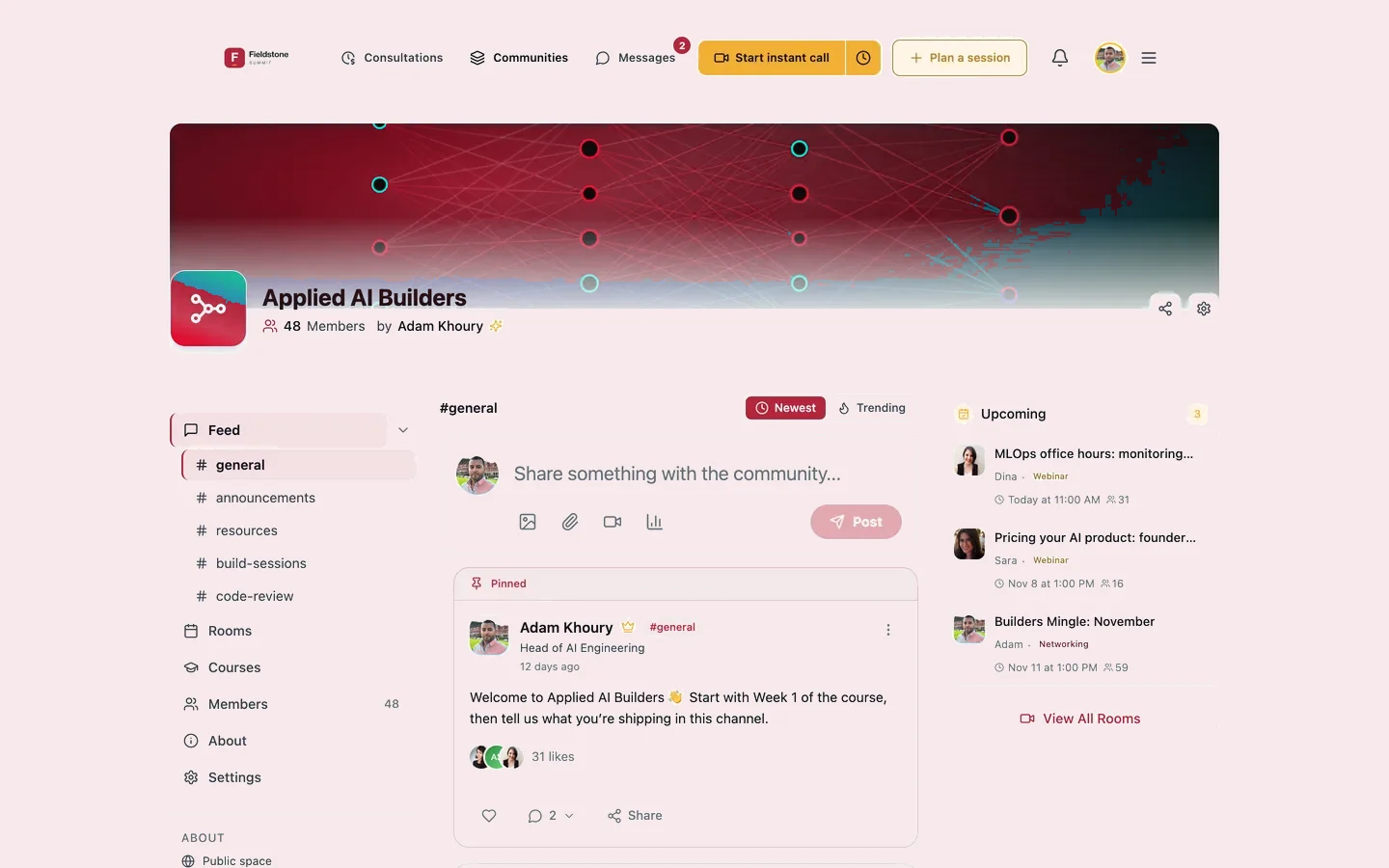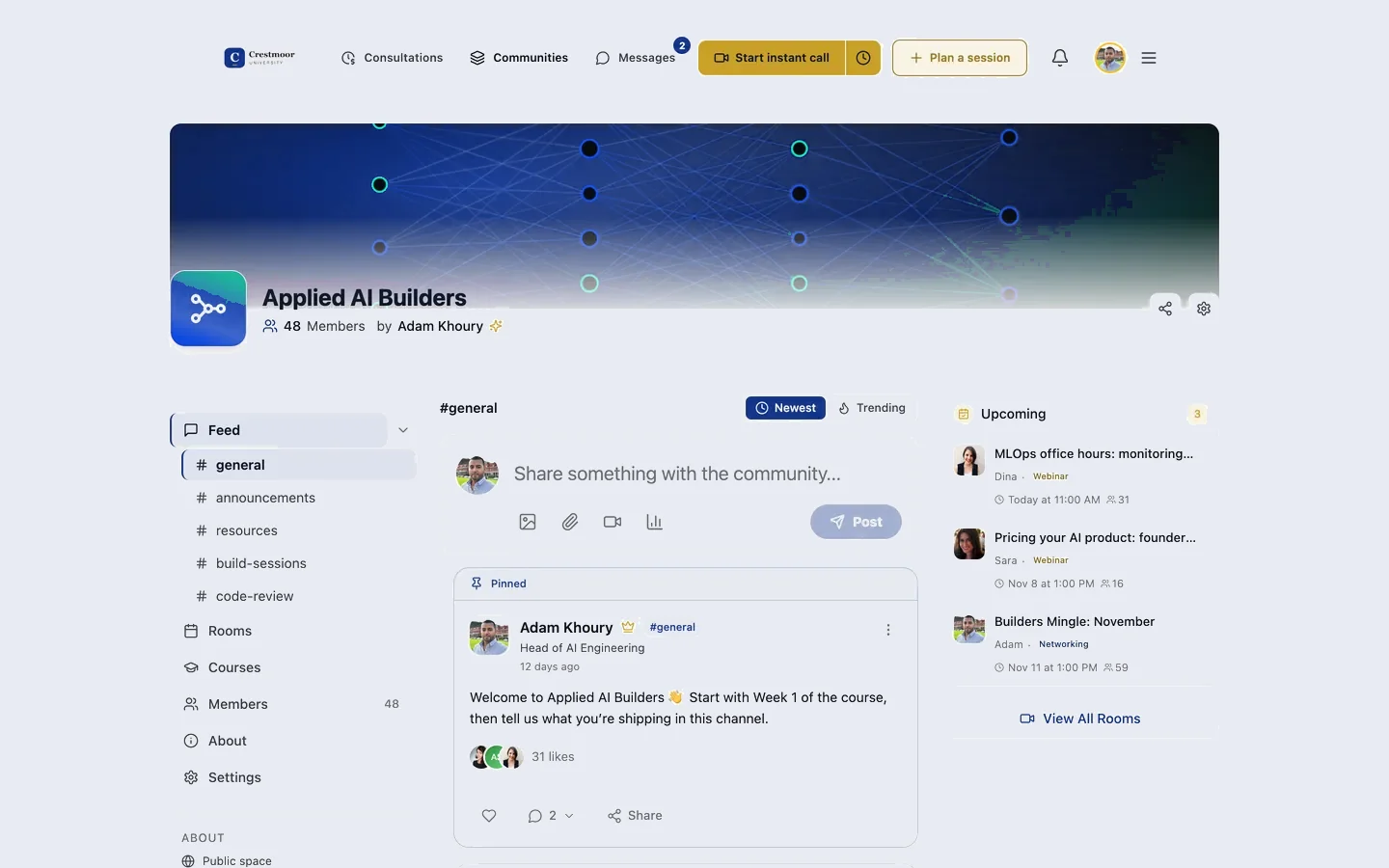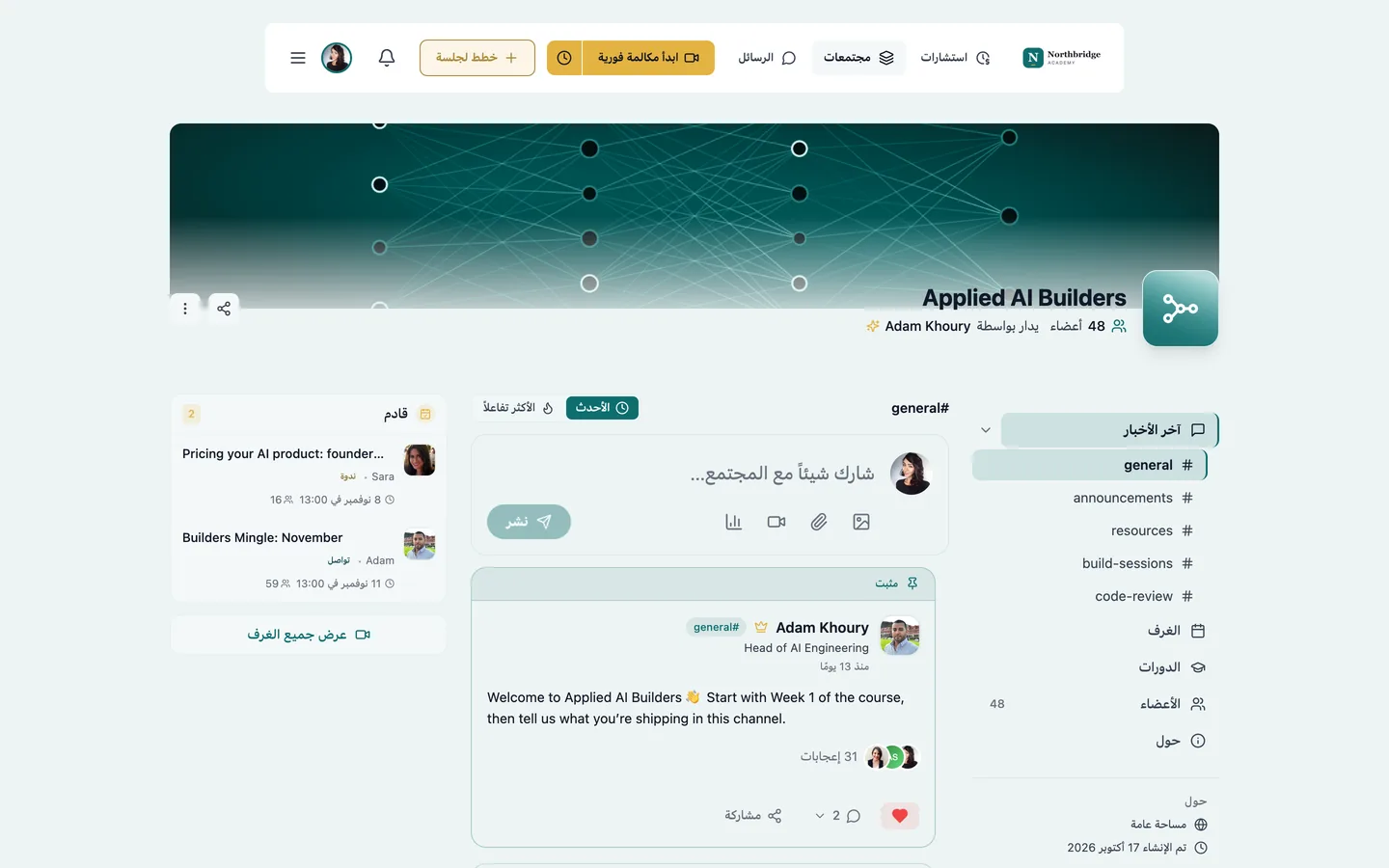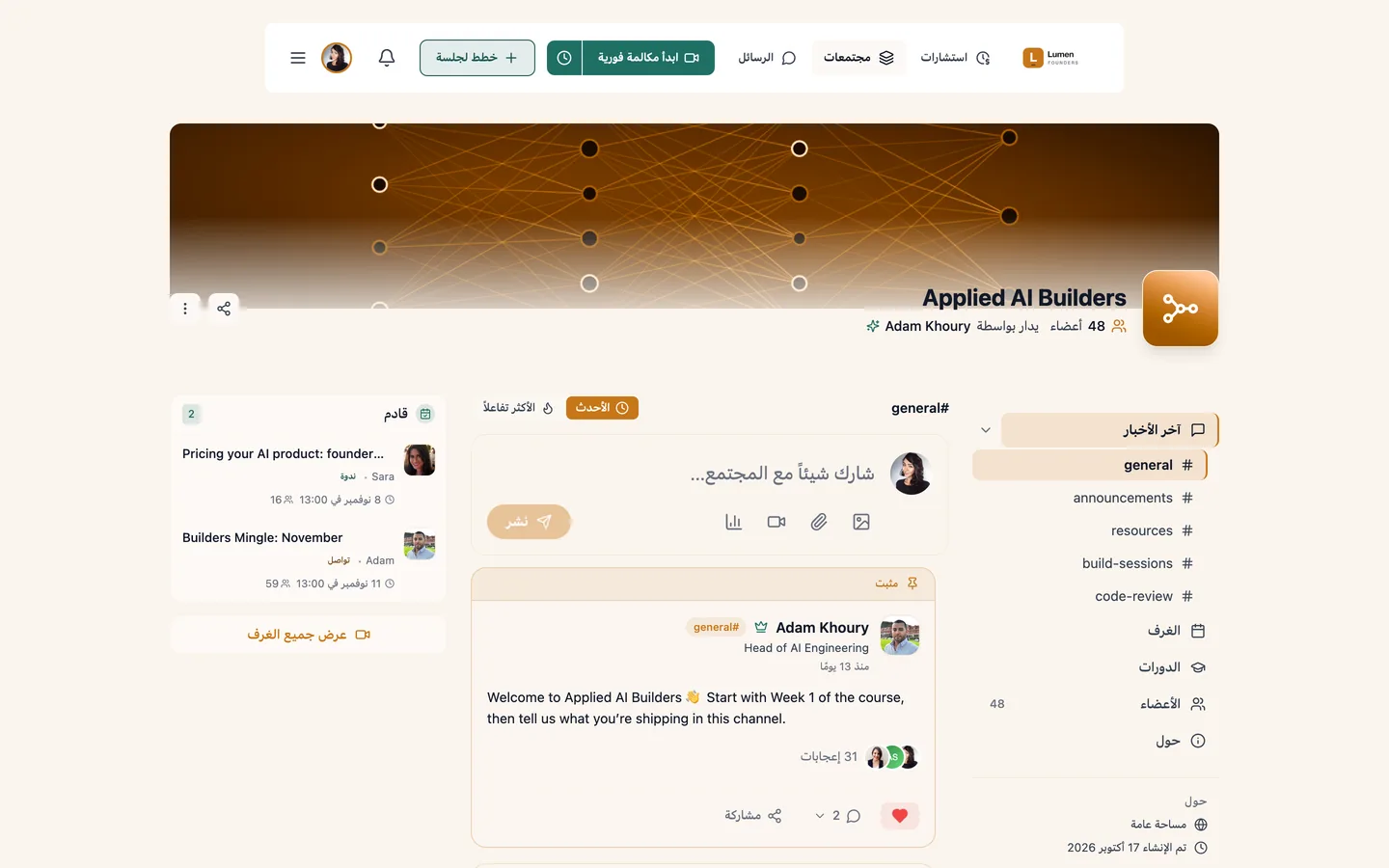

Custom branding & languages

Your members see your name.

Your logo, colours and email identity on every screen, in the languages you choose, on your own domain.
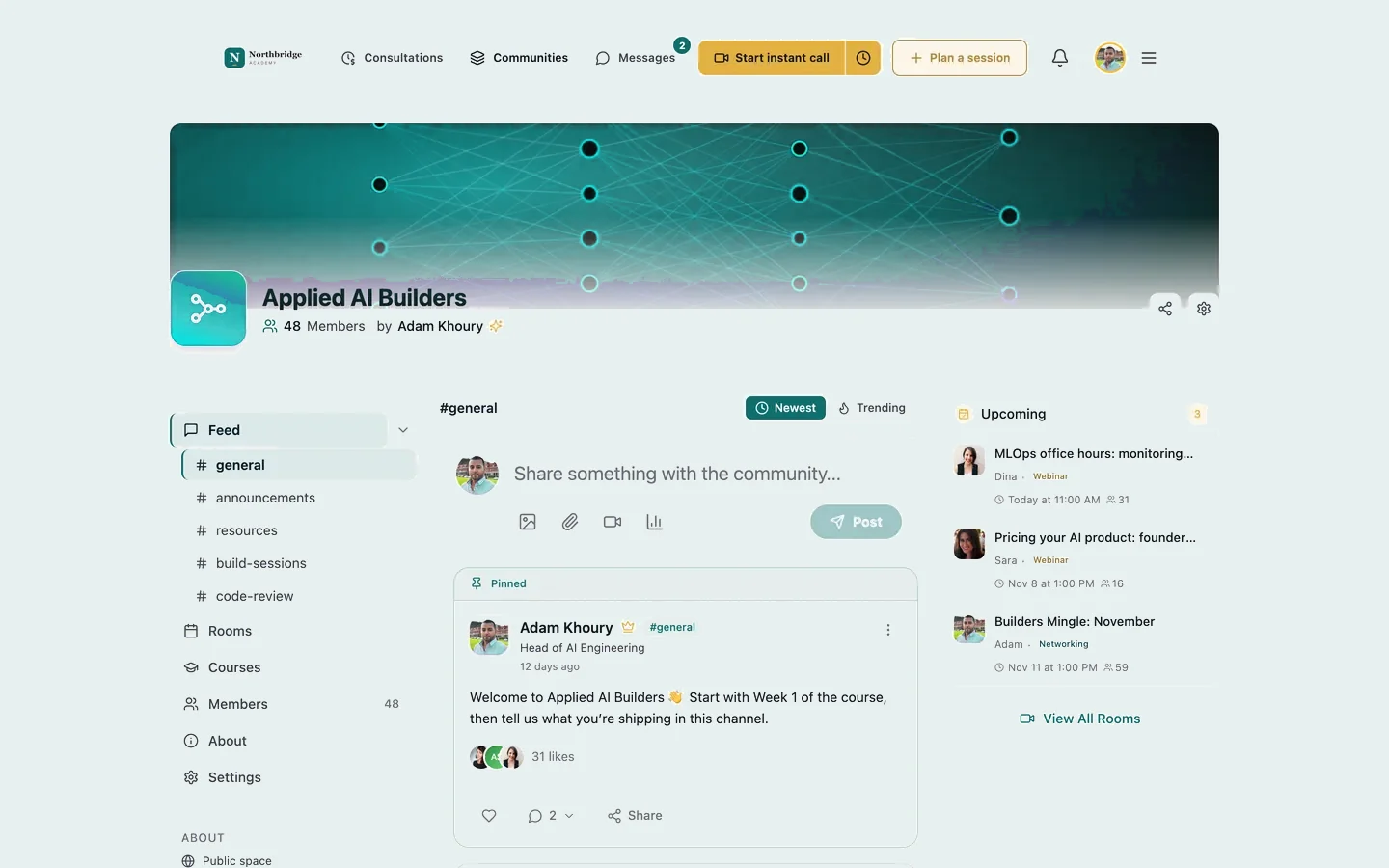
NANorthbridge Academycommunity.northbridgeacademy.com
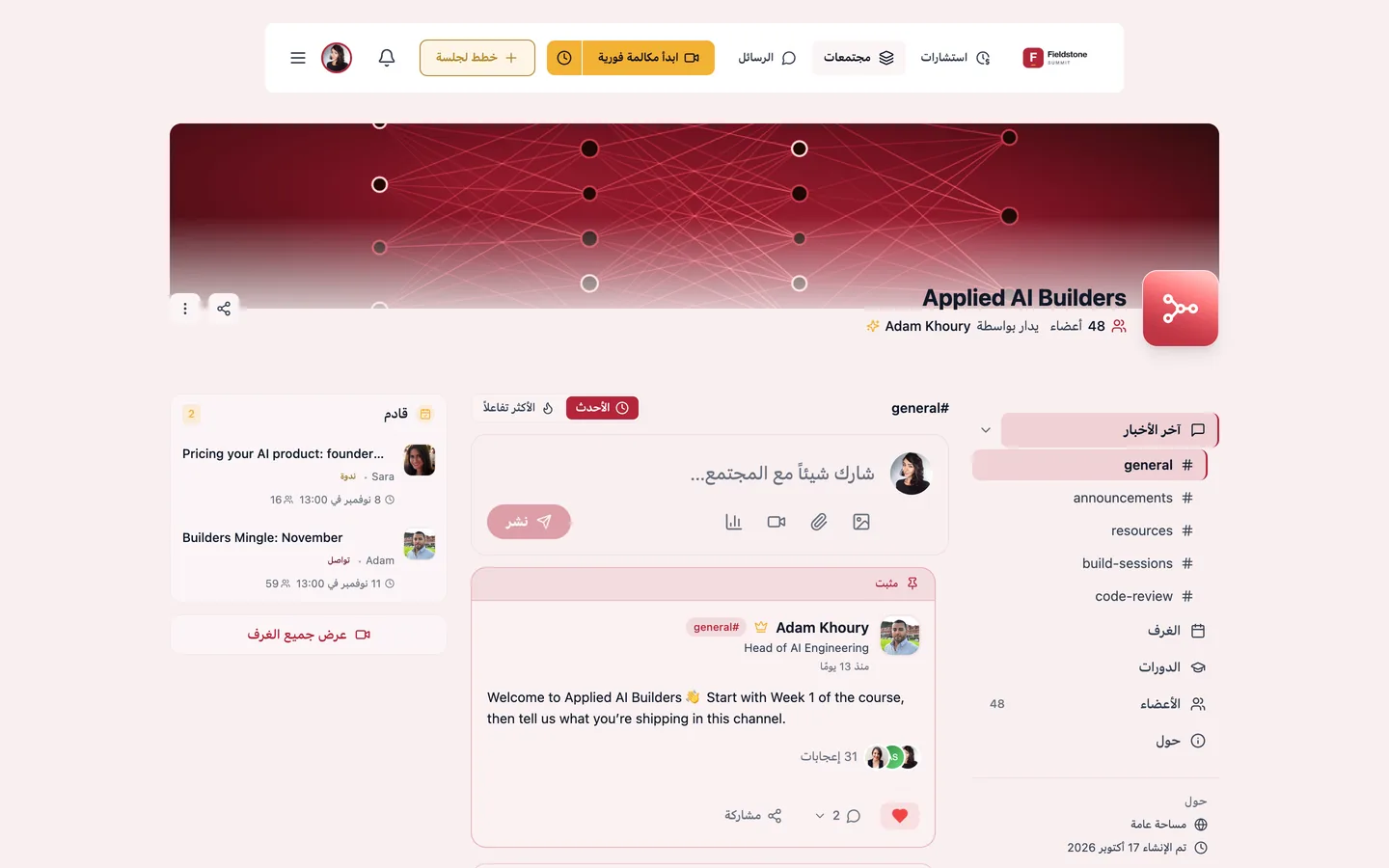
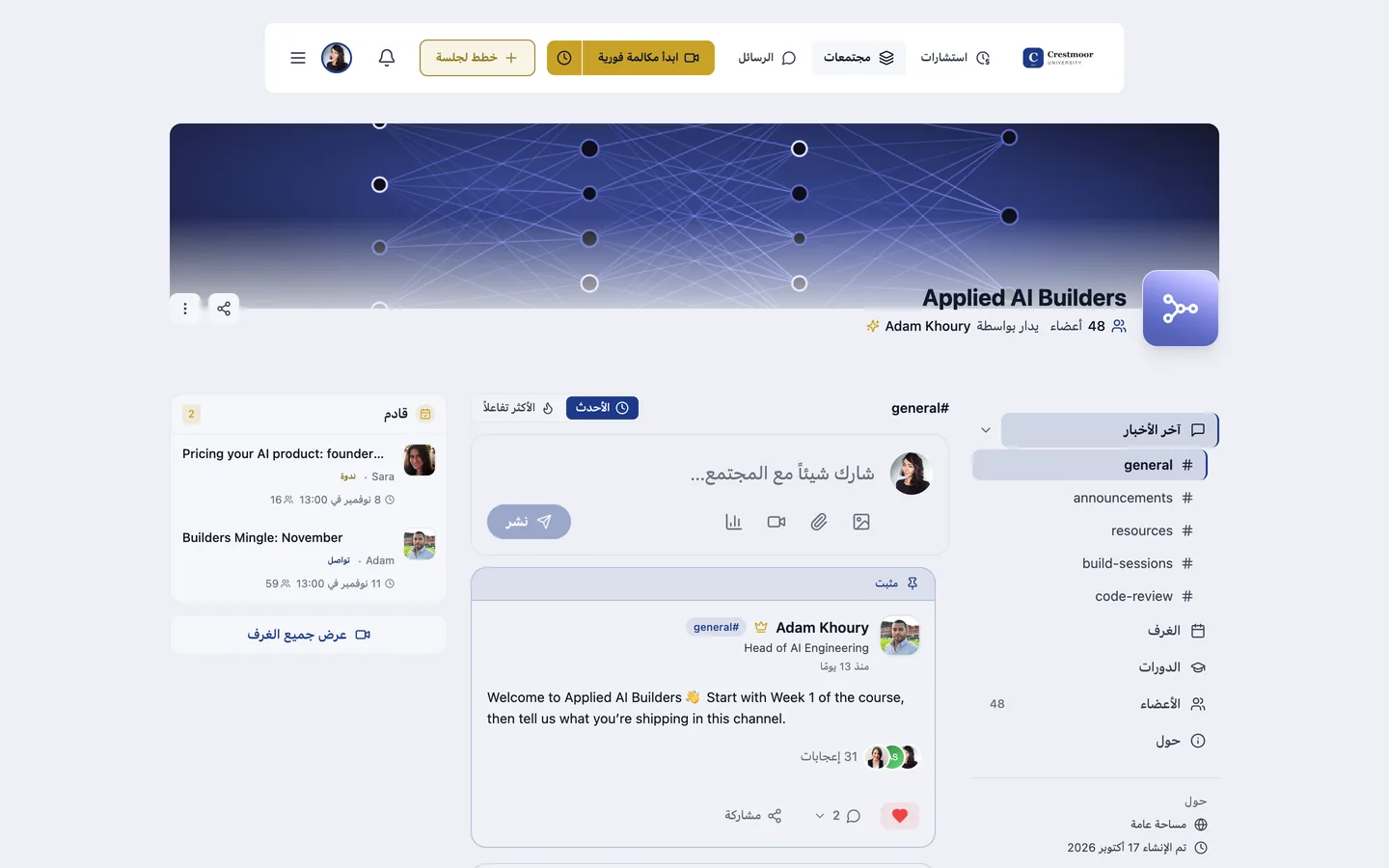
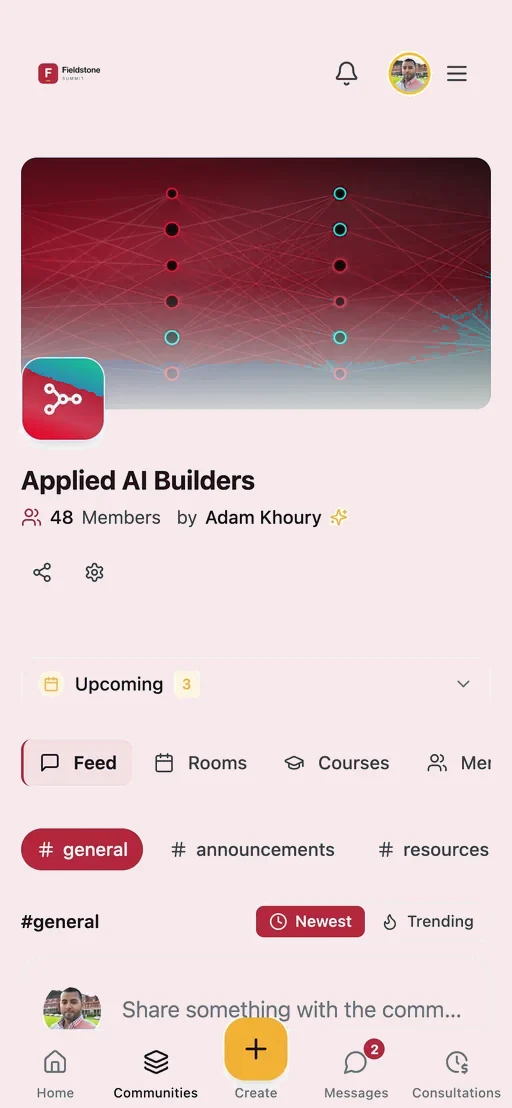
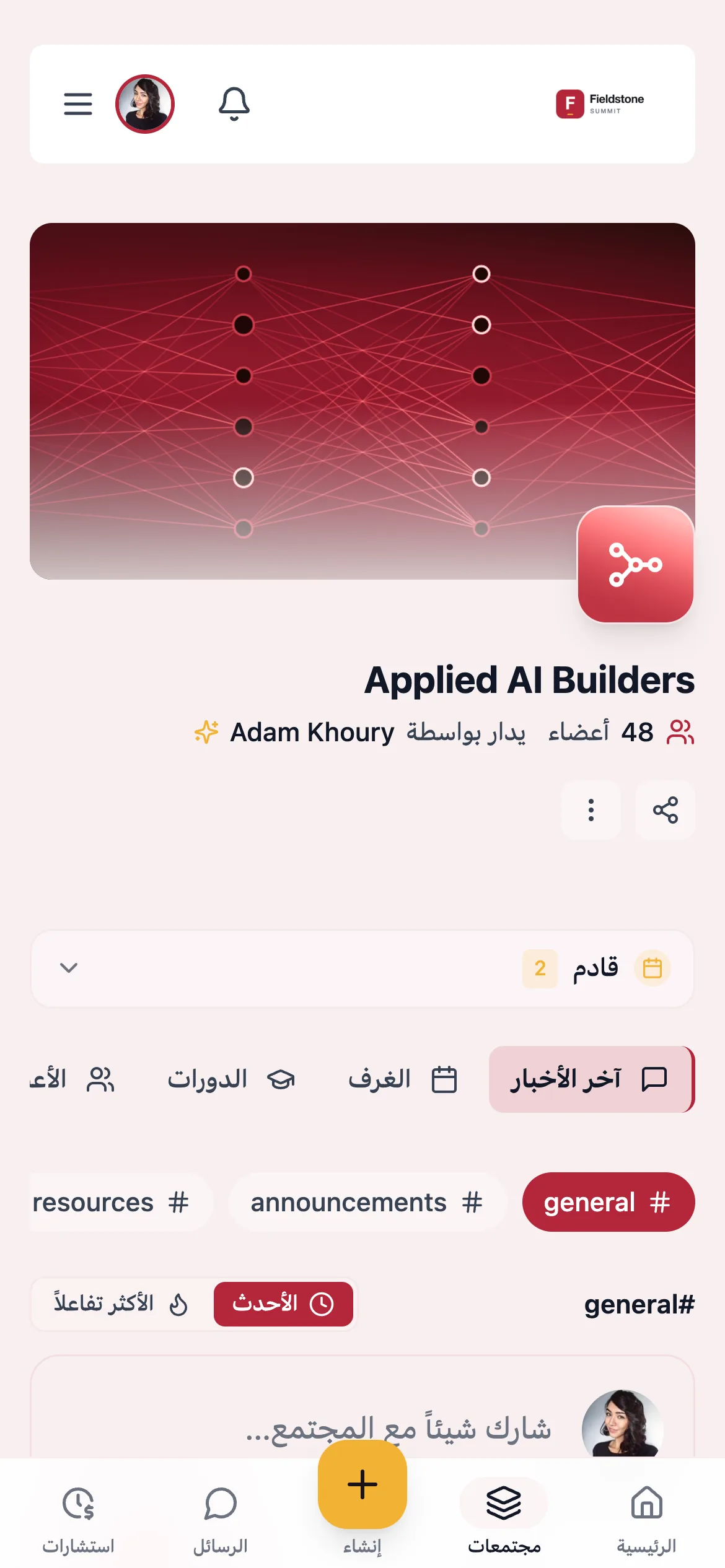
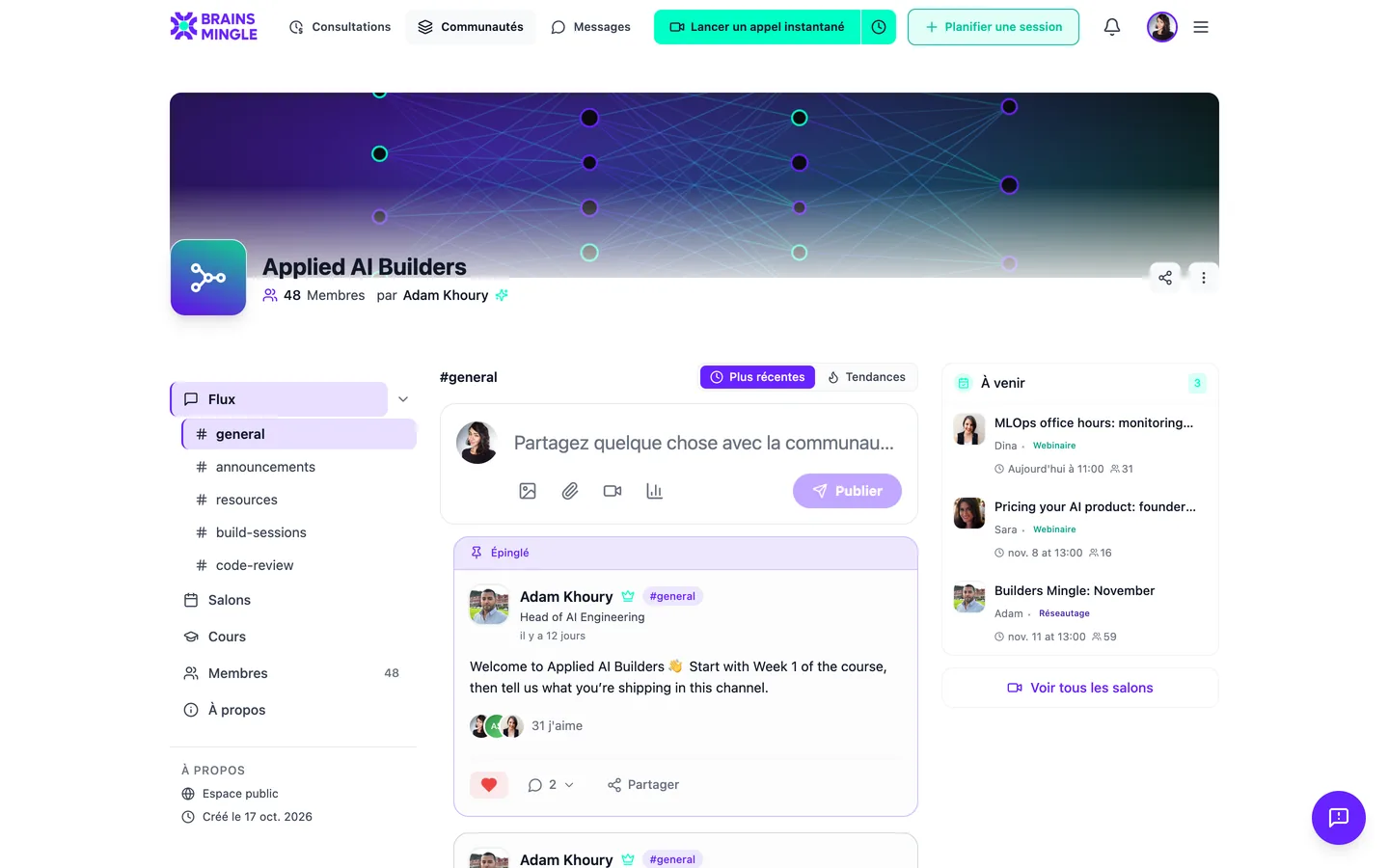
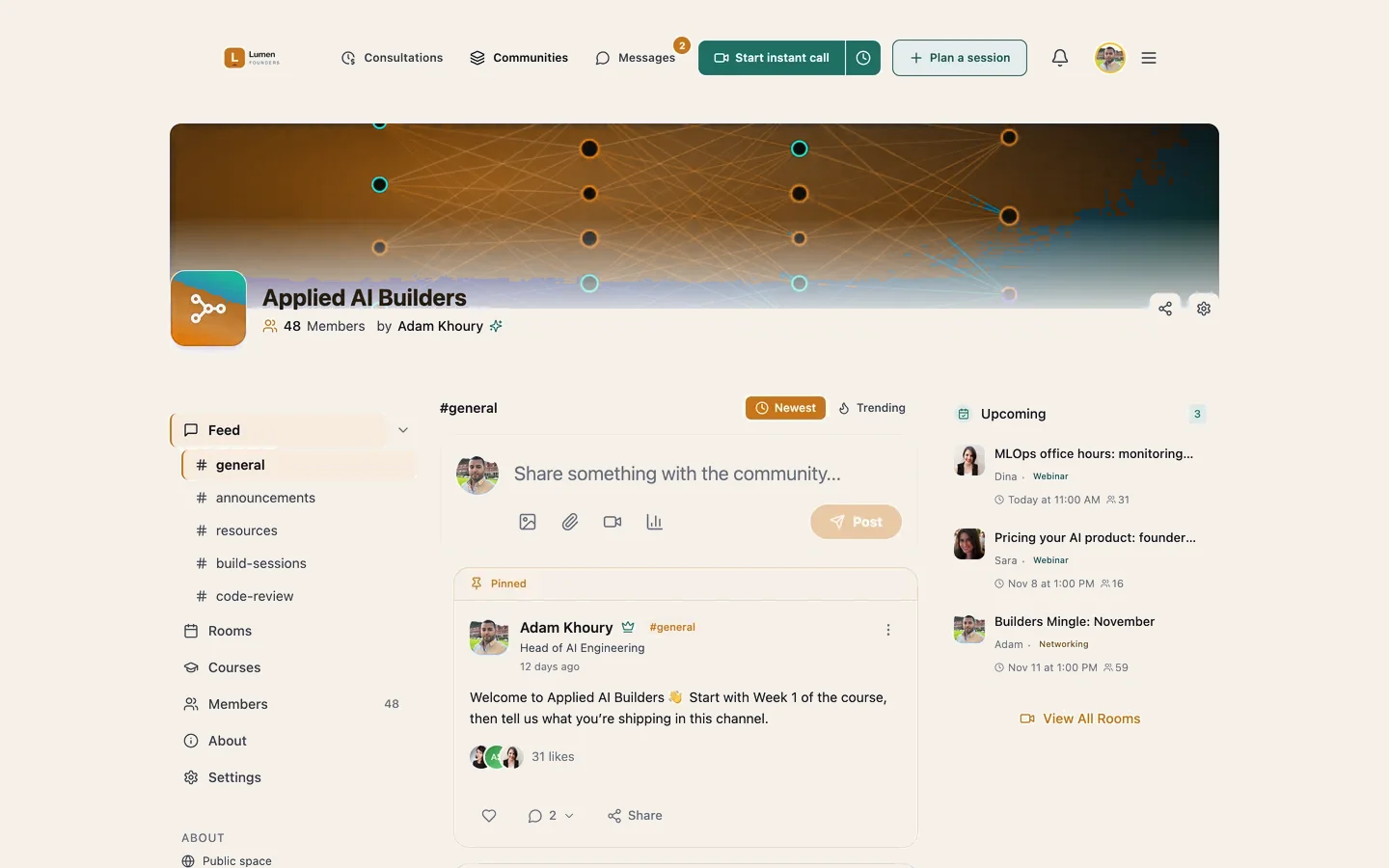
The community home of an organization running BrainsMingle under its own brand: its logo, colours and banner
Community
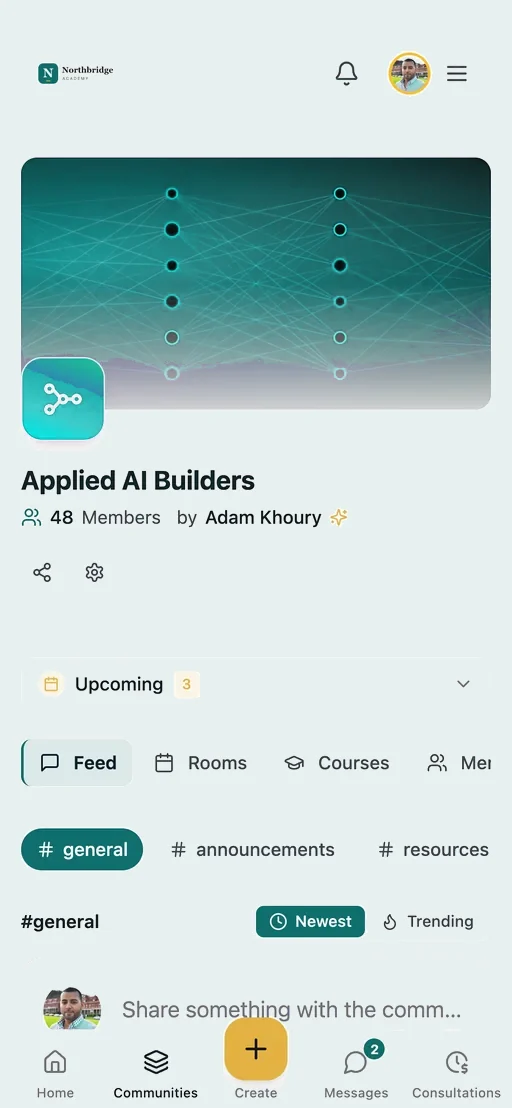
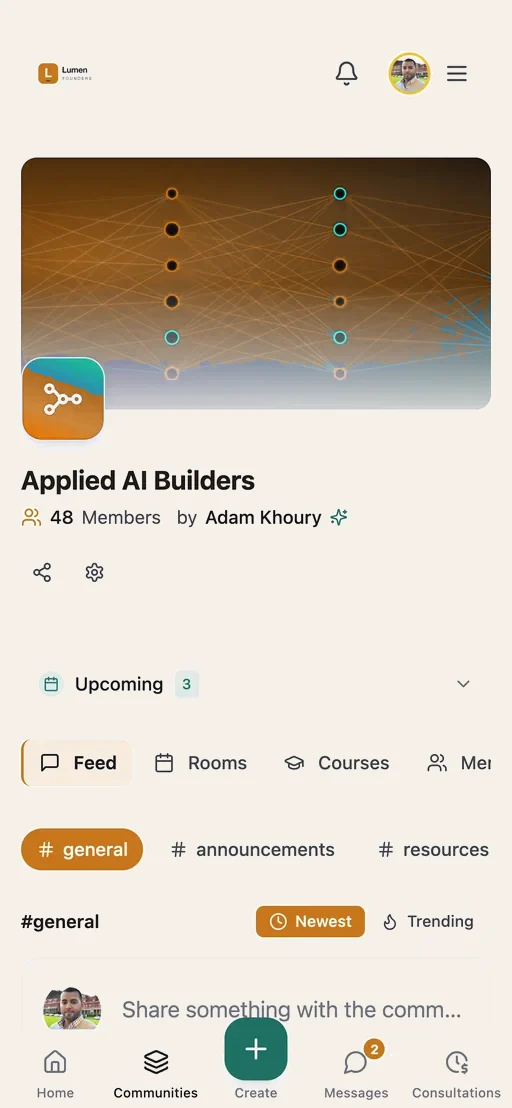
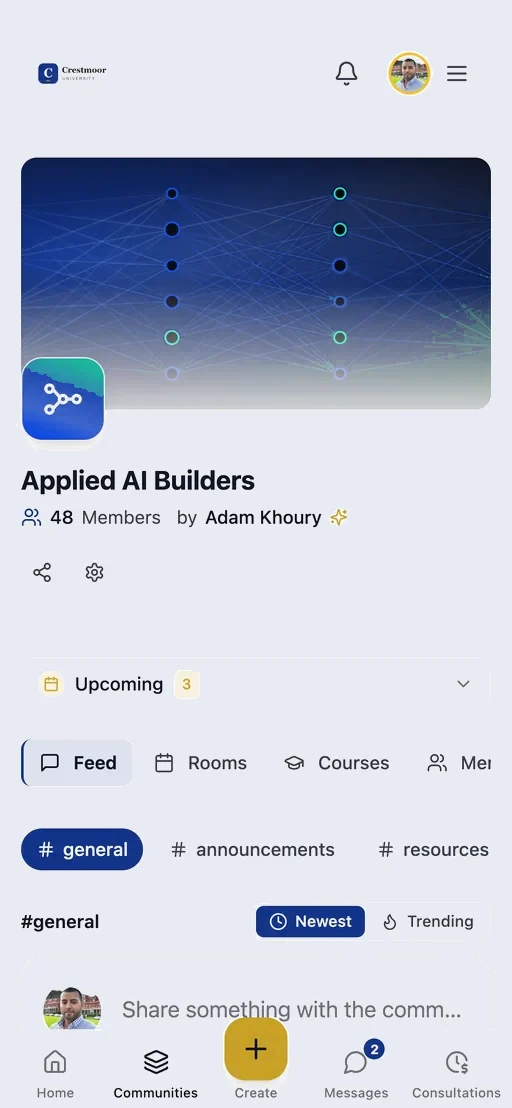
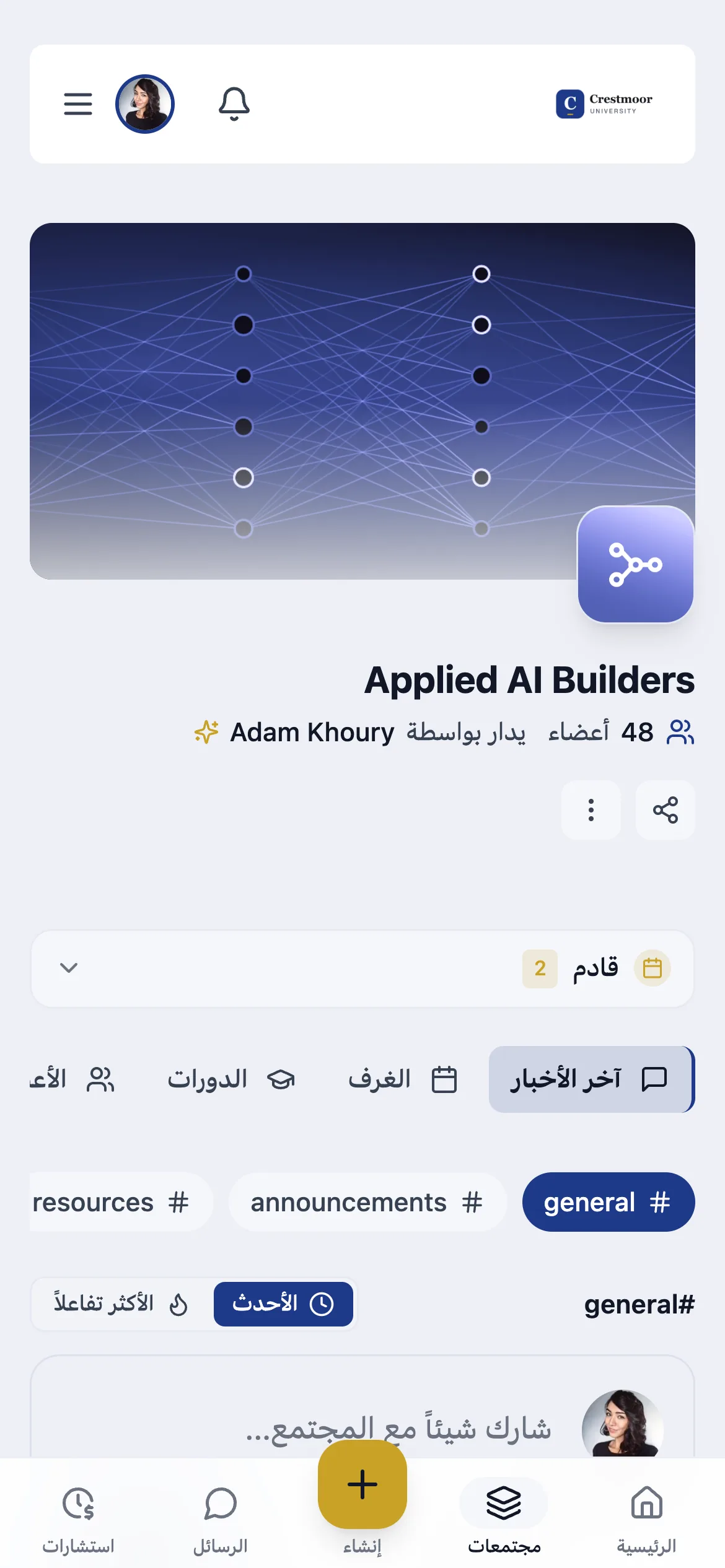
The same community on a phone, in the organization's brand
Phone
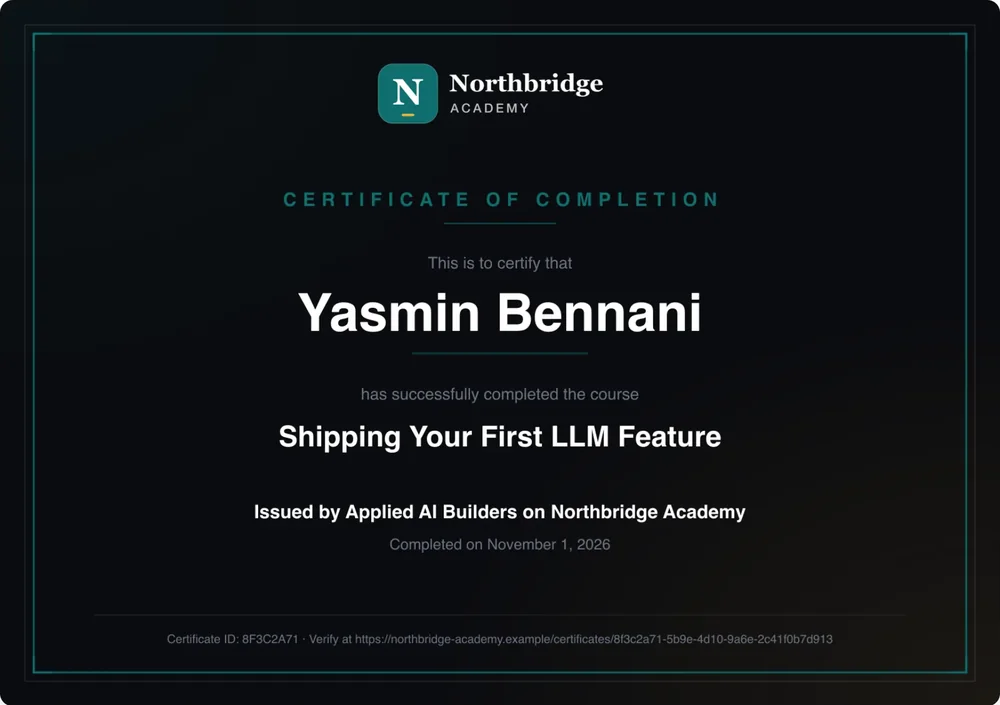
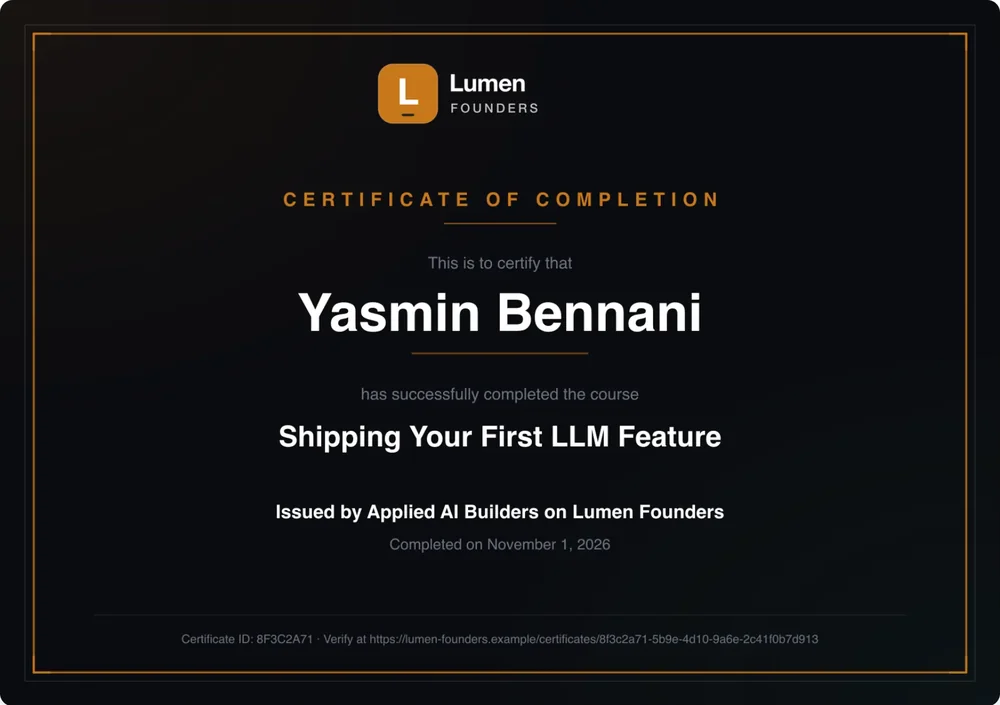
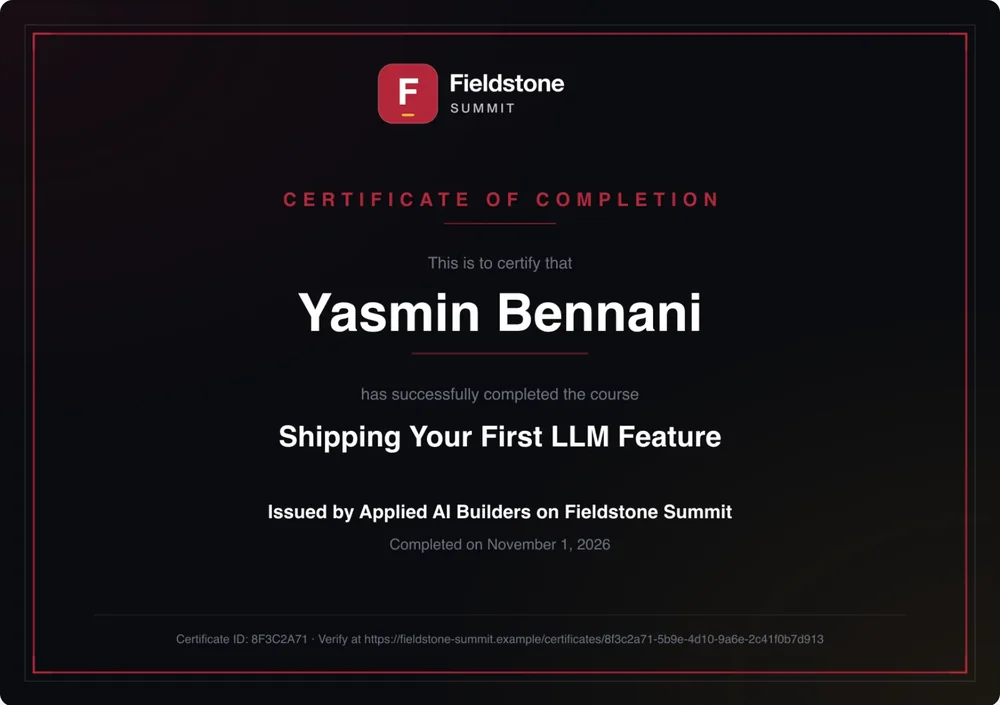
A certificate of completion carrying the organization's logo and colours
Certificate
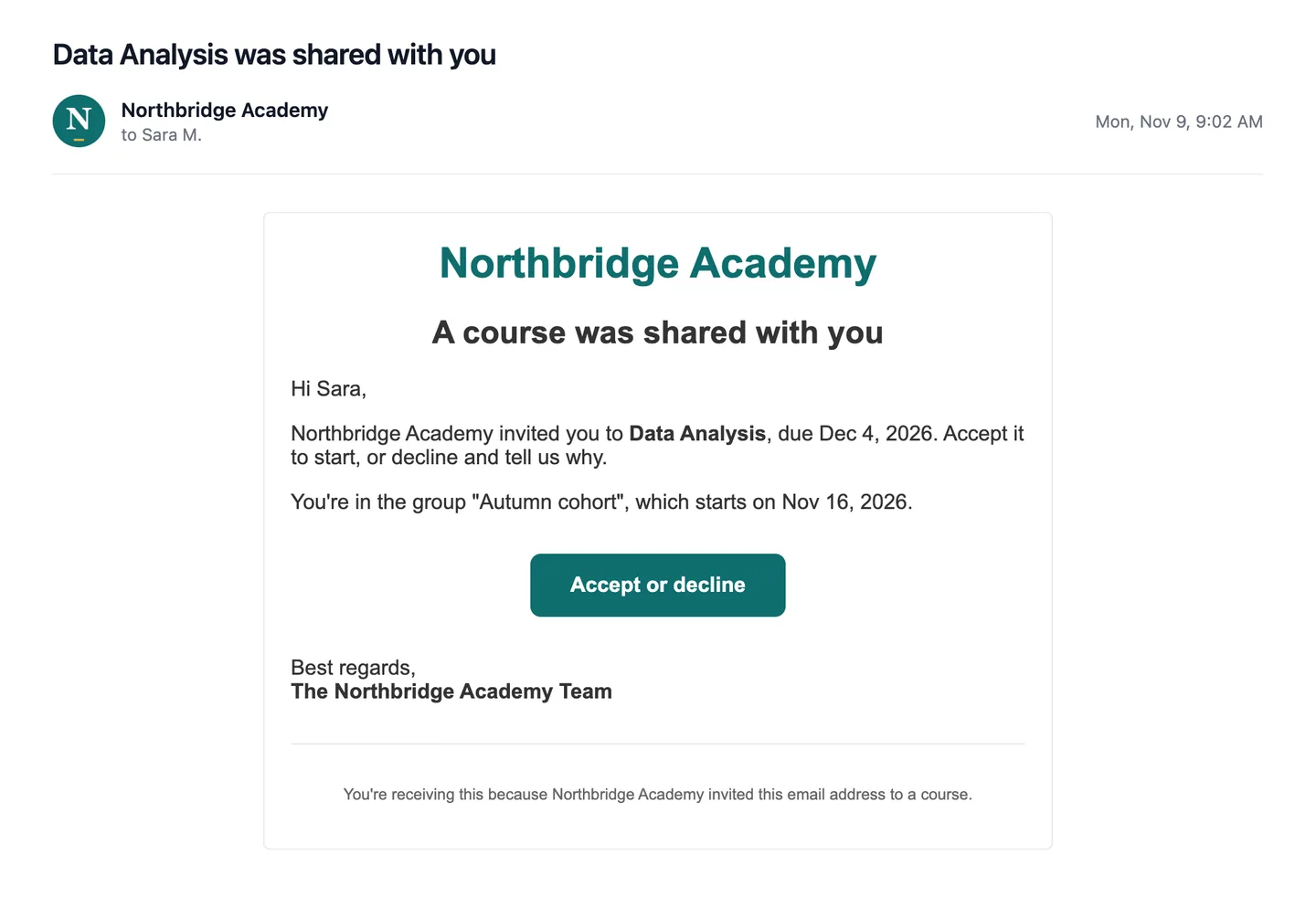
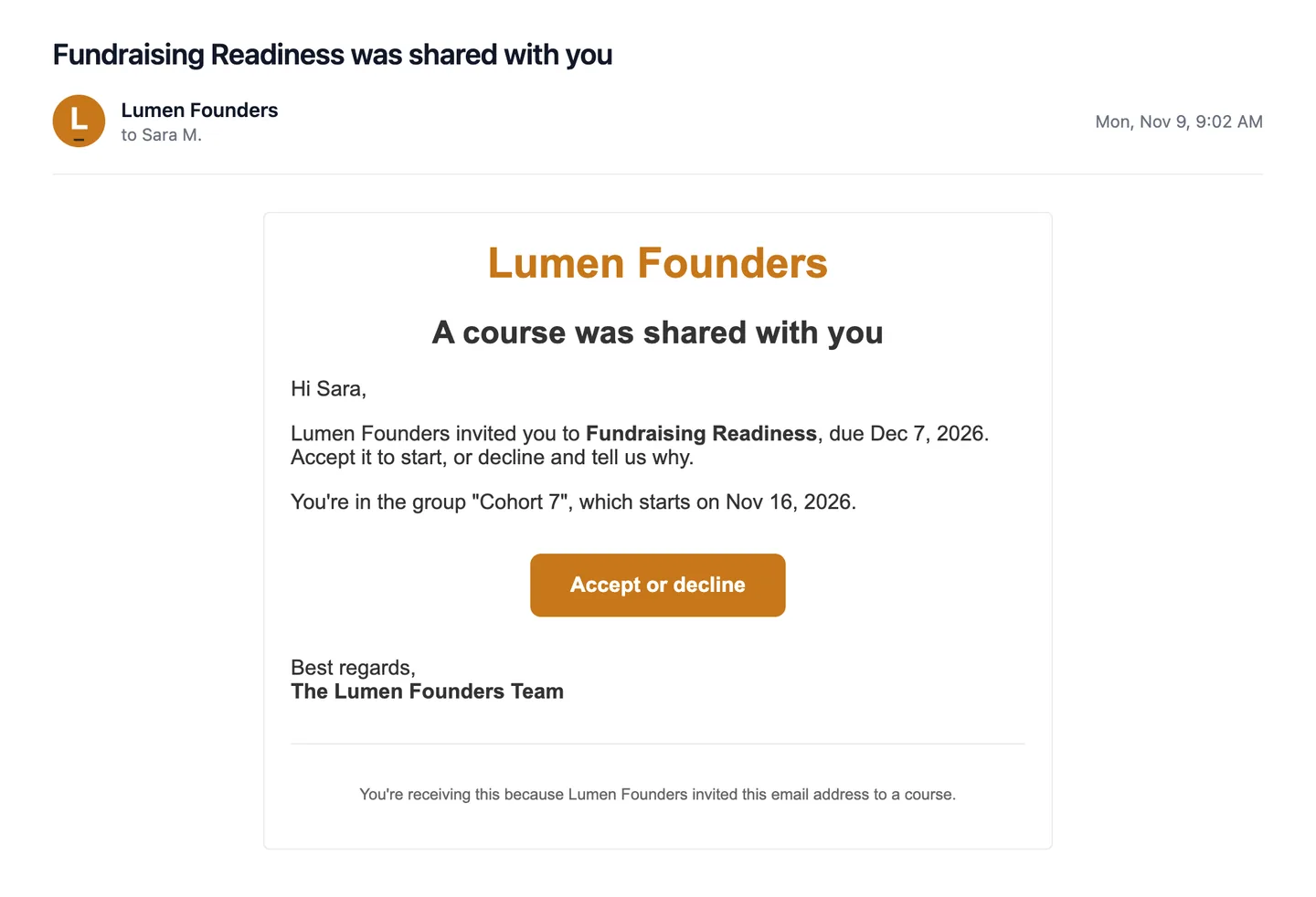
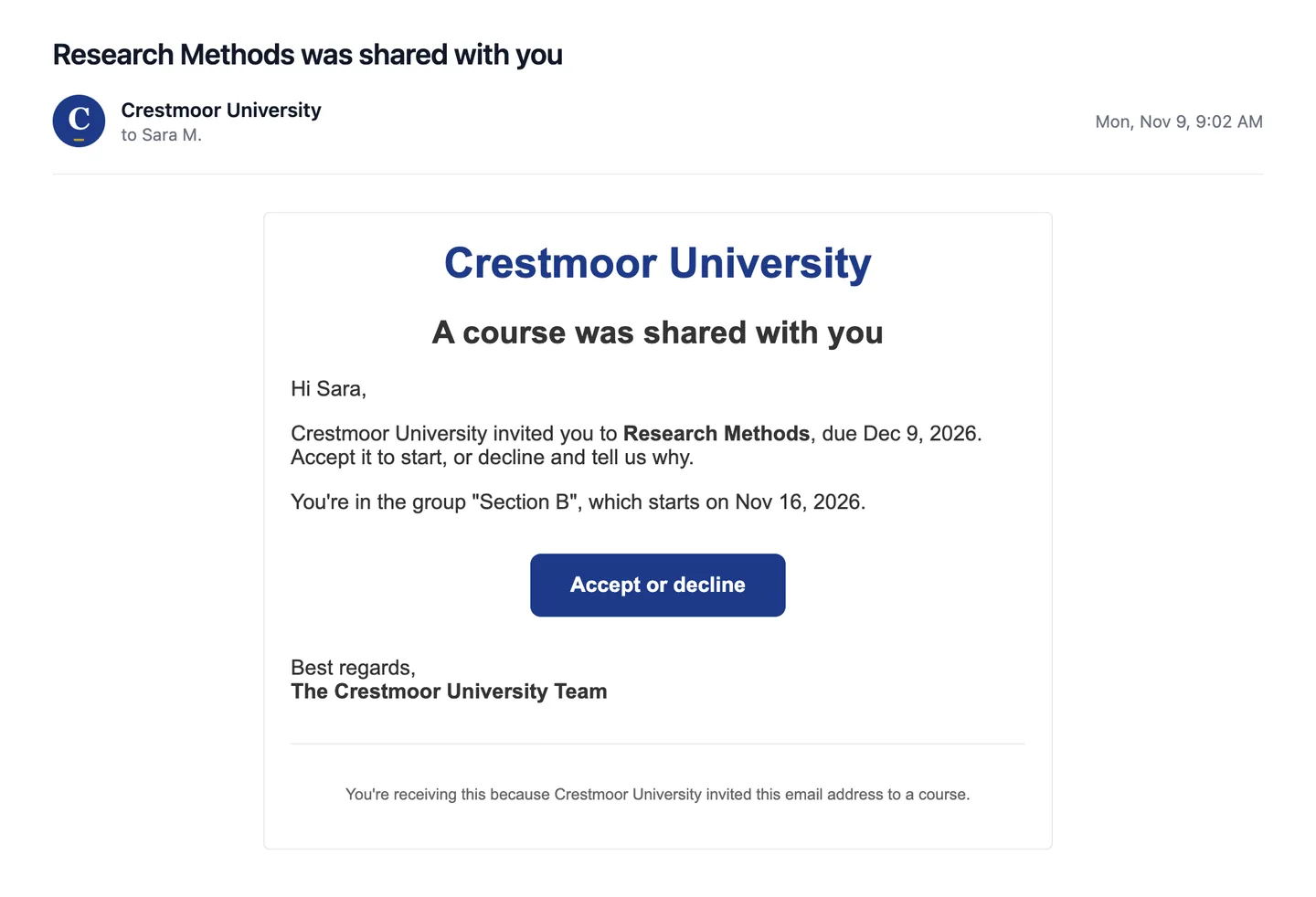
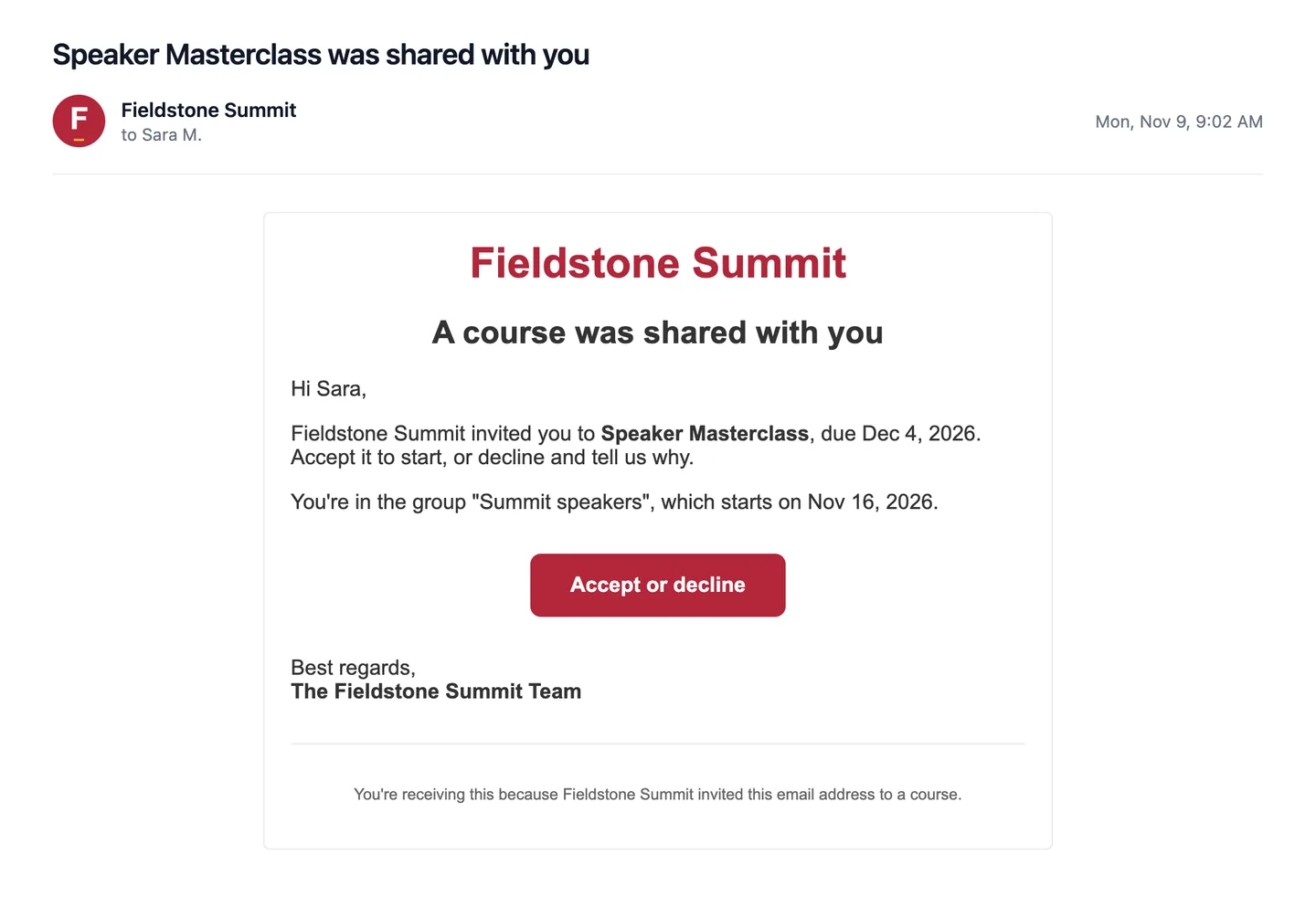
An invitation email sent in the organization's name, with its logo and a button in its colour
Email
Or try one of these
Interface language
Your brand on every screen.Preview: a name you type appears in the tab and address bar.
Your identity

Custom branding, set up with you once. Yours to change after.

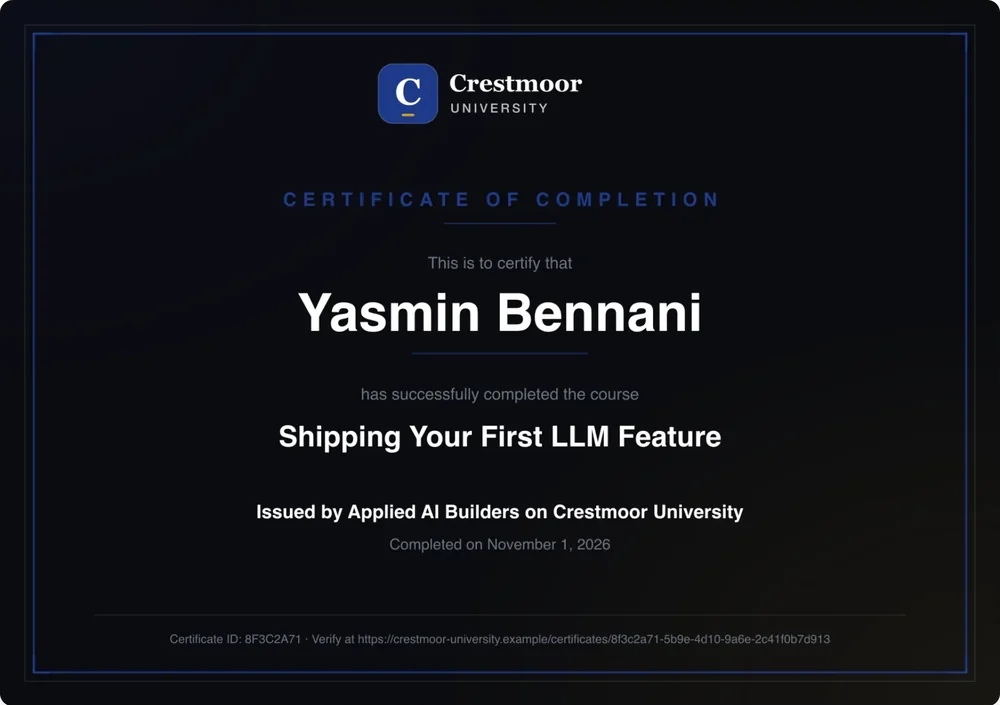
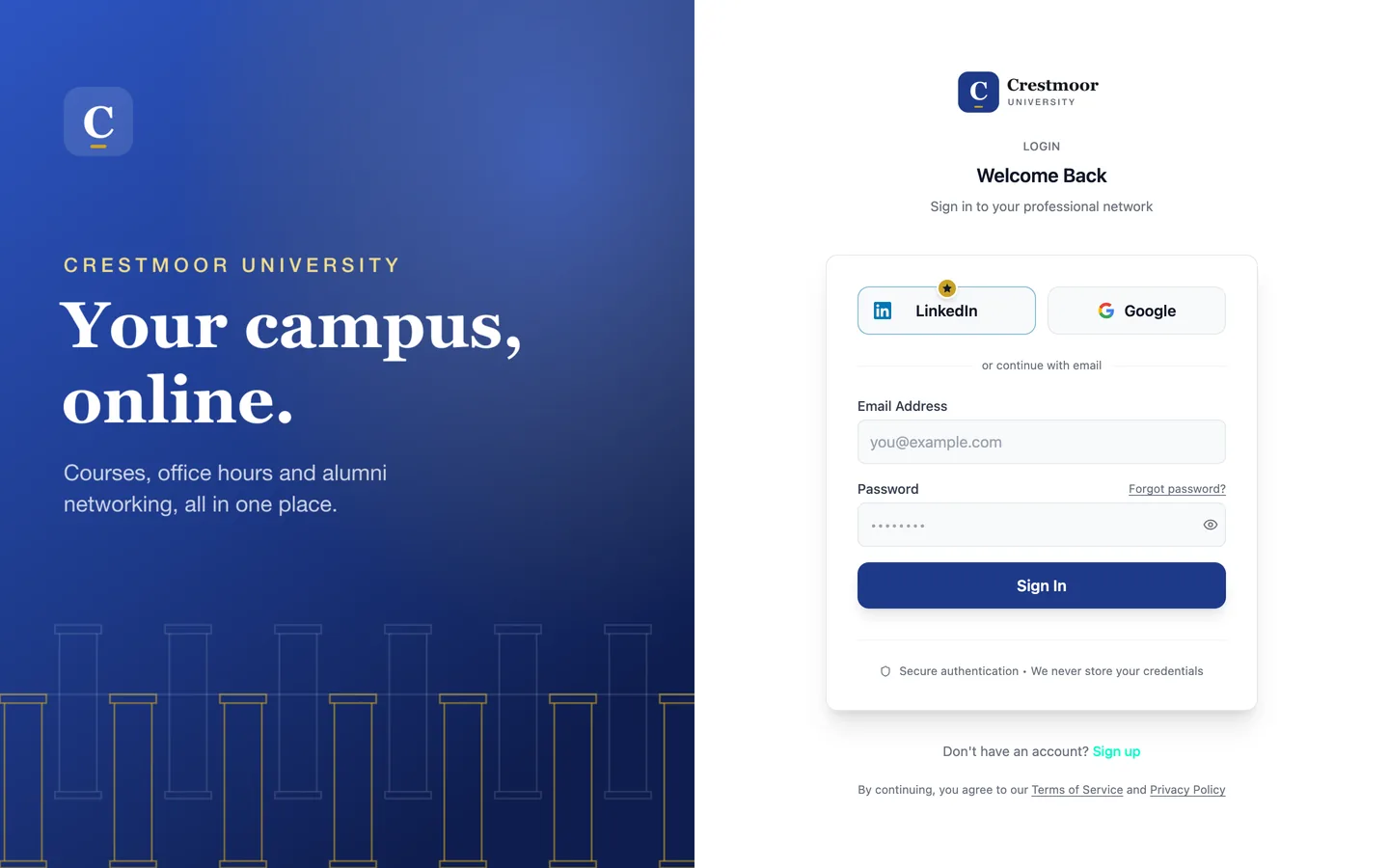
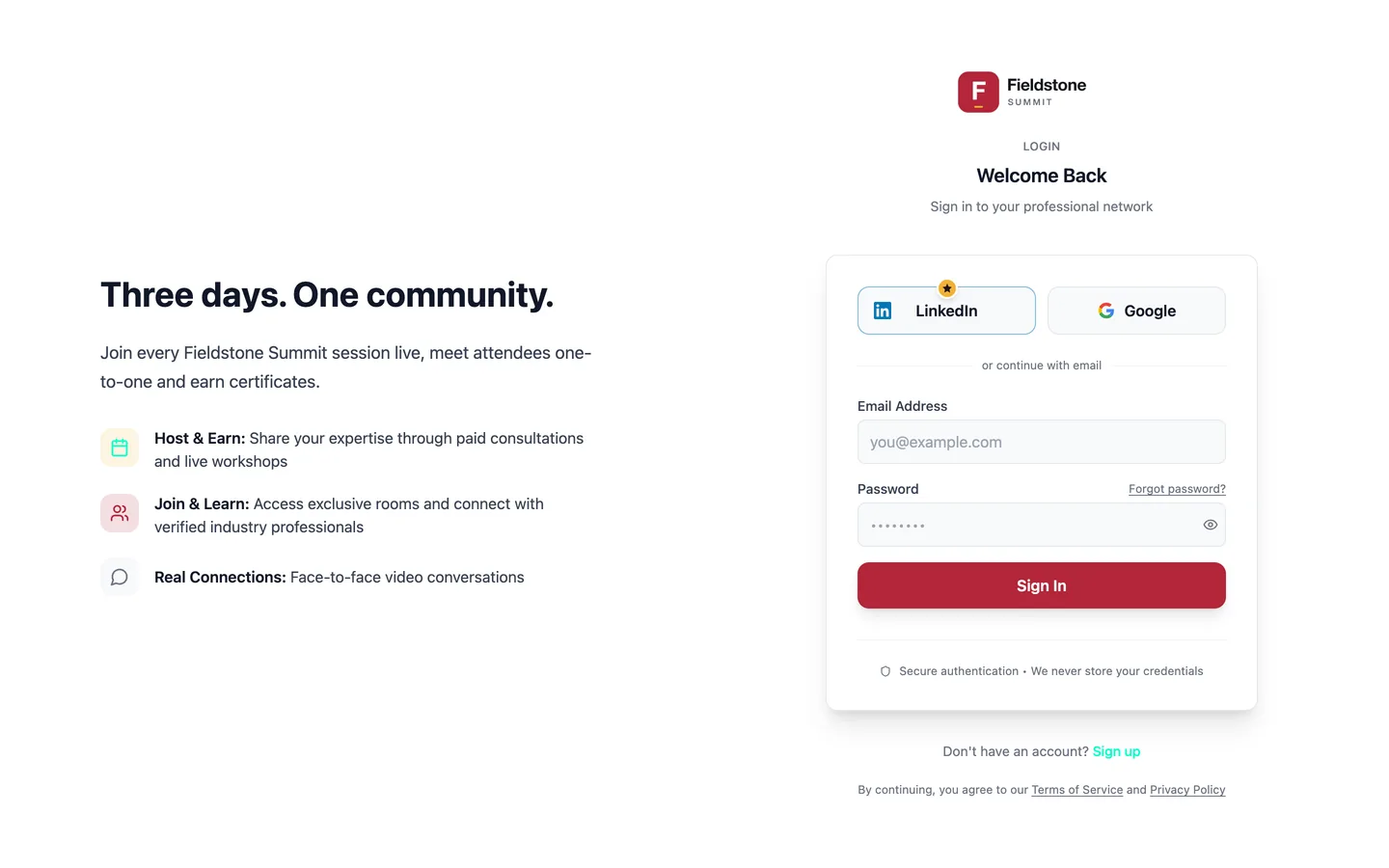
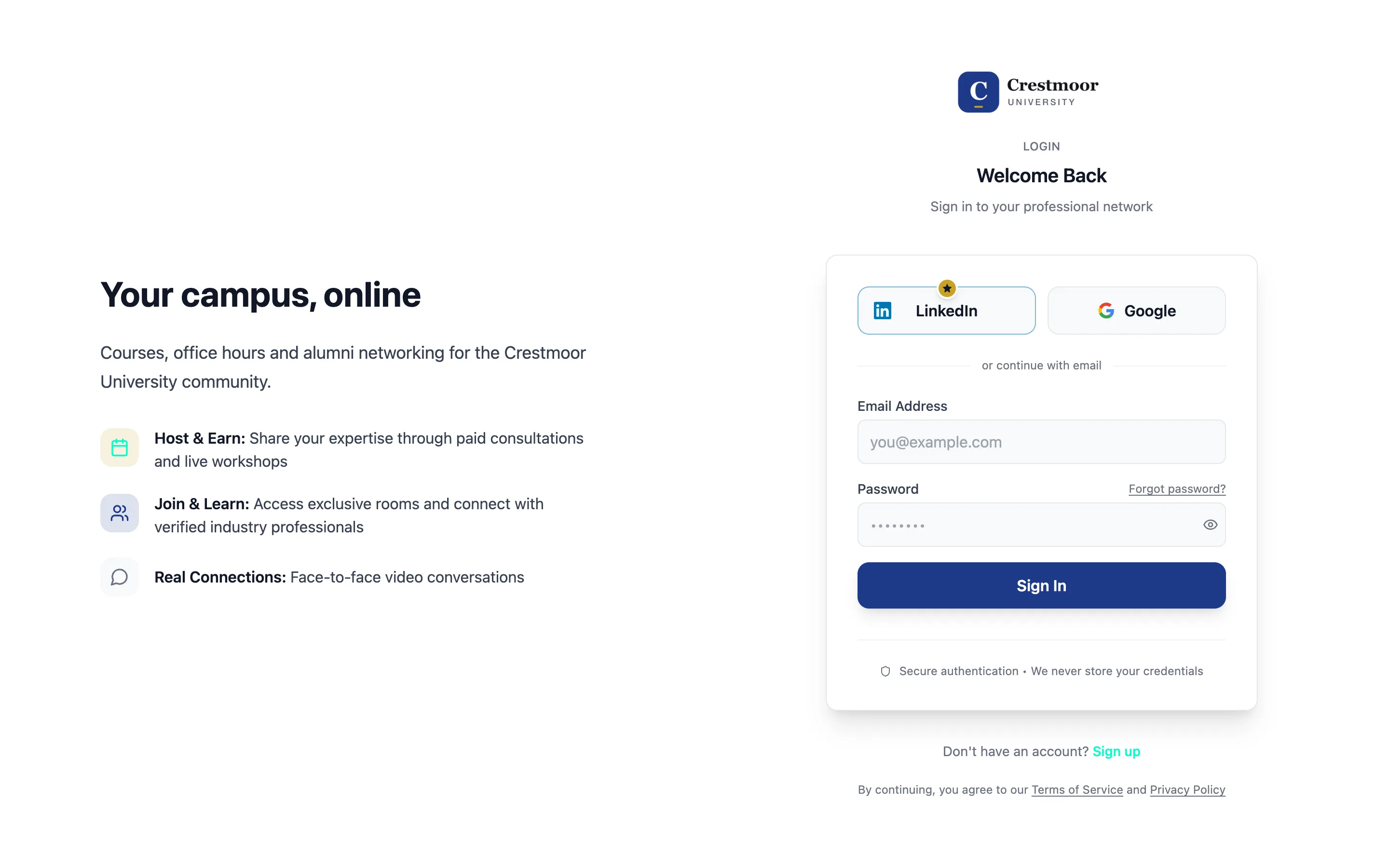
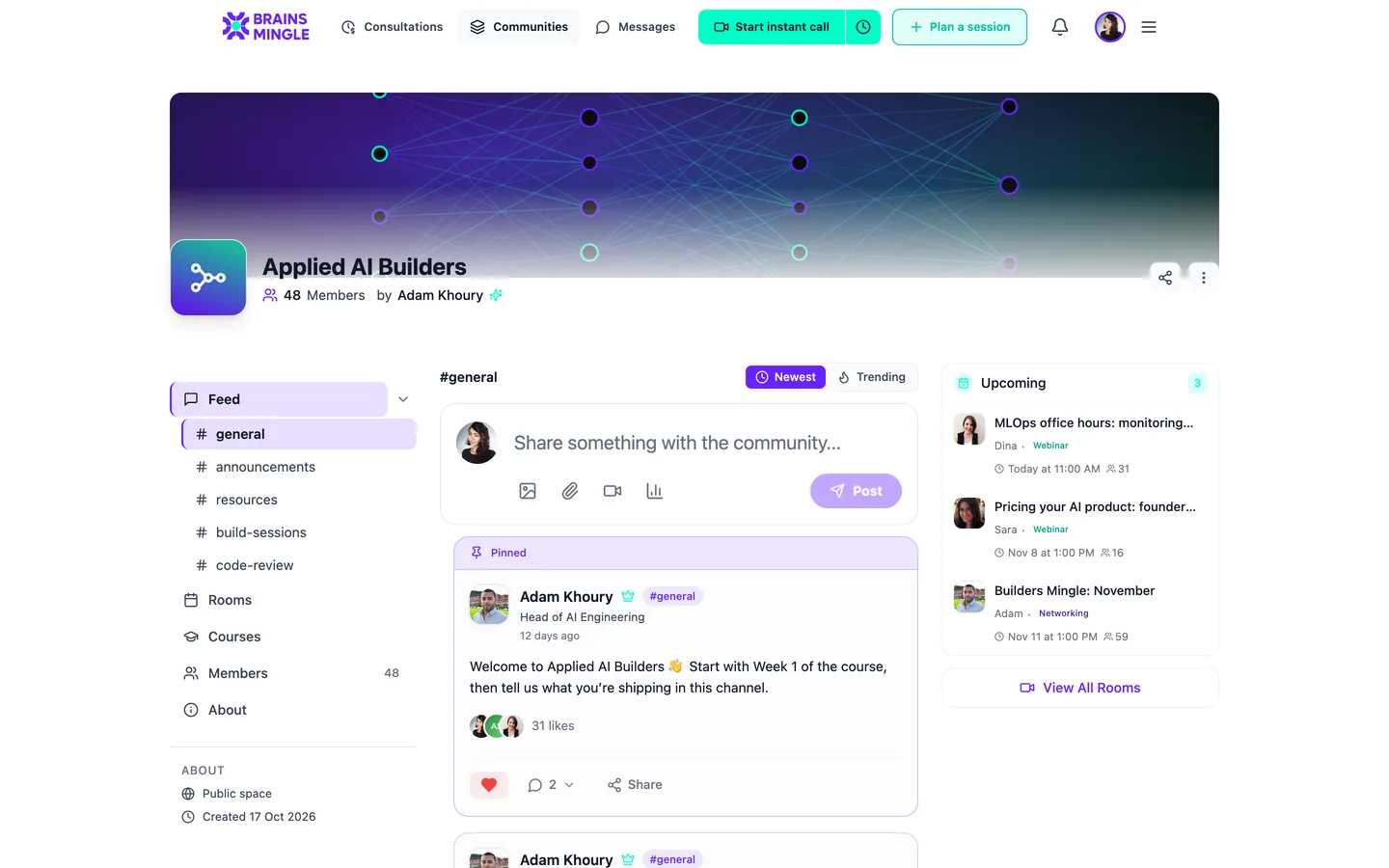
The same sign-in page, under two brands. One with its own cover.

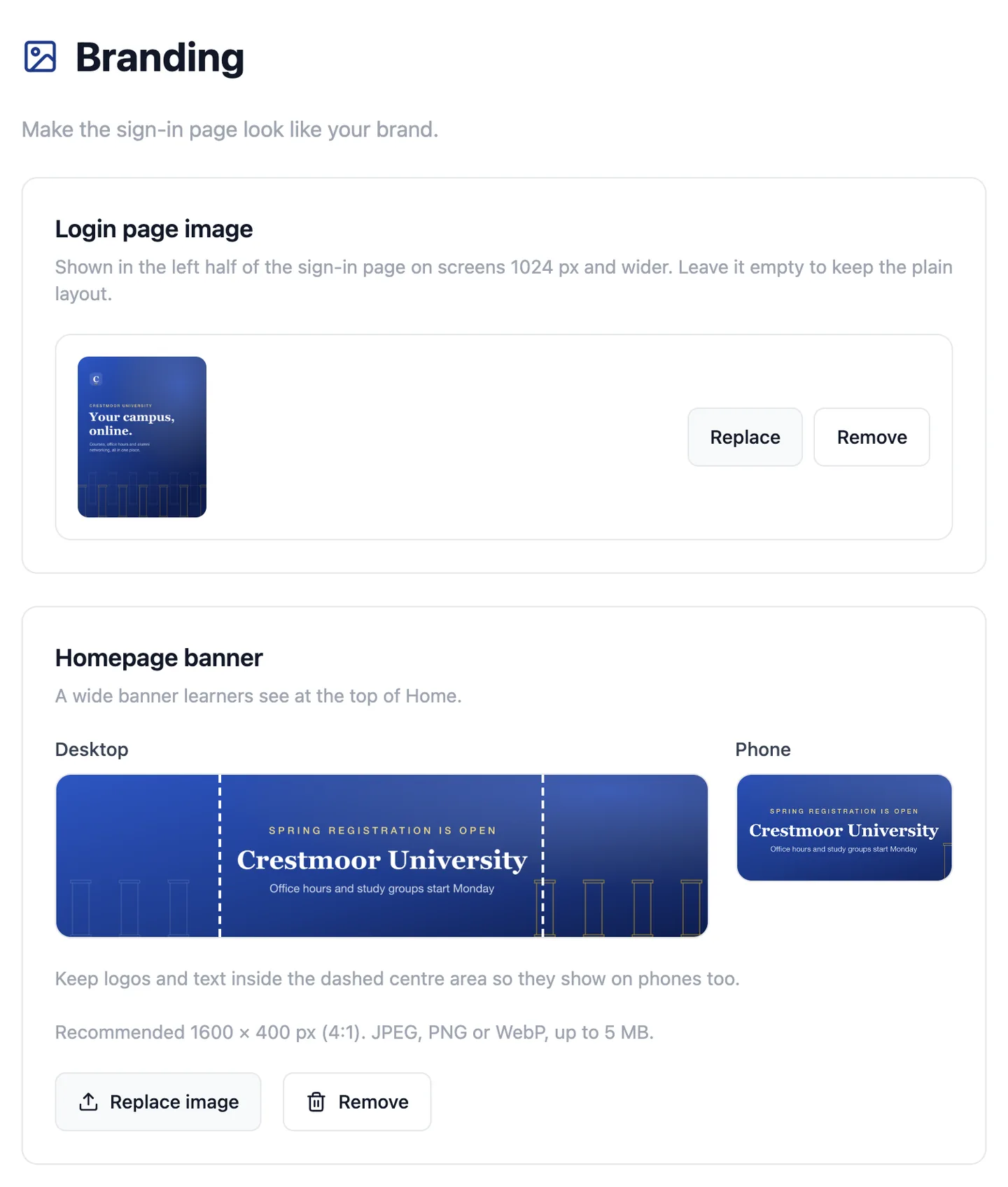
community.crestmoor.edu/admin/branding
The branding screen where Crestmoor's admins set the sign-in cover: a preview of the navy colonnade image with Replace and Remove buttons
The cover above, set by Crestmoor's own admins.
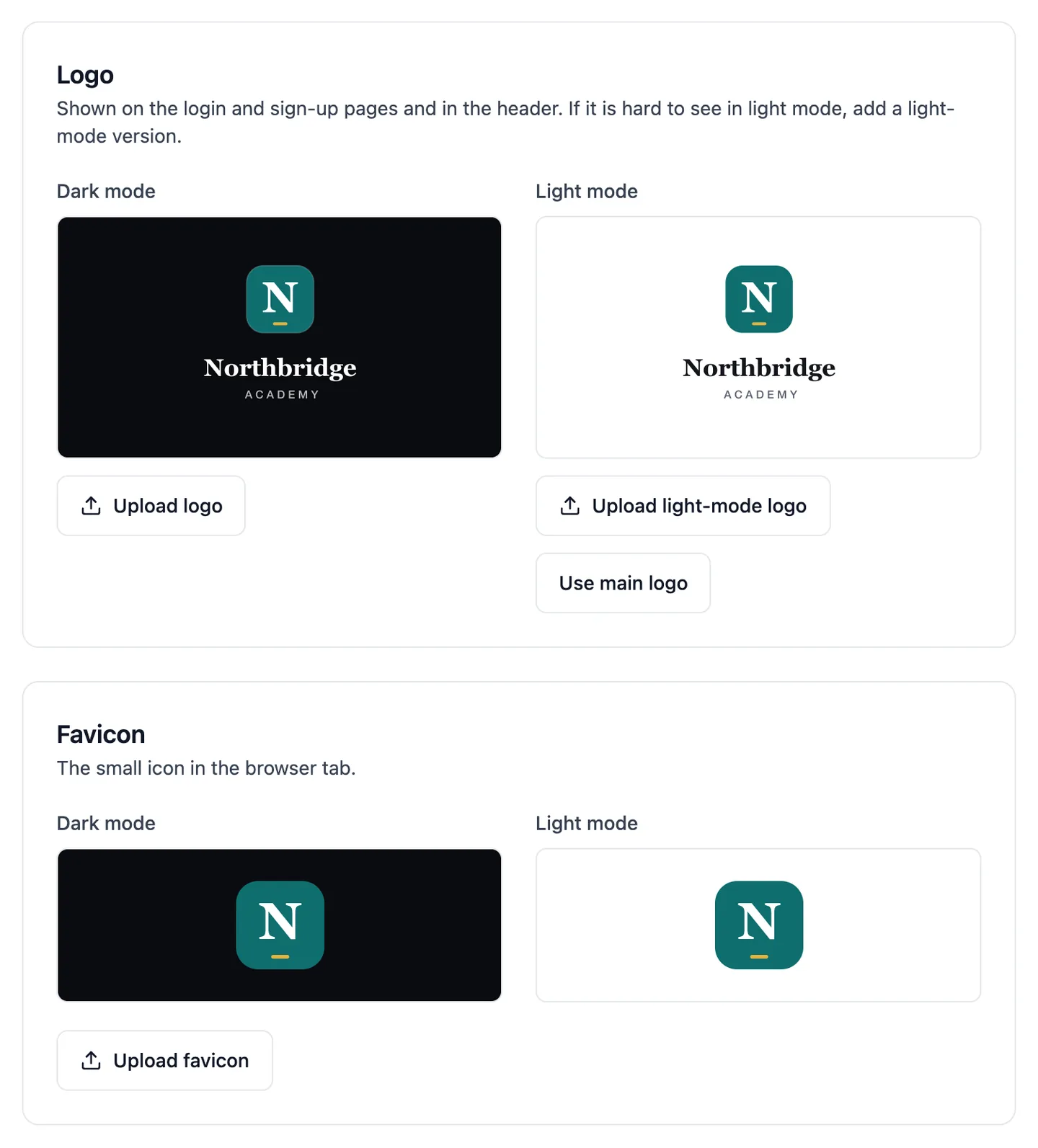
  1. Logo and faviconYour admins upload them, with a preview on dark and light.
  2. ColoursSet with our team during setup, for light and dark mode.
  3. Your name in the tabAnd in every email and invitation, from your sending identity.
  4. A cover for your sign-in pageYour own image on the left half of the page, uploaded by your admins.
community.northbridgeacademy.com/admin/branding
The branding screen admins use: the logo for dark and light mode, with Upload buttons
The branding screen your own admins use.
Your domain

Every share builds your name.

Use a subdomain we provide, or your own domain. Every invite, event link and email points to it. We connect it with you during setup.
  • A subdomain, ready on day one
  • Or your own, such as learn.yourname.org
learn.northbridgeacademy.org/events/demo-day
NANorthbridge Academy You're invited: Demo Day Thursday, 6 pm · Live on video learn.northbridgeacademy.org/demo-day Join the room
The name follows the brand above.
Six languages

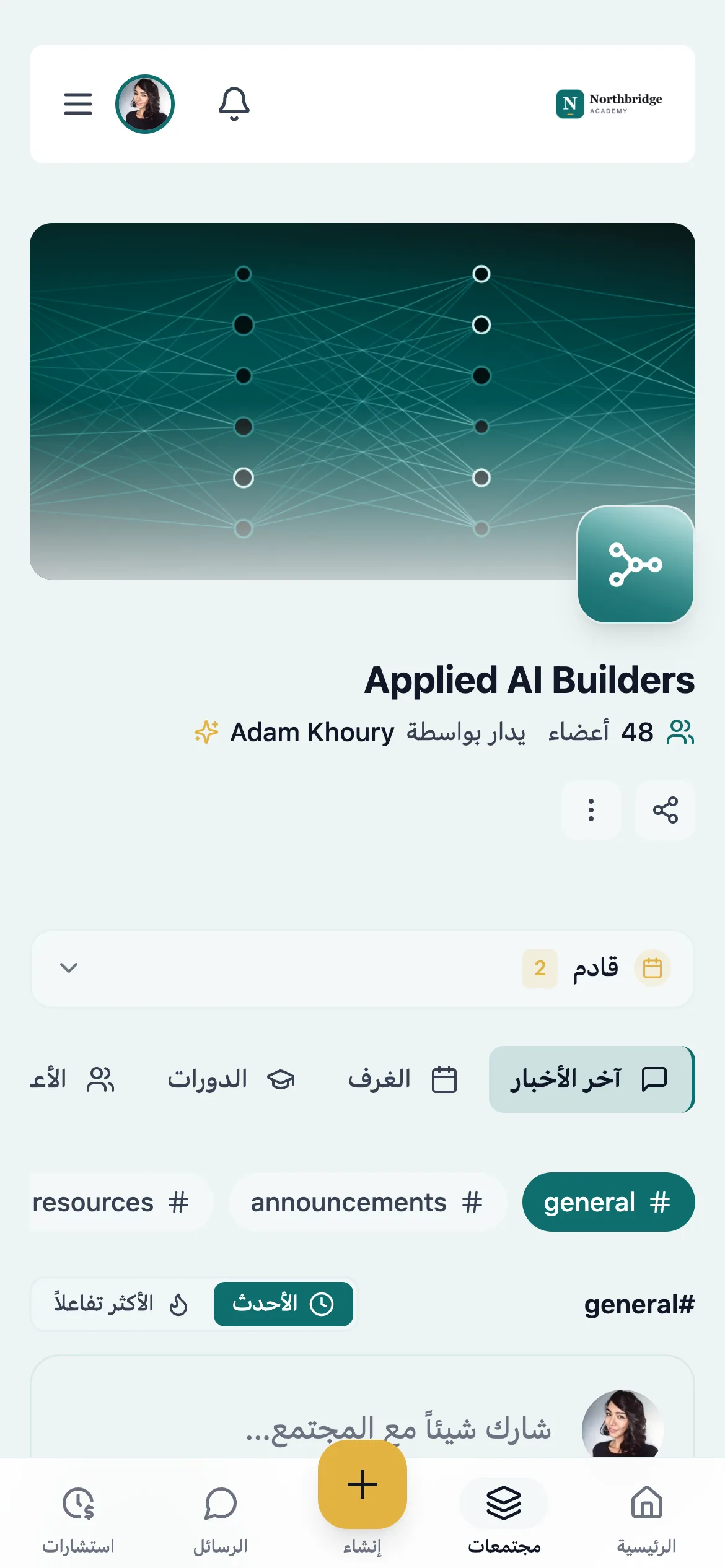
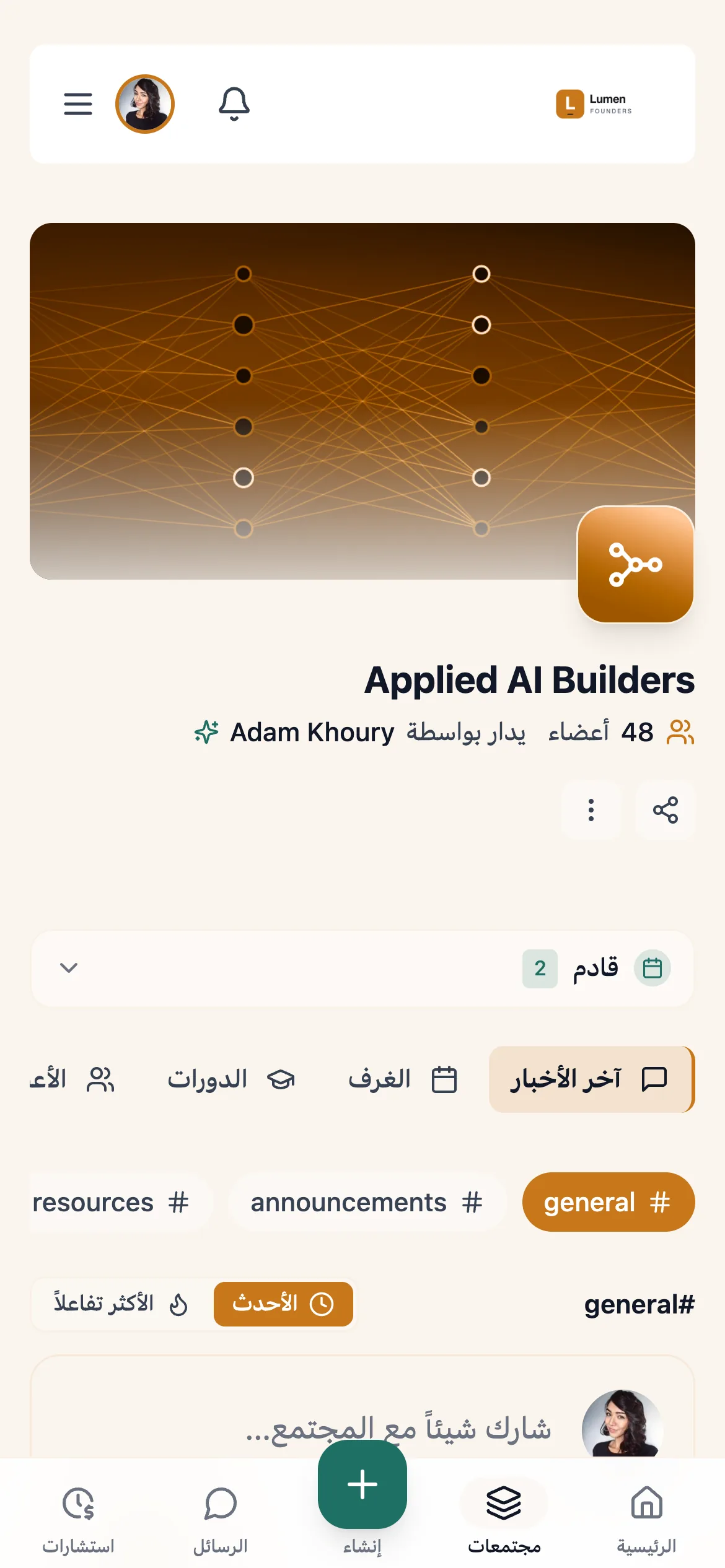
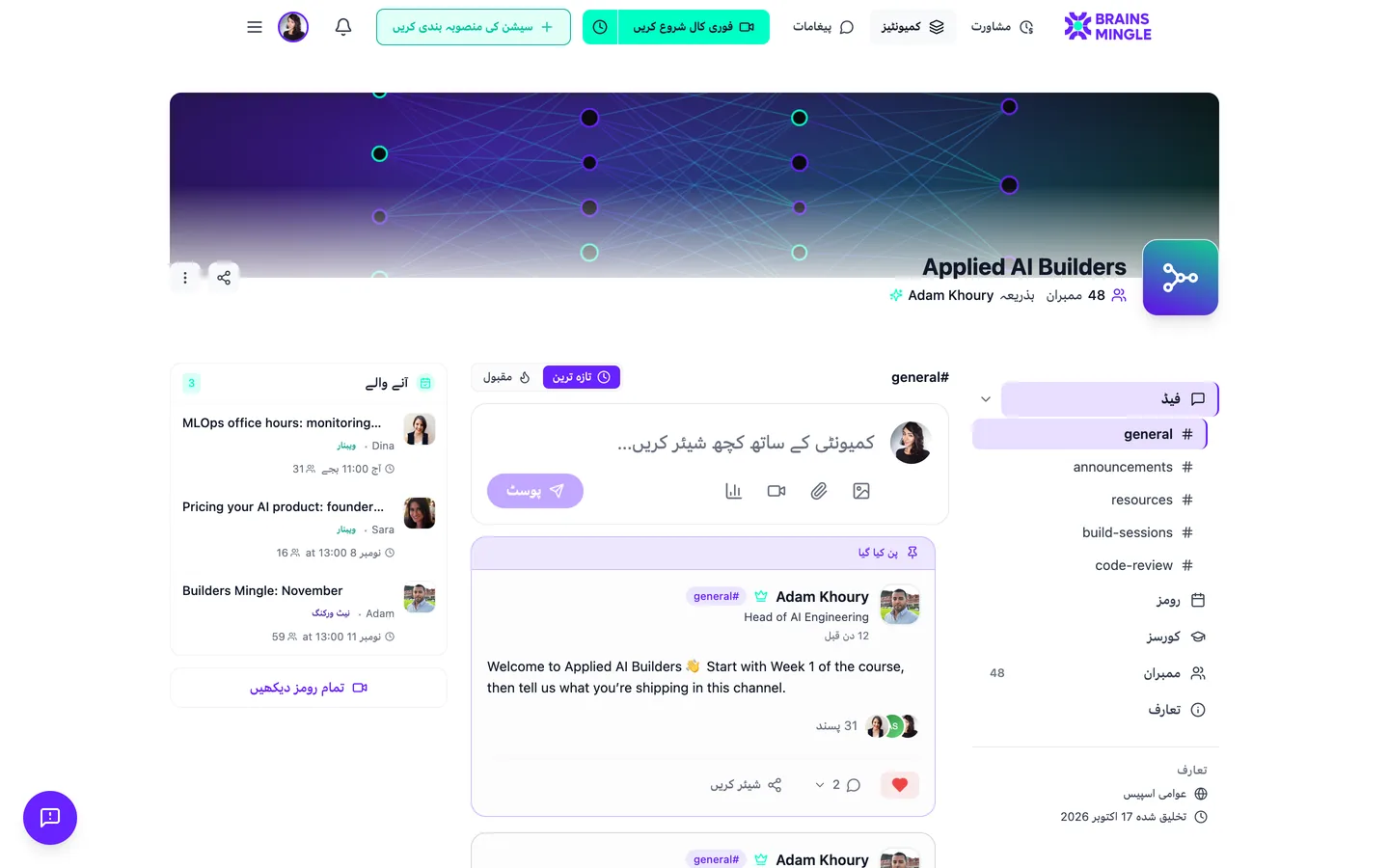
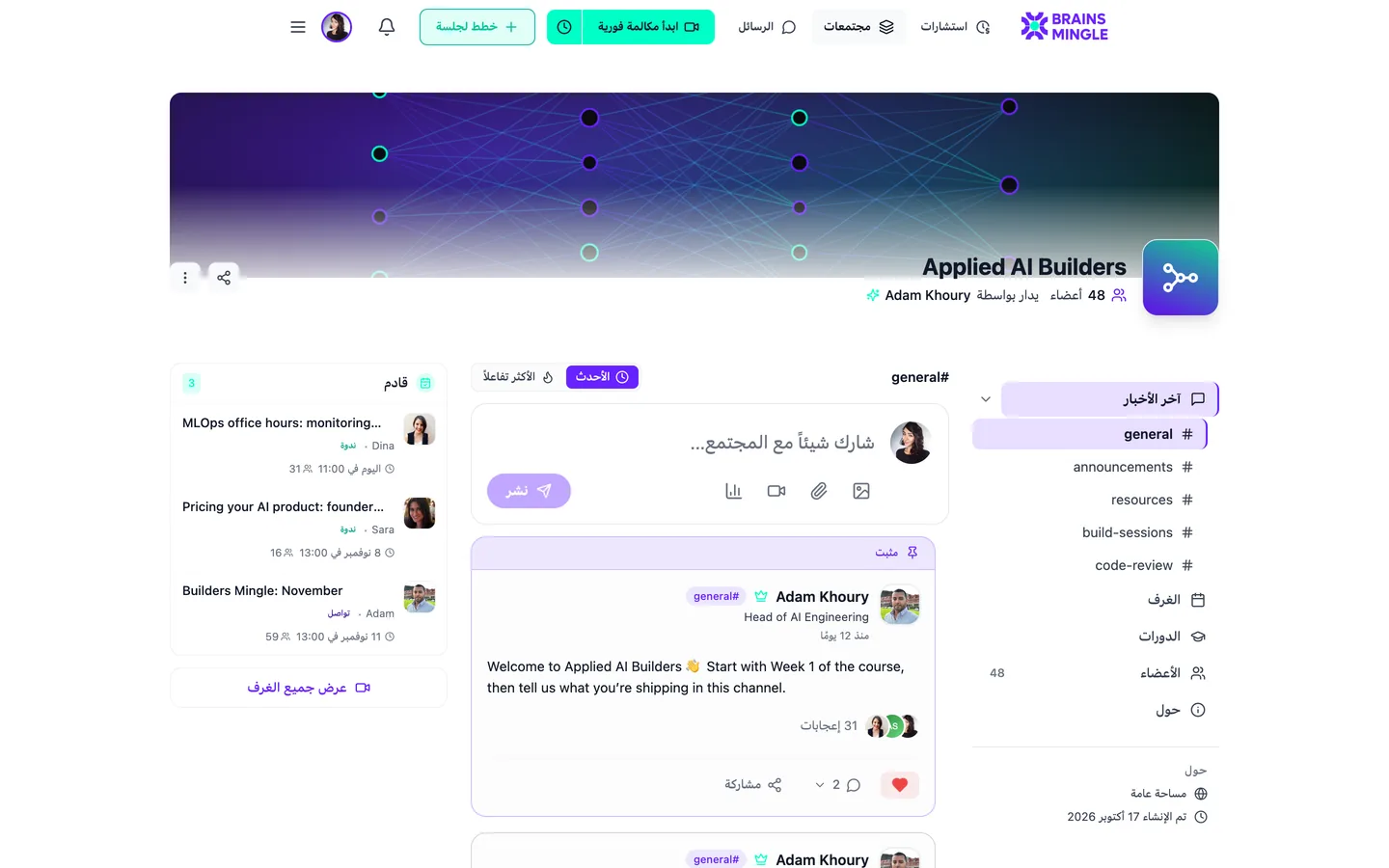
Speak your members' language. Arabic included.

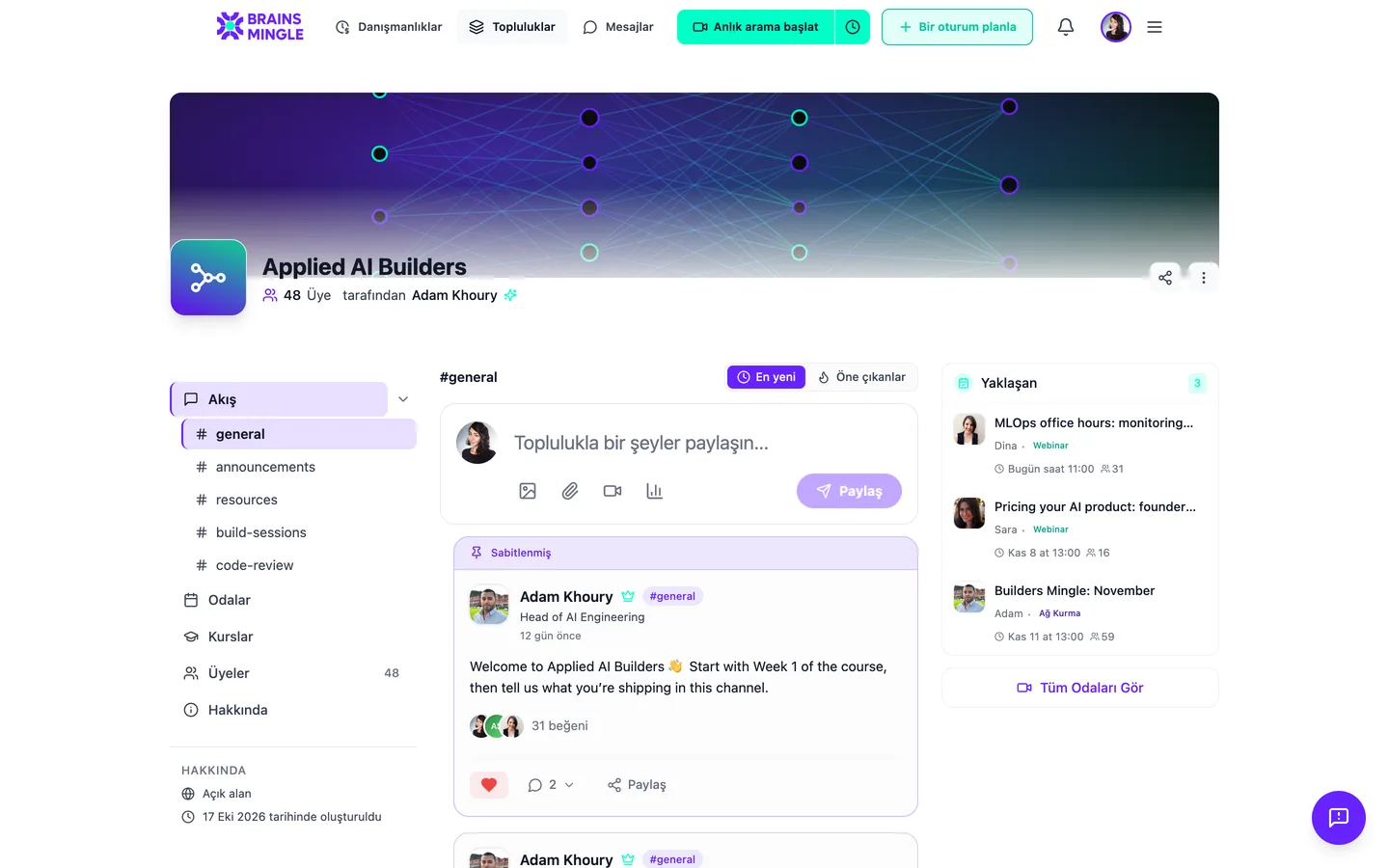
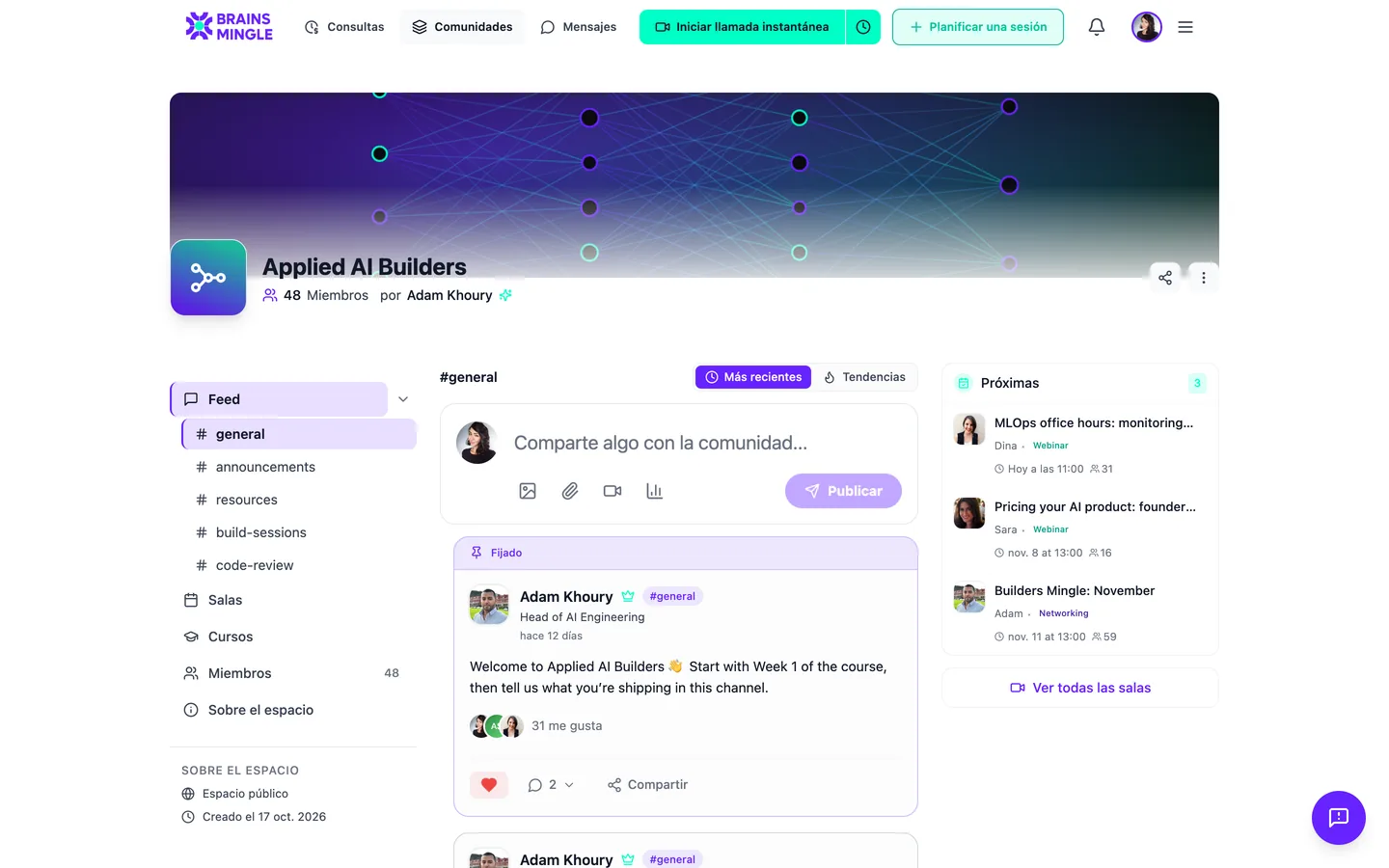
Turn on any of six languages and pick the default. Arabic and Urdu get a full right-to-left layout. Emails go out in each member's language.
Sign-in and access

Let in exactly who you mean to.

Three ways in. You choose which ones are on.

  1. LinkedIn and Google sign-in buttons on a branded sign-in page
    01

    Google, LinkedIn or email

    Members use an account they already have.

  2. 02

    One click from your site

    Partner SSO sends people from your website or app straight in, already signed in.

  3. 03

    Closed mode

    Every page asks for sign-in. Nothing is public.

You can also limit sign-up to your company's email domains.

Questions

Before you put your name on it.

Something else? Ask us directly

Is it really ours, or a reskin?
Each organization gets its own platform with its own database, its logo, colours, languages and sending identity, and a subdomain or its own domain. Your members see your name.
Can it sit inside our own product?
Yes. Your users reach live events, networking and mentoring through one link and single sign-on, under your product's name. See live events for your product
Who sets up the domain?
Our team connects your domain with you during setup. There's no DNS screen to work through on your own.
Can we change the logo later?
Yes. Your admins can upload a new logo, light-mode logo, favicon and login cover at any time. Colour changes go through our team.
Can the platform be Arabic-first?
Yes. Set Arabic as the default language and the whole platform runs right to left. Members can still switch to any other language you turn on.
Do we get our own app in the app stores?
Today your members use your platform in any phone browser, under your brand, with nothing to install. Ask us about store apps on the demo.

Show us your logo. We'll show you the platform.

Tell us your name and colours, and we'll set up a demo the way your members would see it.