

Sell the ticket. Run the room. Thank the sponsor.
One page to sell tickets, place a sponsor and run the event live on video.
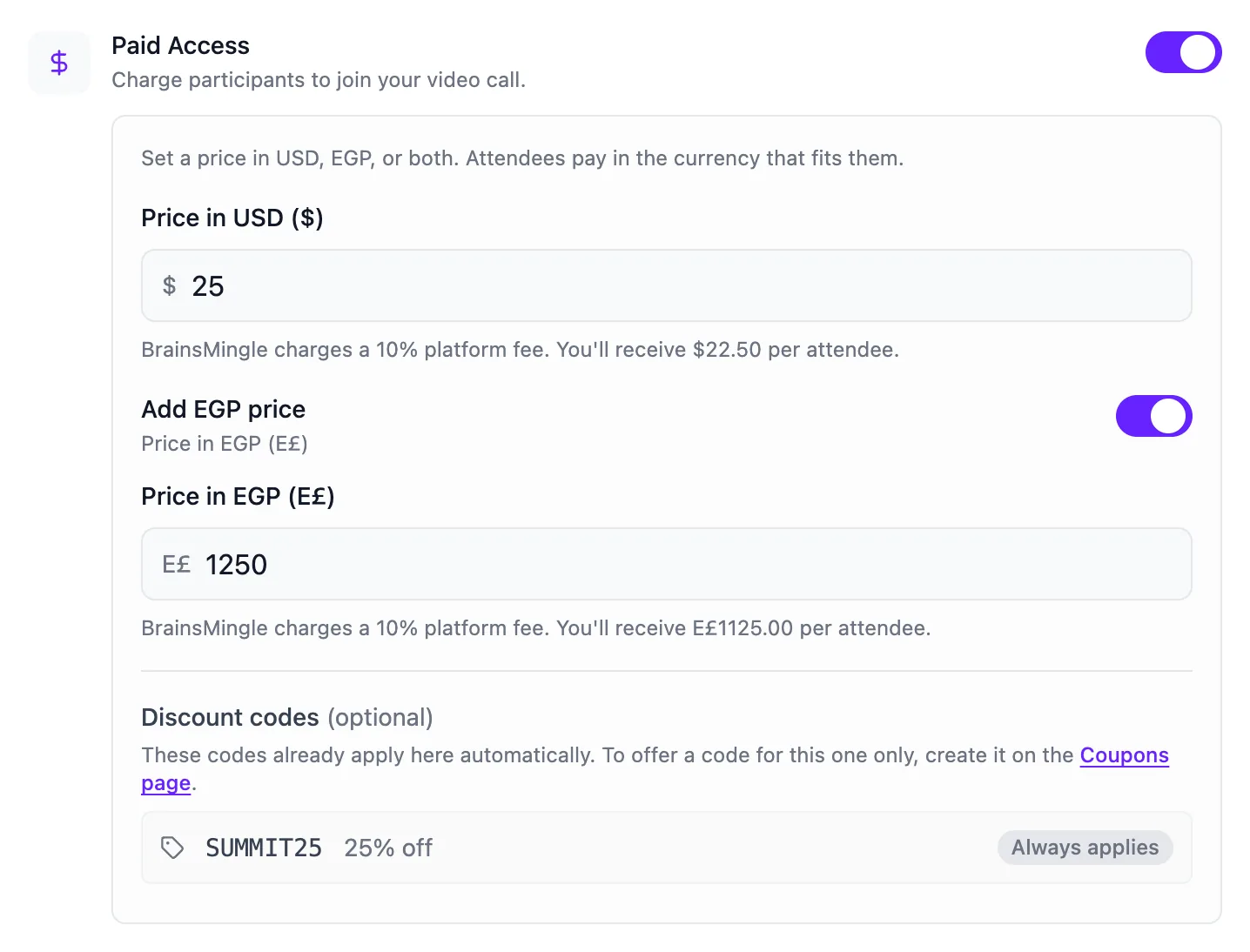
- 2currencies, USD and EGP, with your net amount shown under each price.
- 3–15minute one-to-one networking rounds, if you add a speed networking room.
- 10%platform fee on tickets on paid plans, 15% on Free. Publishing is free.
Event ticketing, from announcement to replay, on one page.
Six steps, one place your attendees come back to. Pick a step to see it.

Publish the page.
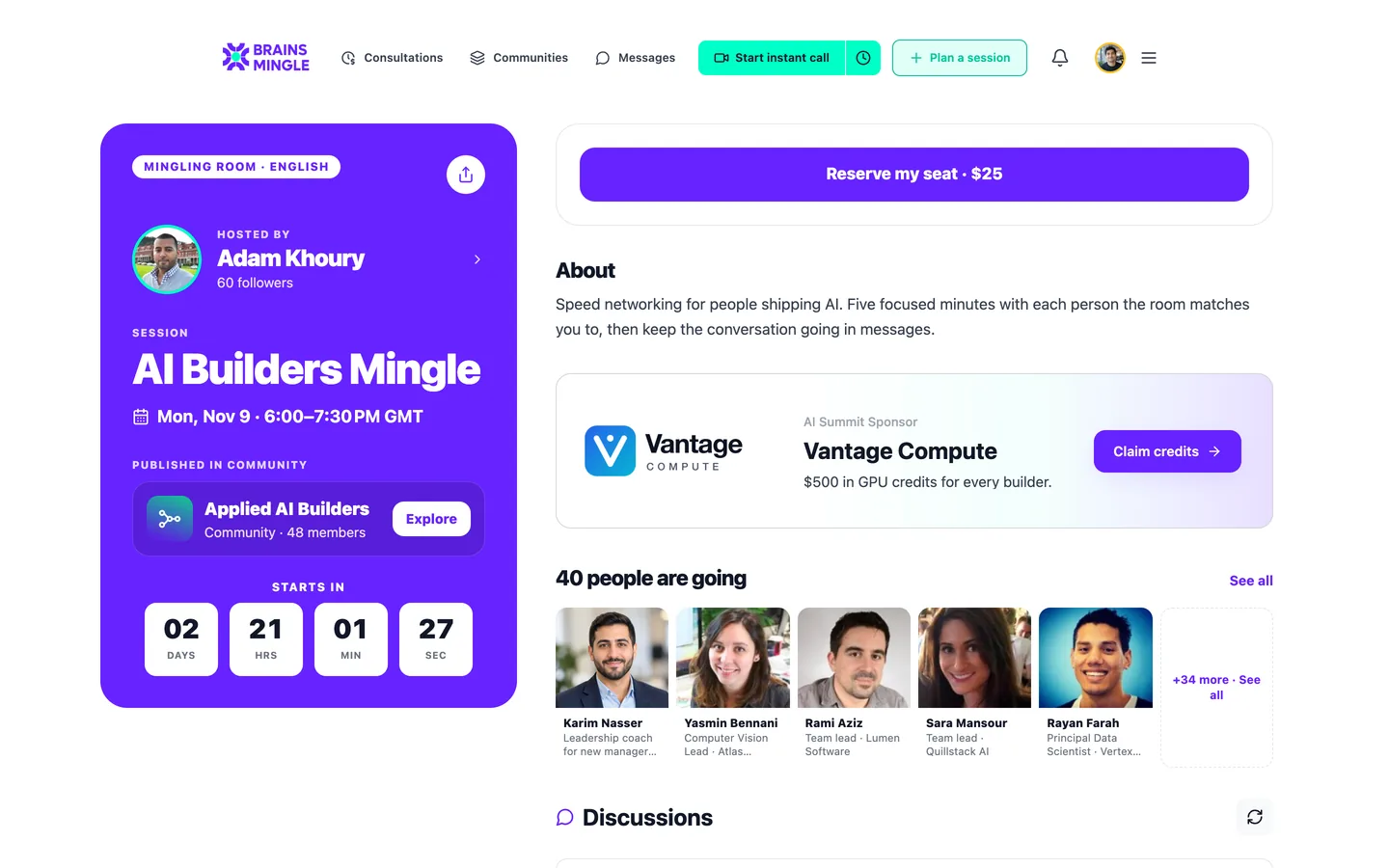
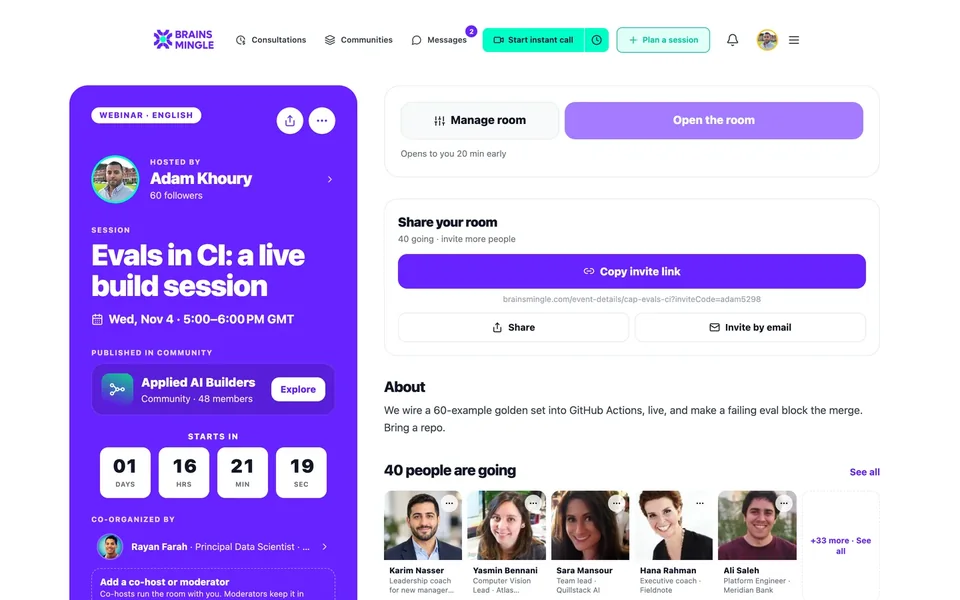
Host, date, countdown and description. Attendees set a reminder, add it to their calendar and see who else is coming.
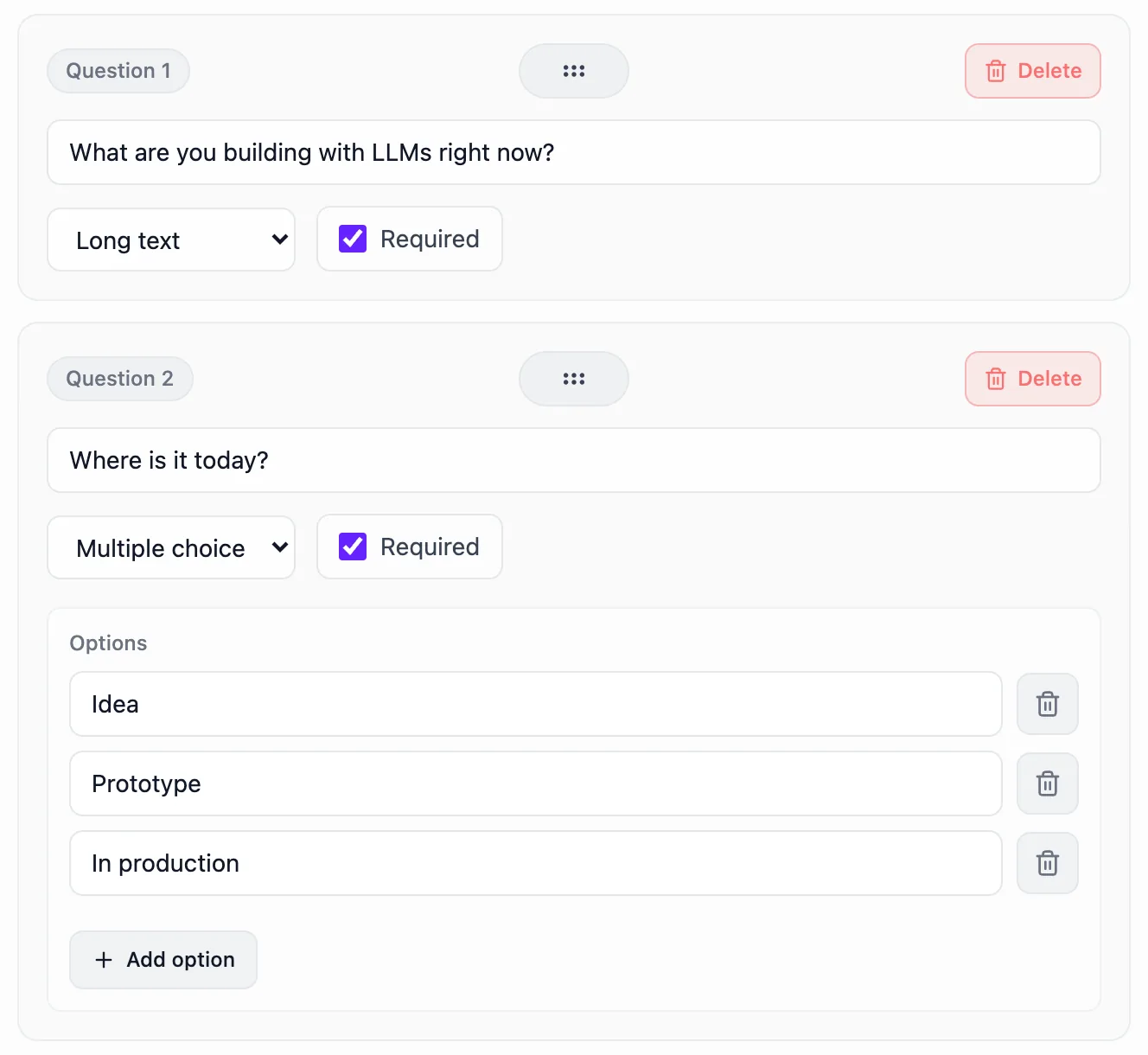
Ask before they join.
Suggested fields like company, job title and LinkedIn, or your own questions. Then auto-approve, or review each person before they get in.
Charge in USD, EGP or both.
The amount you'll receive after the platform fee shows under each price. Cancel a paid event and buyers are refunded automatically.
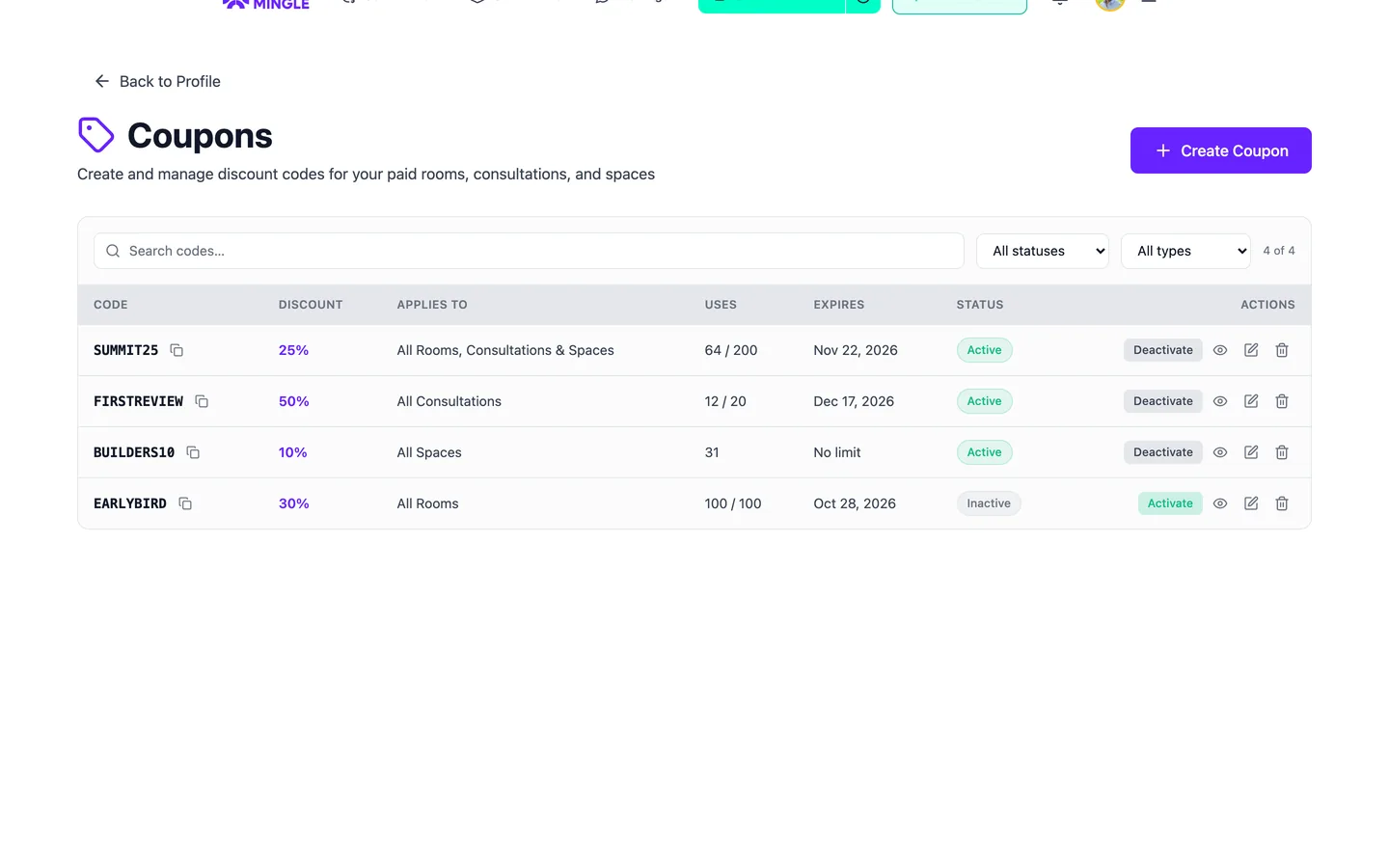
Codes for early birds and partners.
For one event, a category or everything, with a use limit and an expiry date. A 100% code lets a guest in free.
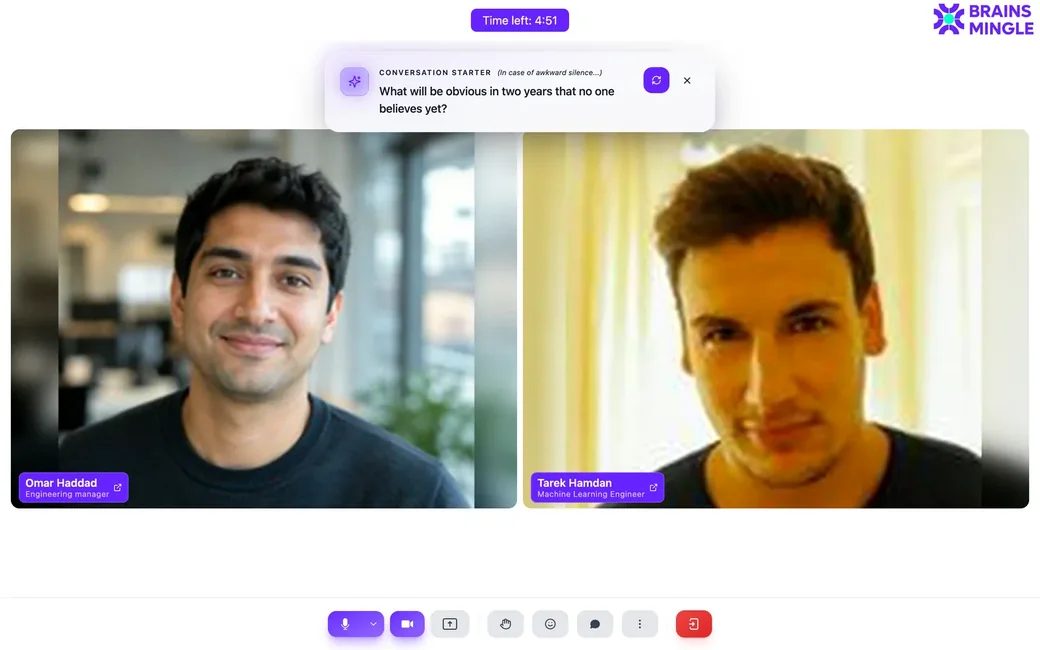
Run the room.
A video room, a webinar with a stage, or speed networking rounds, from the same event page. Attendees join with the account they registered with.
See speed networking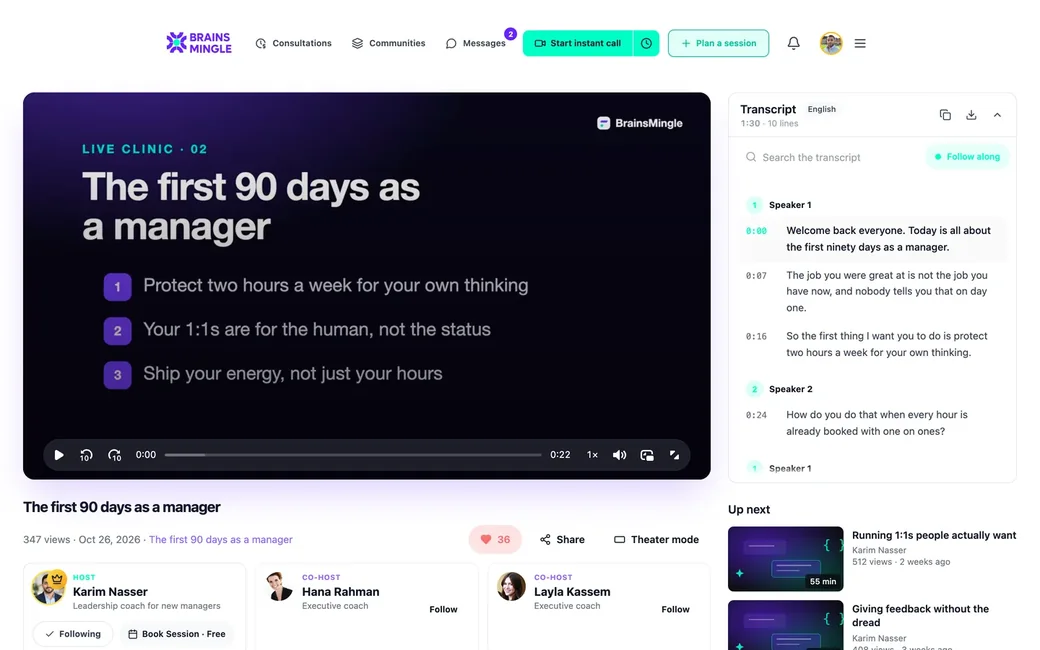
Keep the replay.
The recording, with your visibility rules, and a discussion board stay on the event page for the people who were there.
All event features
- Tickets
- Free or paid in USD, EGP or both, with the net amount after the platform fee under the price.
- Coupons
- For one event, a category or everything. 100% codes let guests in free.
- Refunds
- Cancel a paid event and buyers are refunded automatically.
- Registration
- A form with suggested fields and custom questions; export the answers.
- Approvals
- Auto-approve, or review the waitlist and admit people one by one.
- Invitations
- Invite by email with a personal note, or share the link anywhere.
- Attendees
- A Members tab with name, title and company, so people arrive knowing who's there.
- Updates
- Reminders, announcements and notices when you reschedule.
- Share card
- An attendance card people download and post when they're going.
- Formats
- Video room, webinar or speed networking. Online only; venues live in Programs.
- Repeats
- Daily, weekly, every two weeks, monthly or custom days.
- Sponsors
- A card on the event page and a logo in the room header.
The event page is the room.
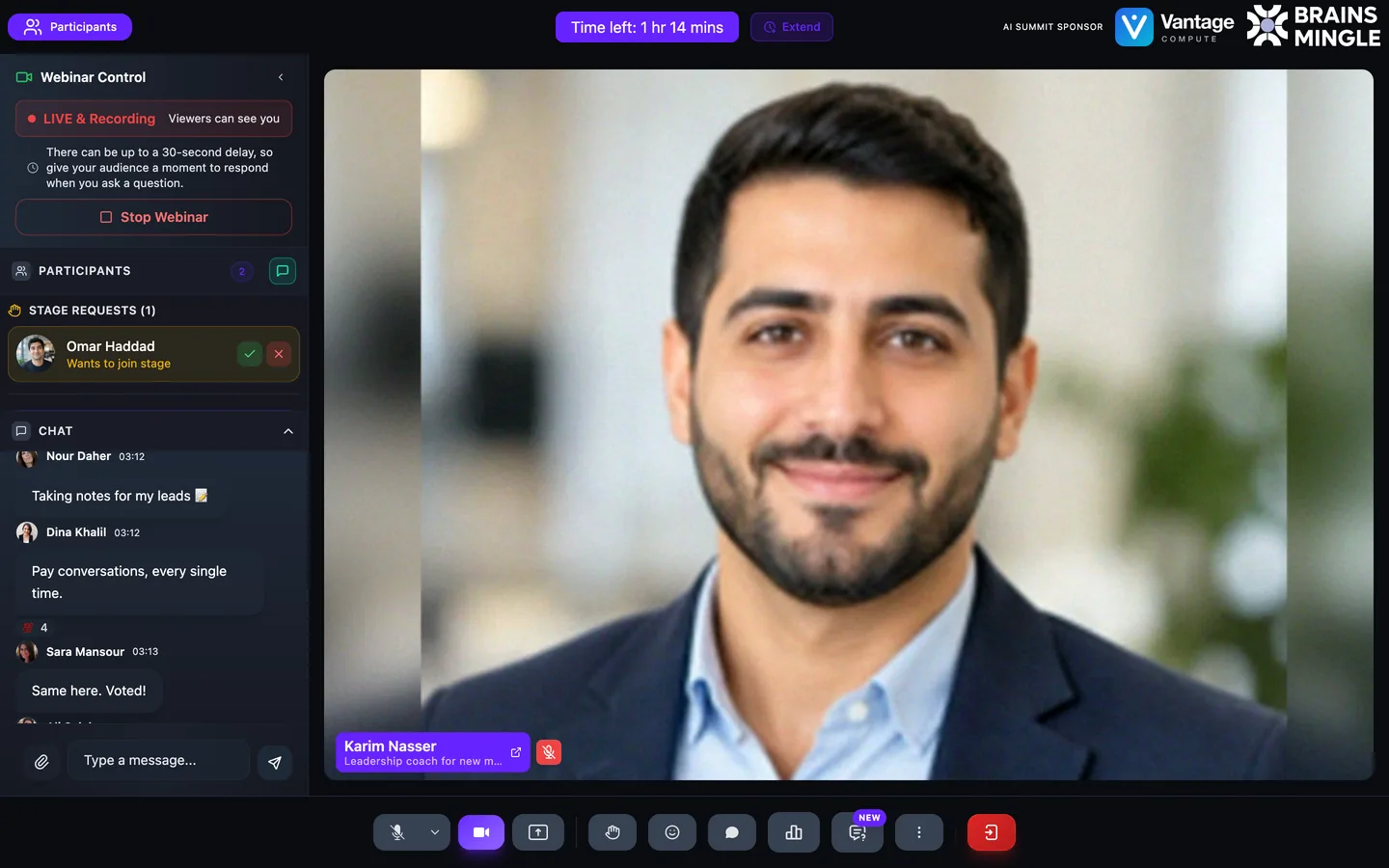
When the doors open, attendees go from the event page straight into the room. Here is a talk running as a webinar.
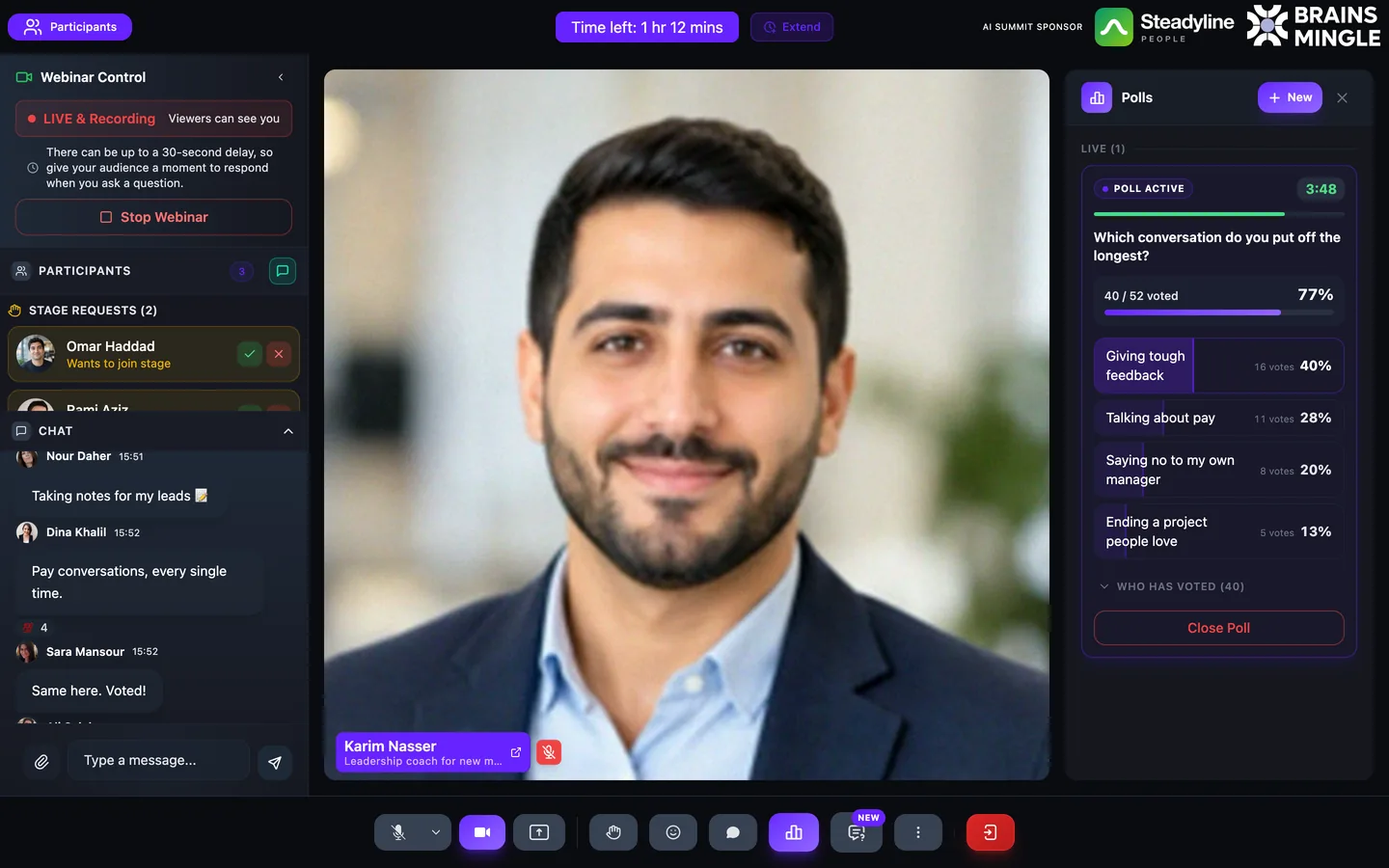
A live clinic, from the host's seat.
- Live, and recordingStart the broadcast when you're ready, and record it for people who couldn't make it.
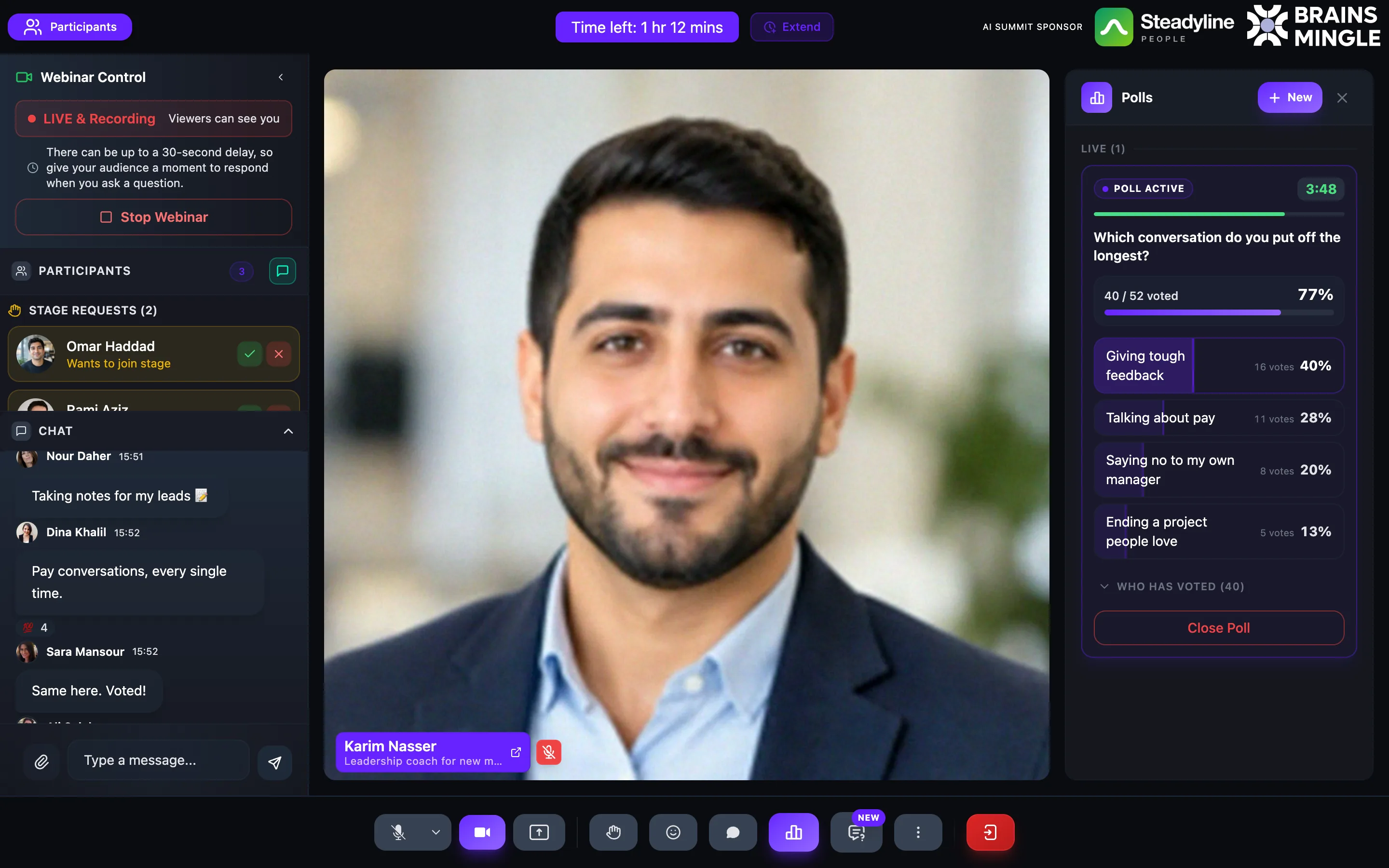
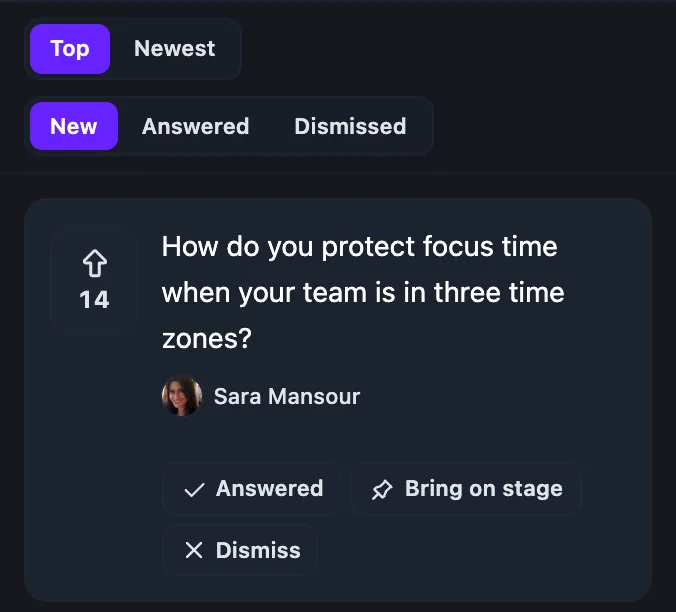
- The audience talks backChat with reactions, raised hands to join the stage, and live Q&A.
- Ask the roomA timed poll goes out to everyone watching, with results as they come in.
- Your sponsor, in the roomThe sponsor's logo sits in the room header for the whole session.

Put the sponsor where people look.
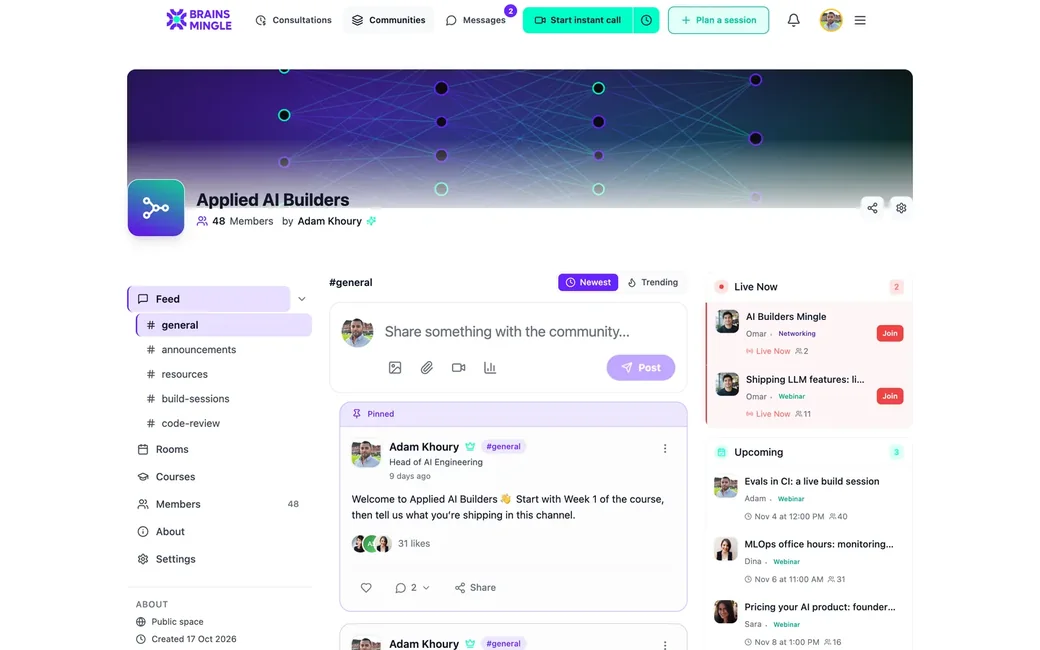
Create a sponsor once with its logo, offer and button, then add it to any event. It shows up in two places.
- A card on the event page, with the sponsor's offer and button
- Its logo in the room header, for the whole live session
- Saved once, ready for your next event
- A tier for each sponsor: Platinum, Gold or Silver
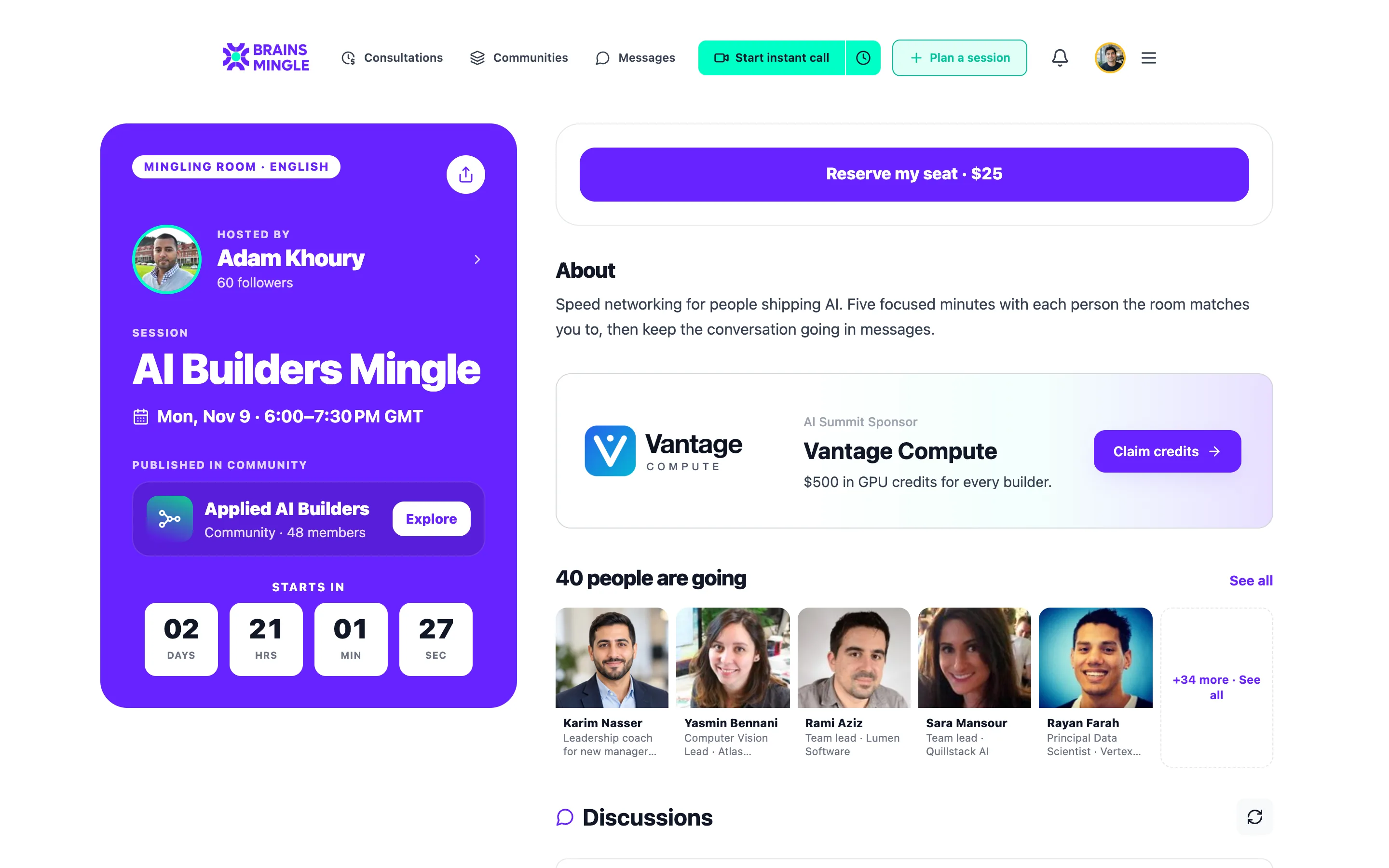

One sponsor, Vantage Compute, on the page and in the room.
Running a series? Put the whole summit on one page.
Days and tracks, speakers, seats, a waitlist, venue check-in and a certificate per session, track or program. One registration for all of it.
See Programs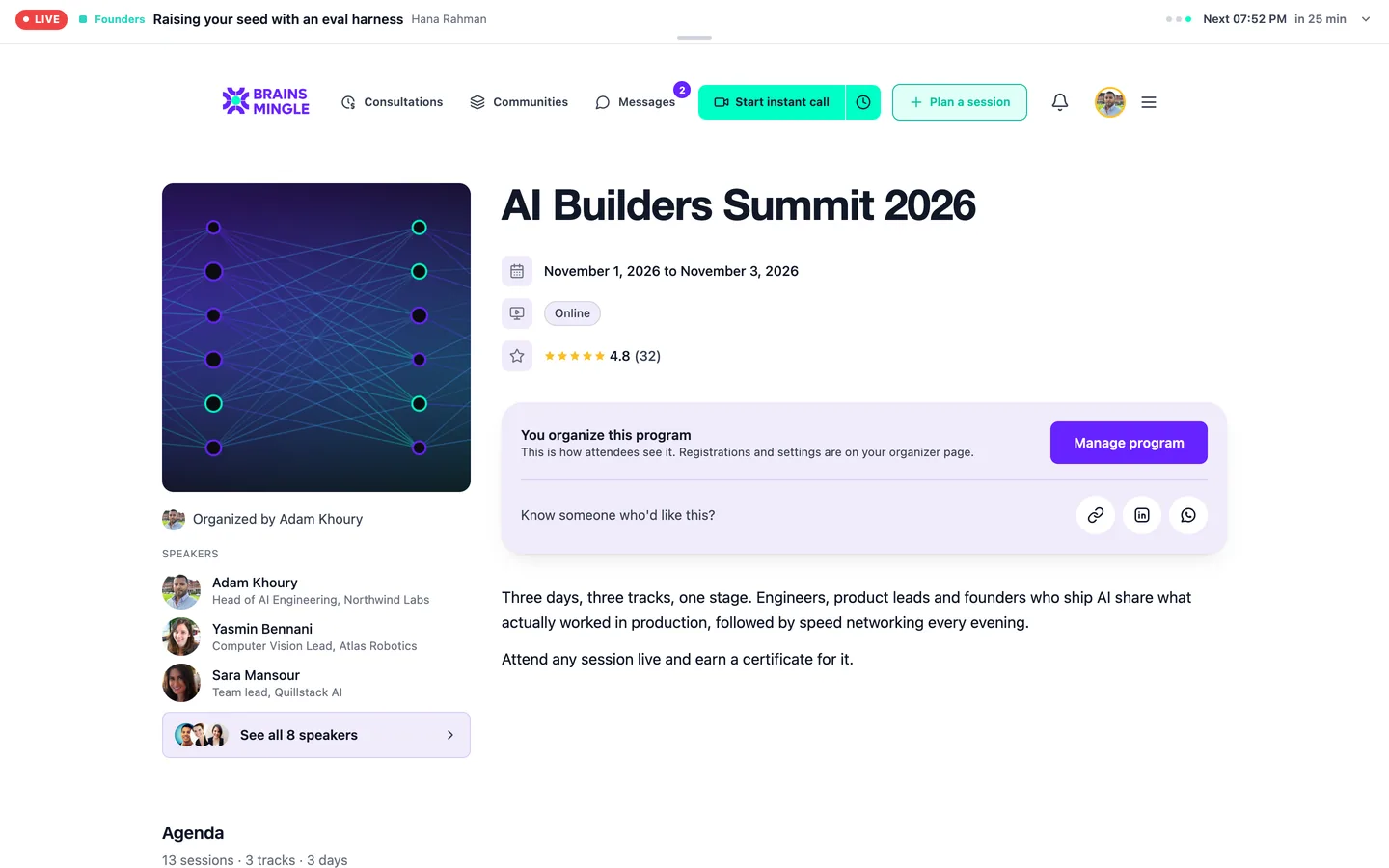
Which one sounds like you?
- If you host events yourself
- If you’re choosing for an organization
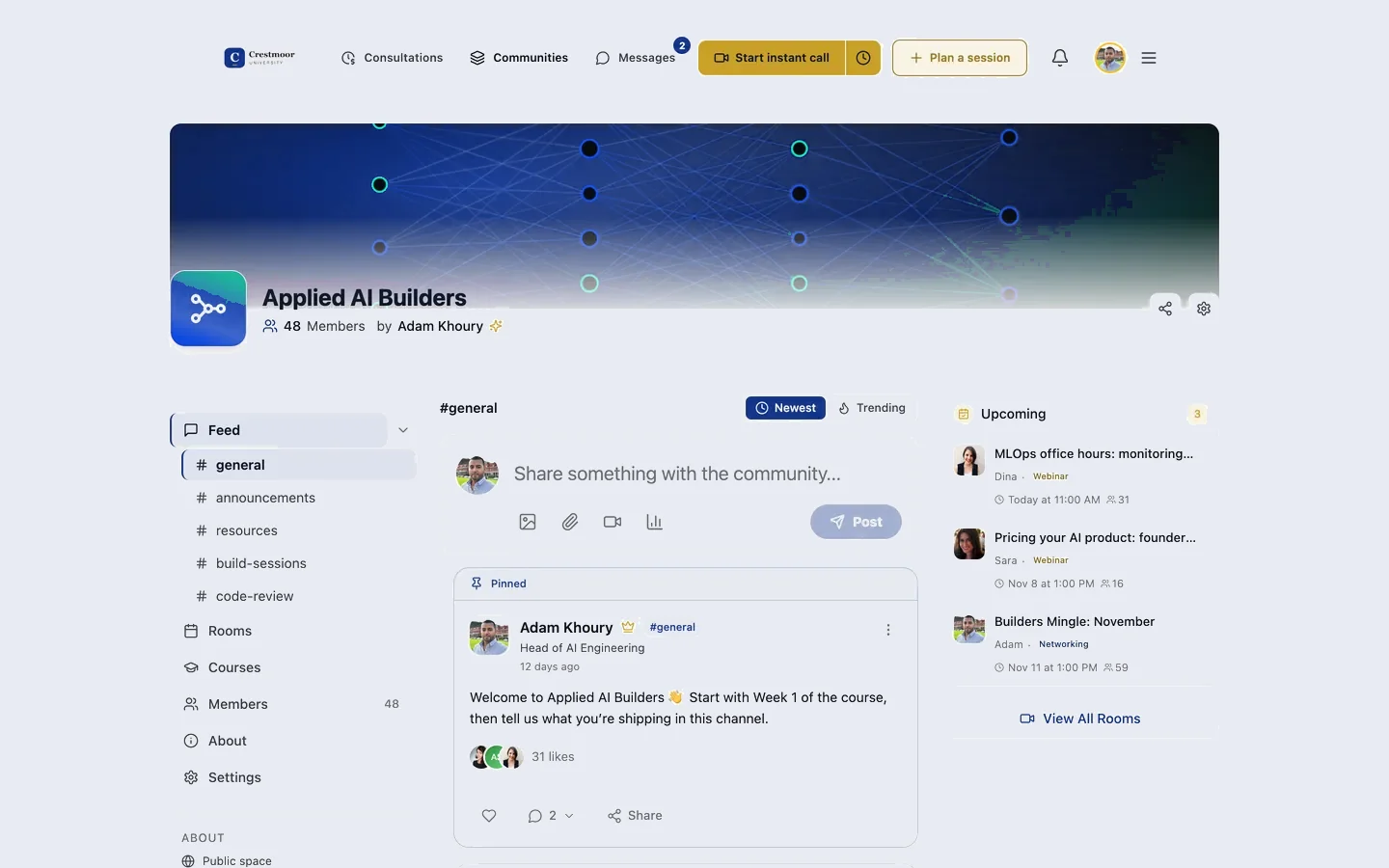
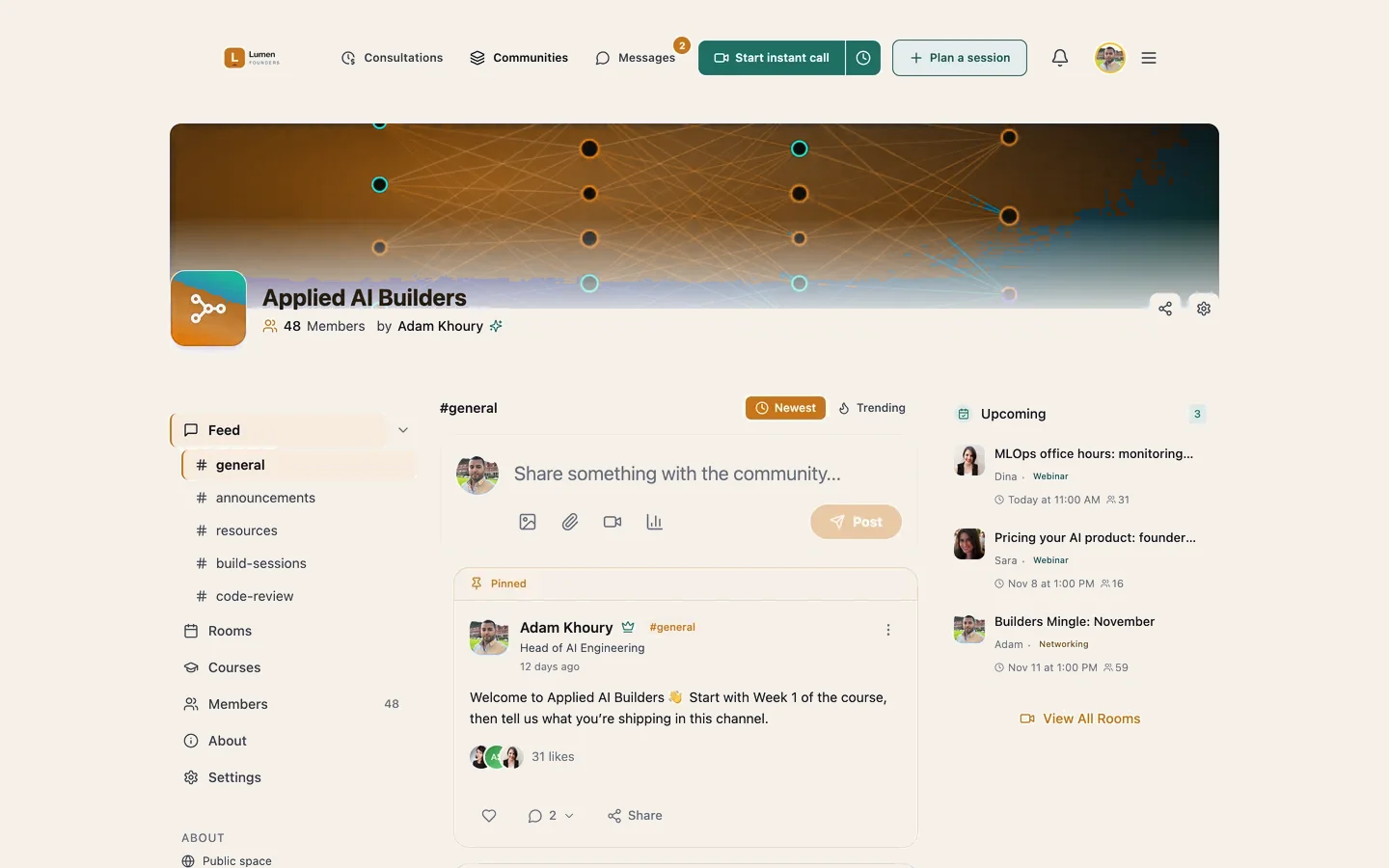
Already running a group chat? Bring your members with you.
- Telegram
- Slack
- Discord
- Circle
- Facebook Groups
Keep the conversation going, and add the events, calls and rooms a chat app can't run.
Host webinars, workshops or courses? Bring them here.
- Live sessions
- Courses
- Webinars
- Workshops
- Consultations
- Coaching
One page for everything you sell and deliver, and one account for everyone who joins.
Can I run an in-person or hybrid event?
What do sponsors get?
What happens if I cancel a paid event?
Can attendees meet each other?
What does it cost?
Announce it today. Run it on the same page.
Sell the tickets, place the sponsor, run it live and keep the replay, without sending anyone somewhere else.